












Get started today!
Get a 14-day free trial and see how Scoro can work for your business.

The work we produce gets all the attention. But the real question is: what’s happening behind the scenes that makes that work possible? In this episode
Read moreThe Scoro MCP server securely connects your Scoro workspace to AI tools like Claude and ChatGPT, so you can automate tasks and orchestrate workflows across all your connected apps.
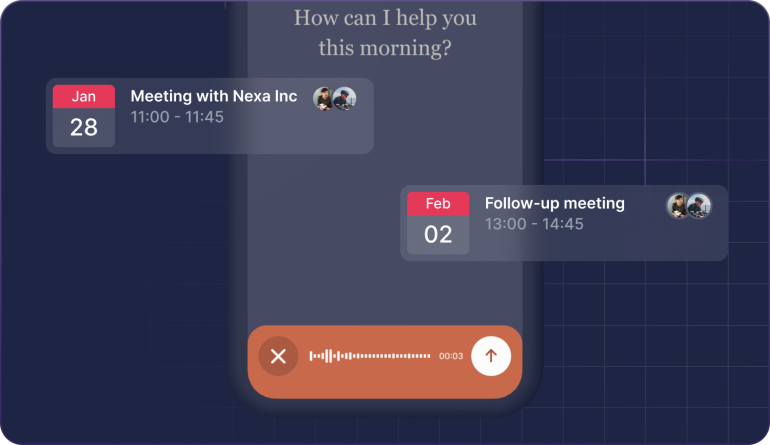
Imagine you’ve just finished a meeting that ran over and needs a follow-up. You pull out your phone and submit a voice command on the go. In seconds, your ChatGPT helps you extend the meeting duration in Scoro, schedules the follow-up with the right participants, and adds the agenda. Like your own personal assistant.
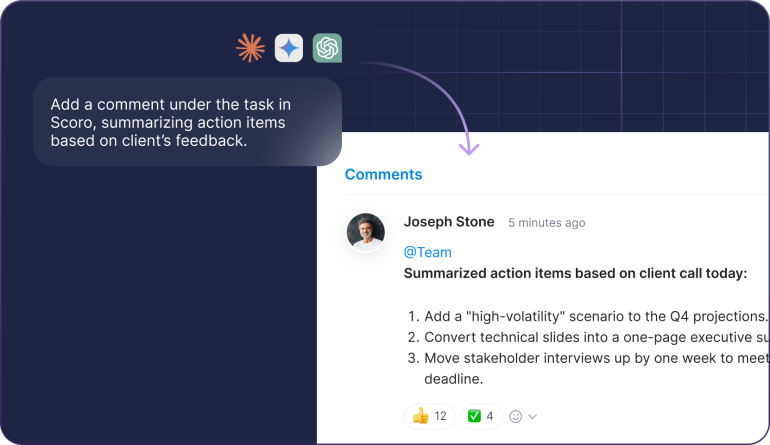
Picture this: you’re finishing a client call with a long list of action items. ChatGPT summarizes the feedback and updates the task in Scoro with clear next steps. Your team sees everything instantly, and you save dozens of minutes on manual summaries.
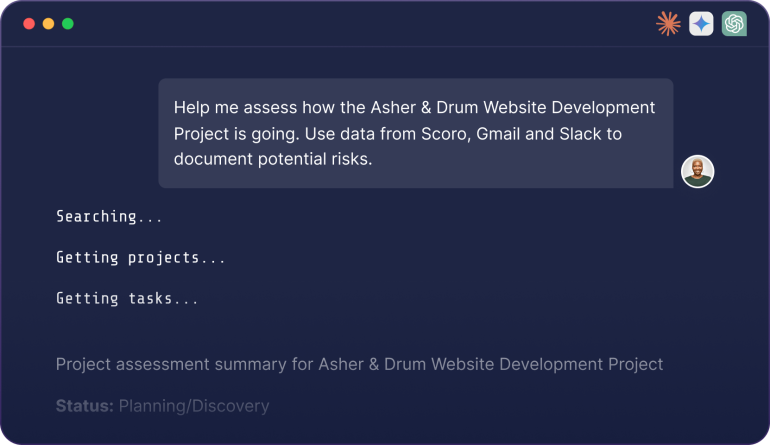
Let’s say you’re managing a web project with updates across Gmail, Slack, Jira, and Scoro. ChatGPT pulls all the context, summarizes progress, flags risks, and highlights next steps for you. You ask it to set up relevant catch-ups to address bottlenecks and send out follow-up emails to clients, all without leaving your AI chat.
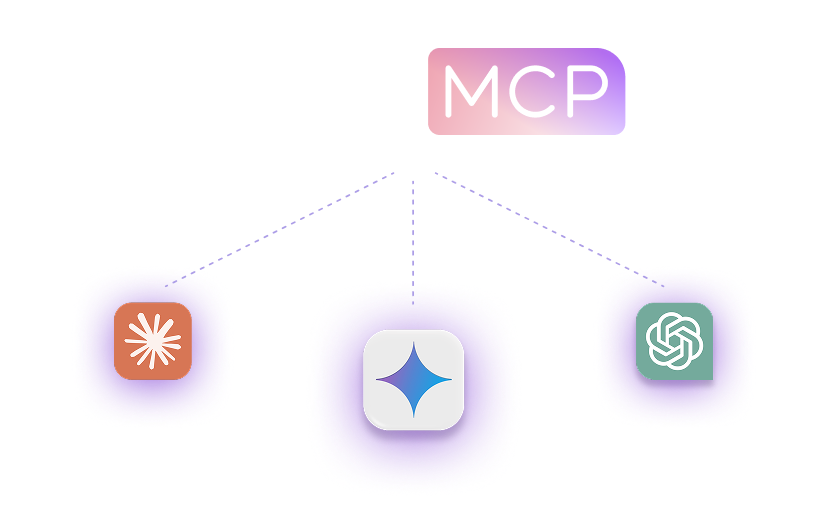
The admin of your Claude, ChatGPT, etc workspace connects the AI tool with the Scoro MCP server.
Each user with a permission to use the MCP server activates their Scoro connector via their AI chat.
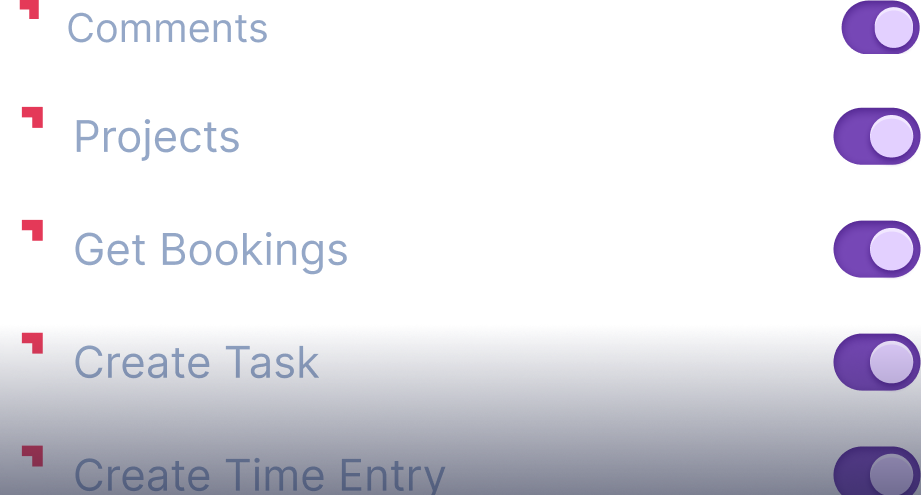
Once connected, each user can decide which permissions the AI has - from pulling data to performing actions in Scoro.

Bring Scoro into your Microsoft workflows alongside other data sources.
Documentation
Access your Scoro data and delegate tasks from Google's AI assistant.
MCP stands for Model Context Protocol – a standardized framework that enables AI tools to securely connect with external apps and data sources. Think of it as a “translator” that opens Scoro up to the broader AI ecosystem. Thanks to MCP, multi-tool actions that used to require custom development or complex API calls can now be carried out via plain-language prompts in your AI chat.
We’ve designed the Scoro MCP server with your data security in mind. All communication is encrypted using industry-standard protocols. Access is authenticated through your unique Scoro site URL and tied directly to each user’s existing Scoro permissions – so the AI can only access what that user is already allowed to see. Site admins can use Scoro’s permission sets to control access levels – for example, giving some users read-only access while allowing admins to create and modify data.
Your AI tool never has direct access to your database; it can only interact with data through our pre-built tools, and you control which tools are enabled. We also recommend reviewing your AI provider’s data policies and being mindful of what you include in prompts.
The Scoro MCP server opens up two powerful possibilities.
First, you can work directly from your AI chat: use natural language to pull information from Scoro, create projects, schedule meetings, log time, and more without switching apps.
Second, you can orchestrate multi-tool workflows: combine Scoro with other MCP-enabled platforms like Slack, Gmail, or Notion to get consolidated insights and take action across all your tools with a single prompt.
The MCP server currently supports read and write actions for projects, tasks, calendar events, comments, time entries, and contacts, plus read access to financial documents like invoices, bills, expenses, and quotes. Deletion is limited to items originally created through MCP. Some modules and actions are not yet available – we’re continuing to expand the tool set.
You can always find the most up-to-date info in our Help Center.
The Scoro MCP server works with any AI tool that supports remote MCP server connections. This includes ChatGPT, Claude, Copilot Studio, n8n, and more.
The Scoro MCP server is available with all Scoro packages.