









For engineering firms that bill in advance, month-end means determining how much invoiced revenue has actually been earned. When timesheets and accounting records sit apart, finance teams can end up reconciling hours, rates, and advance billings in spreadsheets.
The right accounting and project management software for engineering firms should connect those records, not necessarily replace the ledger. This guide compares six options to help you decide whether to keep your accounting system and connect project delivery to it, or choose a platform with native accounting.
How the 6 accounting and project management software for engineering firms compared
The platforms below cover both delivery and financial tracking for engineering firms:
| Tool | Best fit | Accounting approach | Project management capabilities |
|---|---|---|---|
| Scoro | Engineering consultancies connecting project delivery and billing to their existing accounting system | Connects with Xero, QuickBooks Online, Sage Intacct, or Exact Online. Combines rate-carded time, project costs, and billing with accounting integrations | Project and phase planning, resource scheduling, capacity management, budgets, utilization, and profitability dashboards |
| Deltek Vantagepoint | Larger AEC firms seeking integrated ERP accounting and complex project controls | Includes native accounting, project costing, billing, revenue recognition, and financial reporting | Resource planning, project controls, forecasting, scheduling, and portfolio oversight |
| BQE CORE | Small and mid-sized AEC firms seeking native accounting, billing, and practice management in one platform | Includes general ledger, project accounting, time and expenses and profitability reporting | Phase budgets, scheduling, resource planning, task management, and project monitoring |
| Ravetree | Engineering teams prioritizing client portals, file approvals, and structured request workflows | Connects time, expenses, budgets, and billing with QuickBooks or Xero | Project planning, capacity management, workflows, file sharing, and approvals |
| ProjectWorks | Engineering consultancies prioritizing discipline-level resource planning and scheduling | Connects project costing and billing with a separate accounting system through integrations | Resource planning, discipline-level scheduling, project tracking, and delivery oversight |
| Unanet AE | Engineering firms seeking purpose-built AEC ERP with native project accounting and formal financial controls | Includes native project accounting, job costing, billing, revenue recognition, and financial management | Project planning, resource forecasting, scheduling, budgets, and performance tracking |
1. Scoro
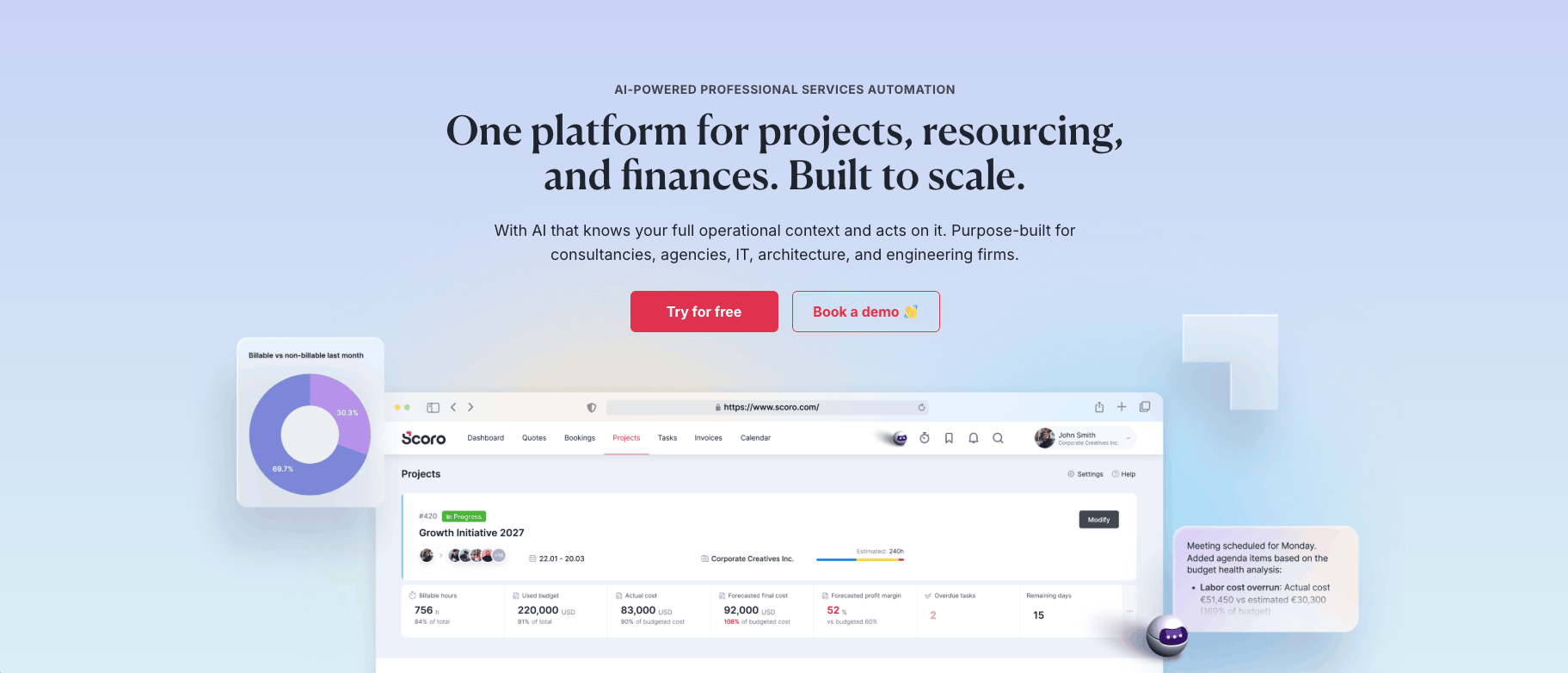
Scoro is a professional services automation (PSA) platform for firms whose revenue depends on billable time. Unlike general project or work management tools, it covers the full professional services workflow, from quoting and resourcing to invoicing and reporting, with far greater financial depth. Built-in AI that understands your whole operation helps teams spot margin and capacity problems while projects are still in flight.
Core features of Scoro:
- Engineer rate cards: Connect logged hours with billing rates so finance can review the value and cost of work delivered against each project’s agreed fee.
- WIP and committed-cost visibility: Review unbilled time, uninvoiced costs, and open purchase orders against live projects. This gives finance a connected record of delivered work and committed subcontractor costs for month-end review.
- Revenue recognition reporting: Review revenue using percentage-of-completion or income-to-date methods, according to how project fees are structured. This supports reviewing earned revenue separately from billing activity rather than treating advance invoices as a measure of progress.
- Connected project and phase financials: Structure engineering projects into phases with their own budgets and milestones, then compare quoted versus actual hours, costs, and margins to understand where delivery is affecting profitability.
- AI assistant for live project and financial data: ELI, Scoro’s AI assistant, answers plain-language questions using your live Scoro data. Ask which projects are at the highest risk, which services have the healthiest margins, or which invoices are overdue, so finance and project teams can check delivery and profitability without building a report first.
- Accounting integrations: Connect with QuickBooks, Sage Intacct, Xero or Exact Online to synchronize financial records. Invoices raised in Scoro can reach the accounting system without manual data entry, while payment information flows back into project reporting.
Potential limitations:
- No native general ledger, so firms that want to replace their accounting system will need a separate accounting platform connected to Scoro
Pricing: Scoro is modular, so you only pay for the apps you need. The Projects & Resources package starts at $29 per user per month and covers task management, project planning, time tracking, and resource planning. For access to all eight core apps and both core add-ons, pricing starts at $57 per user per month. You can start a free 14-day trial here.
2. Deltek Vantagepoint
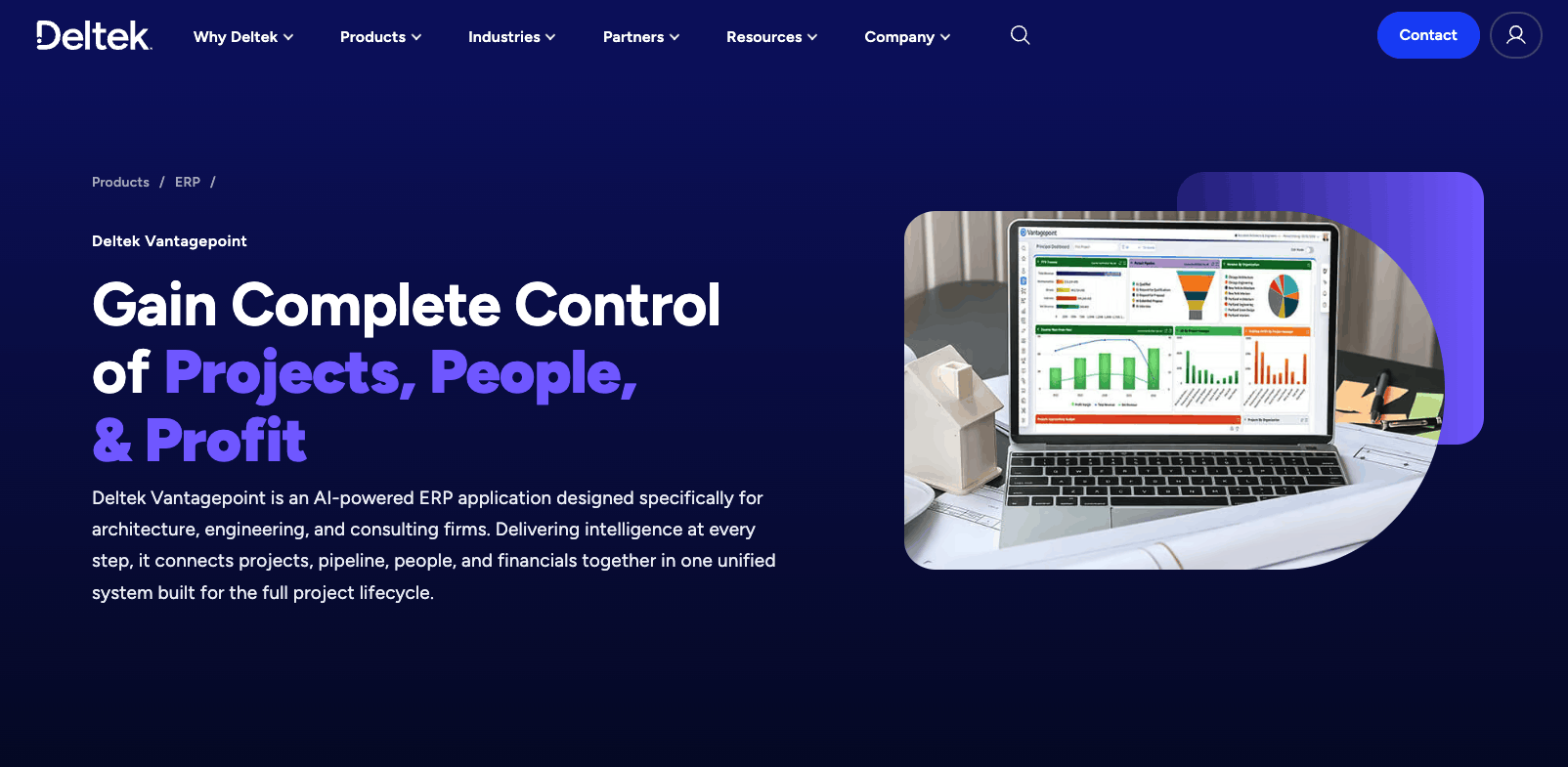
Deltek Vantagepoint is an enterprise resource planning (ERP) and professional services automation platform built specifically for architecture, engineering, and consulting firms. It connects project delivery, resource planning, CRM, accounting, billing, and financial management across the full project lifecycle.
Core features of Deltek Vantagepoint:
- Native financial accounting: Manage the general ledger, accounts payable, accounts receivable, and company budgets alongside project accounting.
- Multicompany and intercompany accounting: Maintain multiple legal entities in one database, track intercompany transactions and billings, and account for labor and expenses when employees work across companies.
- Skills-based resource planning: Search for staff by skills, balance workloads, and forecast demand across multilevel project plans.
Potential limitations:
- May be excessive for a small engineering practice that needs straightforward time tracking, invoicing, and project reporting
Pricing: Custom pricing.
3. BQE CORE
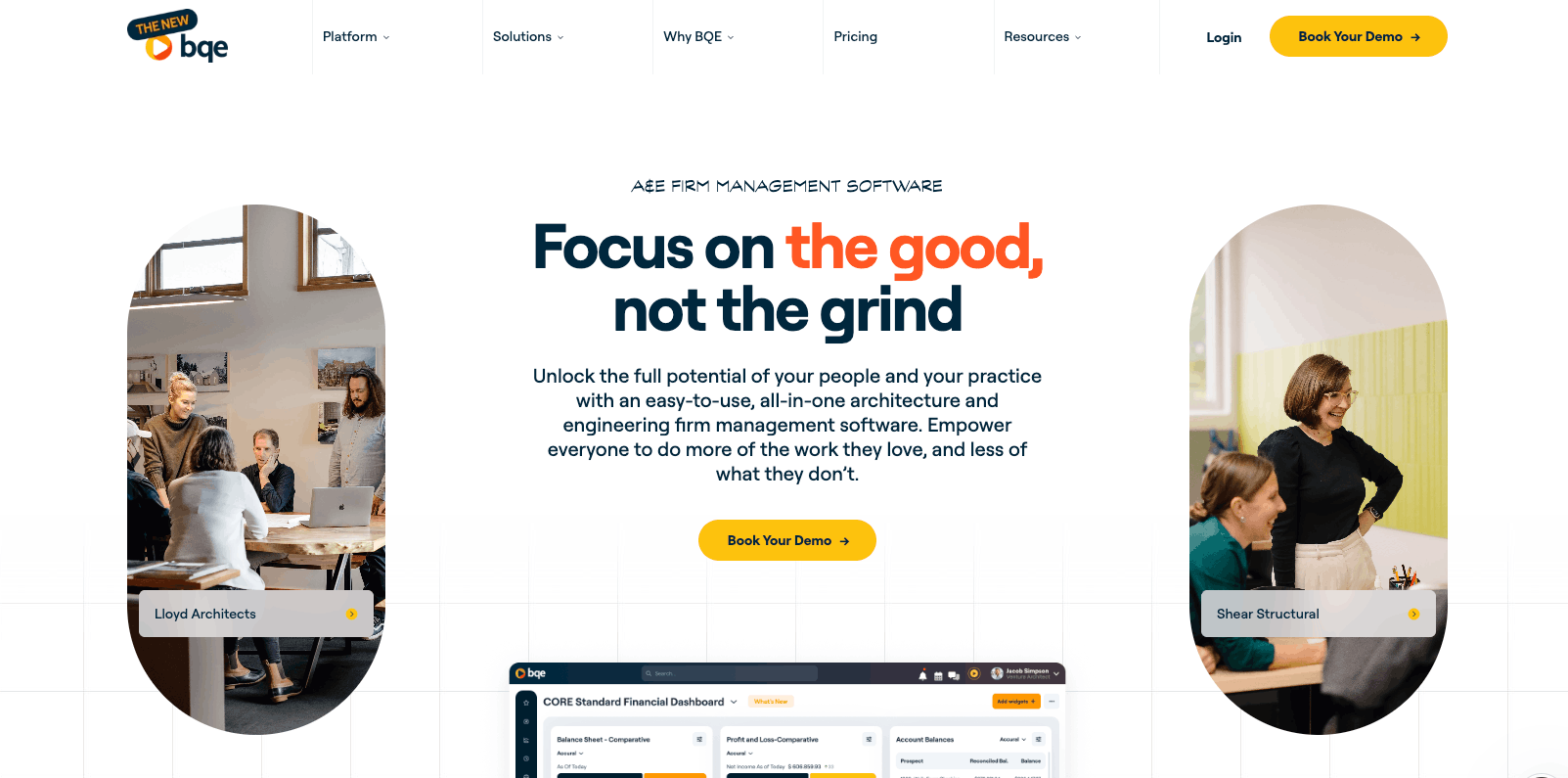
BQE CORE is an integrated practice-management platform designed for architecture and engineering firms, combining project management, time and expense tracking, billing, accounting, and reporting. Unlike tools that rely entirely on a separate accounting system, CORE includes a native accounting suite alongside project accounting and billing functions.
Core features of BQE CORE:
- Native accounting alongside project management: With the Accounting module, manage a full general ledger and financial reporting within CORE rather than requiring a separate ledger. BQE explicitly positions this as an option for replacing QuickBooks.
- Phase-level budgets and delivery tracking: Build estimates, budgets, and fee schedules, then monitor project progress, costs, and schedules by phase. Task allocation, forecasting, and Gantt charts connect the financial plan with delivery.
- Bank reconciliation and firm-level reporting: Use bank feeds, reconciliation tools, deposits, and fund transfers alongside profit-and-loss, balance-sheet, and trial-balance reports. Financial budgets can be maintained at project, department, and company levels.
Potential limitations:
- A steep learning curve
- Replacing the ledger requires accounting configuration
Pricing: Custom pricing.
4. Ravetree
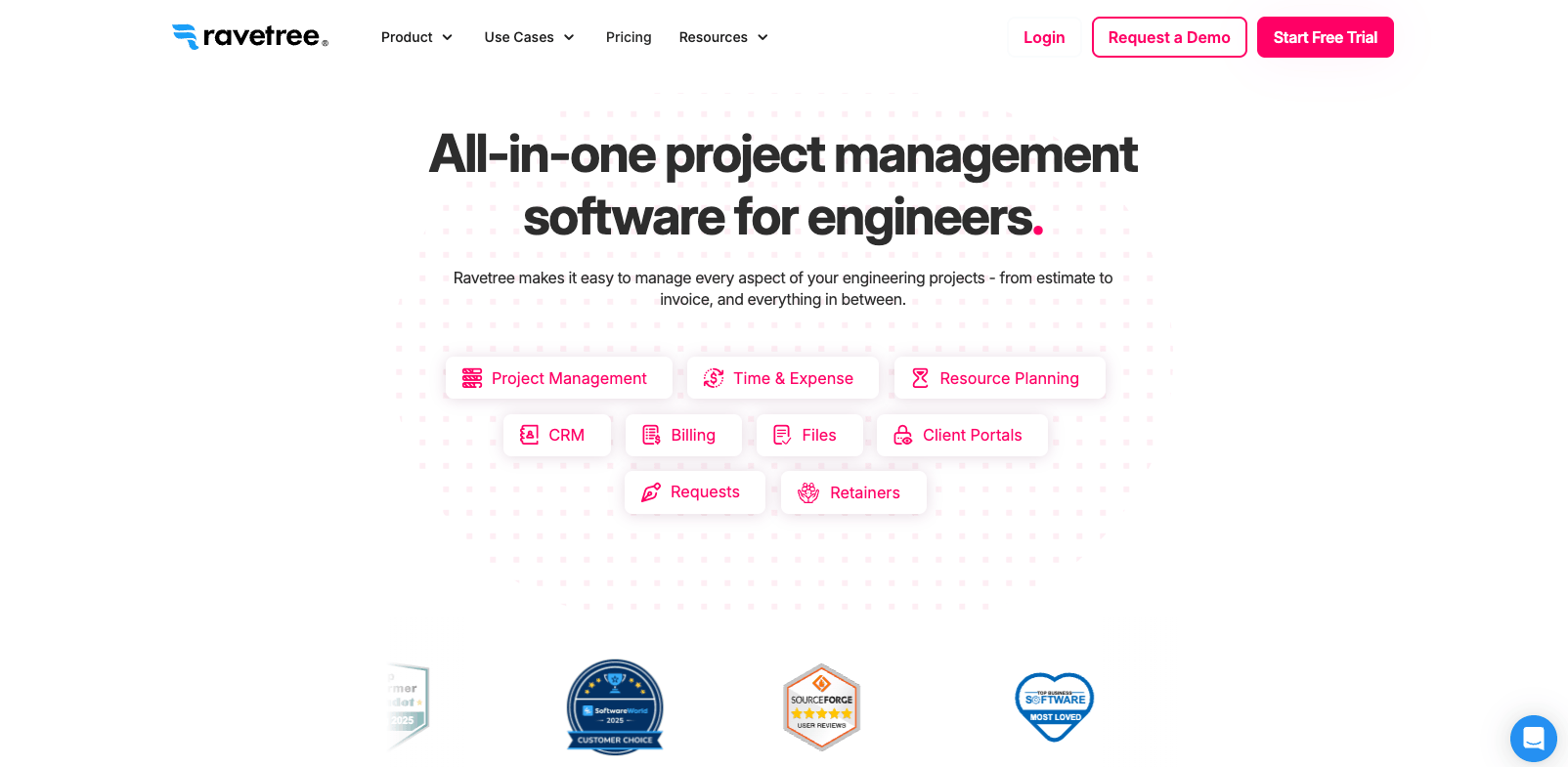
Ravetree is an all-in-one work-management platform that combines project planning, resource management, time tracking, expenses, budgeting, billing, CRM, and client collaboration. For engineering teams, its appeal centers on client collaboration, with portals for sharing project updates, reviewing and approving files, and submitting requests through structured workflows.
Core features of Ravetree:
- Client portals and approval workflows: Give clients a dedicated place to view project updates, review files, and submit requests. Structured approval workflows help teams manage incoming work and client feedback.
- Resource and capacity planning: Compare booked hours with staff availability to identify overloaded team members and assess capacity before committing to new work.
- Billing and accounting integrations: Create invoices from approved time, expenses, fixed fees, and retainers, then connect billing with QuickBooks or Xero. Client-specific rate cards support different billing arrangements.
Potential limitations:
- Broad functionality may require configuration and user training
- Requires a separate accounting system for general-ledger accounting
Pricing: Ravetree pricing starts from $ 29/user/month (billed annually). A free trial is available.
5. ProjectWorks
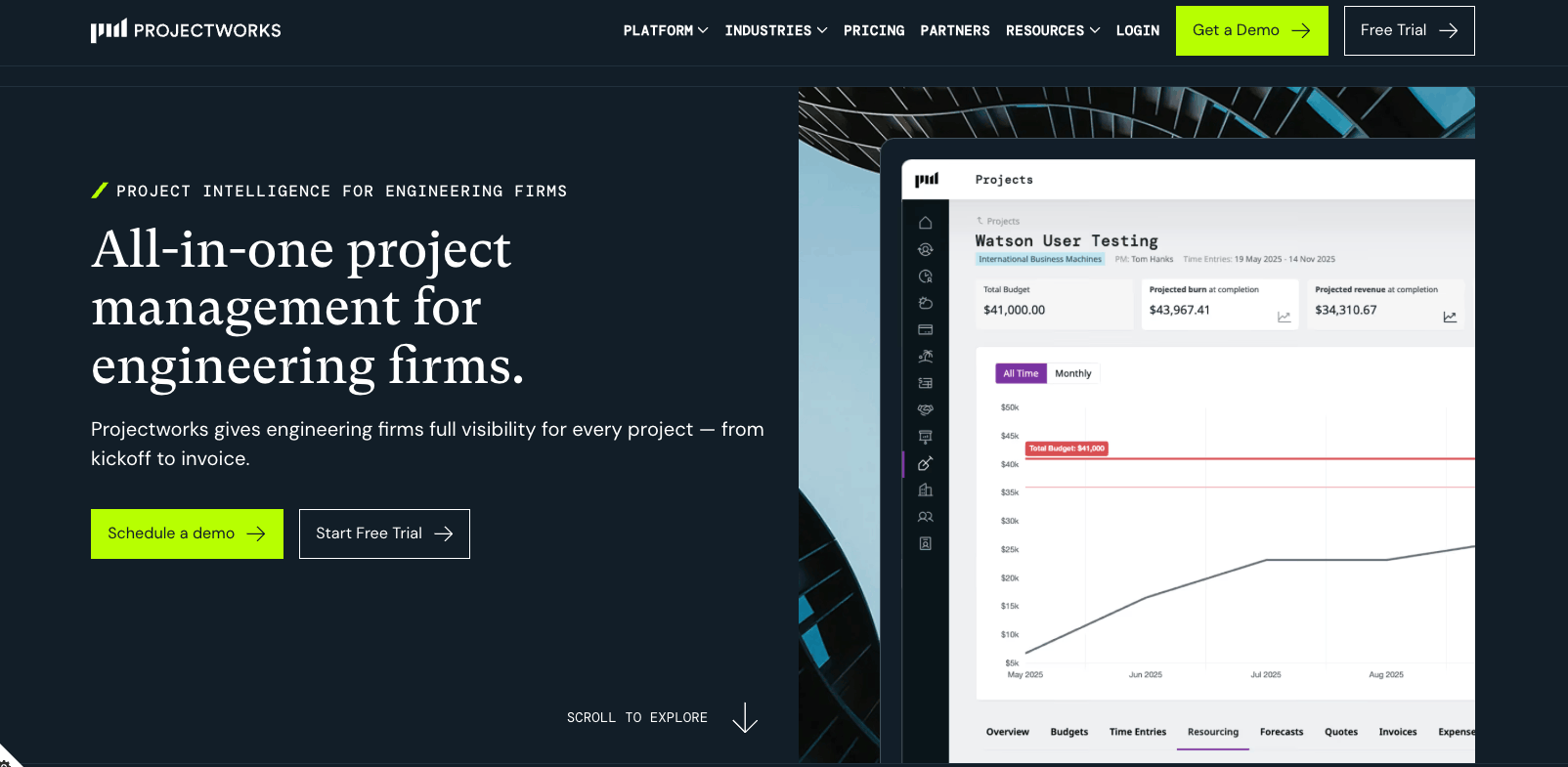
Projectworks is a PSA platform designed for engineering and other project-based consulting firms. It connects time tracking, resource planning, project financials, invoicing, and reporting so firms can monitor delivery and profitability in one system.
Core features of ProjectWorks:
- Skills-based resource scheduling: Match engineers to projects using skills, roles, and availability. Drag-and-drop planning helps teams adjust assignments as workloads and delivery dates change.
- Utilization and capacity forecasting: Track billable and non-billable allocations against utilization targets, identify capacity gaps, and assess how upcoming projects affect staffing needs.
- Flexible invoicing and accounting connections: Prepare invoices using time-and-materials, fixed-fee, percentage-based, or mixed billing arrangements. Approval workflows and integrations with Xero and QuickBooks Online connect billing with accounting.
Potential limitations:
- Organizations wanting deep ERP capabilities may find it too limited
- Automatic leave updates depend on a connected HR or payroll system
Pricing: Projectworks pricing starts from $17/user/month, with higher plans at $24 and $41. Enterprise pricing is custom.
6. Unanet AE
Unanet AE is an ERP and PSA platform purpose-built for architecture and engineering firms. It combines project management, resource planning, time and expense tracking, project accounting, billing, financials, and reporting in one system.
Core features of Unanet AE:
- Native accounting and financial controls: Manage project accounting, billing, and payables within an AEC-focused ERP, with audit trails and support for multiple companies and currencies.
- Project, phase, and task costing: Assign time and expenses to the appropriate project level so teams can review costs and performance against the structure of engineering engagements.
- Connected project and resource planning: Bring scheduling, resource assignments, time, expenses, and financial information together to monitor delivery and staffing alongside project performance.
Potential limitations:
- Complex and resource-intensive to implement compared to lighter PSA tools
- Its full ERP scope may exceed the needs of teams seeking only scheduling and time tracking
Pricing: Custom pricing.
What to look for in accounting and project management software for engineering firms
Start with how your firm manages delivery and closes its books. Use the following questions to assess which platform fits your accounting setup, project structure, and reporting needs.
Are you keeping your accounting system or replacing it?
If you plan to keep your existing ledger, check what each integration actually synchronizes, in which direction, and whether finance will still need to re-enter or reconcile data. If you want one platform for both functions, assess its native accounting capabilities, not just invoicing and project reports.
Can it handle your project and billing structures?
Ask vendors to demonstrate a representative project, including its phases, staff rates, budgets, expenses, and billing arrangements. Test the exceptions your firm regularly encounters, not just a straightforward time-and-materials example.
Will it support your month-end accounting process?
Have finance test how the platform distinguishes work delivered from amounts invoiced or collected. Check whether it provides the records needed to review WIP, deferred revenue, and revenue recognition under your firm’s accounting policy and identify any calculations or journal entries that remain outside the system.
Does it support the way your teams deliver work?
Evaluate scheduling, capacity planning, task coordination, document reviews, and client approvals according to your delivery needs. Involve project managers and engineers in the demonstration so usability is assessed alongside financial functionality.
Scoro brings project accounting and delivery into one system
Scoro stands out by keeping rate-carded engineer hours, project costs, billing data, and accounting mappings connected before month-end. For firms billing in advance, that means the revenue released from the deferred bucket can be based on actual hours delivered at each engineer’s rate.
Book a demo to take the guesswork out of project profit.
FAQs
What software do large engineering firms use for project accounting?
Deltek Vantagepoint and Unanet AE are among the most commonly cited options for firms above 200 staff, largely because both handle labor burden allocation and government contract billing. Firms in the 10-250 range more often run Scoro, BQE CORE.
Can one platform handle both project management and accounting for engineers?
Yes, but the integration depth varies. Scoro holds rate cards, budget tracking, and GL sync natively; BQE CORE and Deltek are purpose-built for professional services with comparable financial depth, though specific native capabilities for each should be confirmed. Generic project tools require a separate accounting system and a manual step to connect them.
What is WIP accounting and why does it matter for engineering firms?
WIP is the cost incurred on a project that hasn’t yet been billed or recognized as revenue. For firms that bill in advance, a WIP report shows how much of the deferred balance has been earned by logged hours and drives the month-end release entry without a manual estimate.