








When you run operations at a services firm, the schedule often says one thing and the timesheets say another. Margin only shows up after the month closes, and finance waits on project managers for invoicing data.
Every tool in this list can plan projects and schedule people. Where they differ is how far they connect that plan to costs, margin, and billing. Below, we compare Scoro, Kantata, Productive.io, Teamwork.com, and BigTime on three criteria: projects and people, budgets and profitability, and invoicing and accounting
The 5 best project and resource management platforms
The table compares each platform across those three parts of the workflow.
| Tool | Project and people | Budgets and profitability | Invoicing and accounting |
|---|---|---|---|
| Scoro | Strong — quote-linked plans, capacity, tentative bookings | Strong — quote-to-budget; live cost and margin visibility | Strong — invoices from project data; accounting integrations |
| Kantata | Strong — portfolio-level resource forecasting | Strong — project accounting and financial oversight | Moderate — project billing and financial controls |
| Productive.io | Strong — resource planner, workload, tentative bookings | Strong — budgets, scenarios, actual-versus-estimated profit | Strong — budget-based invoicing; accounting integrations |
| Teamwork.com | Strong — workload planning and tentative projects | Moderate — project budgets, costs, and margin tracking | Moderate — project/time invoicing and accounting integrations |
| BigTime | Moderate — scheduling, staffing, and capacity planning | Strong — budget-versus-actual and project costing | Strong — time-and-expense billing; accounting integrations |
1. Scoro
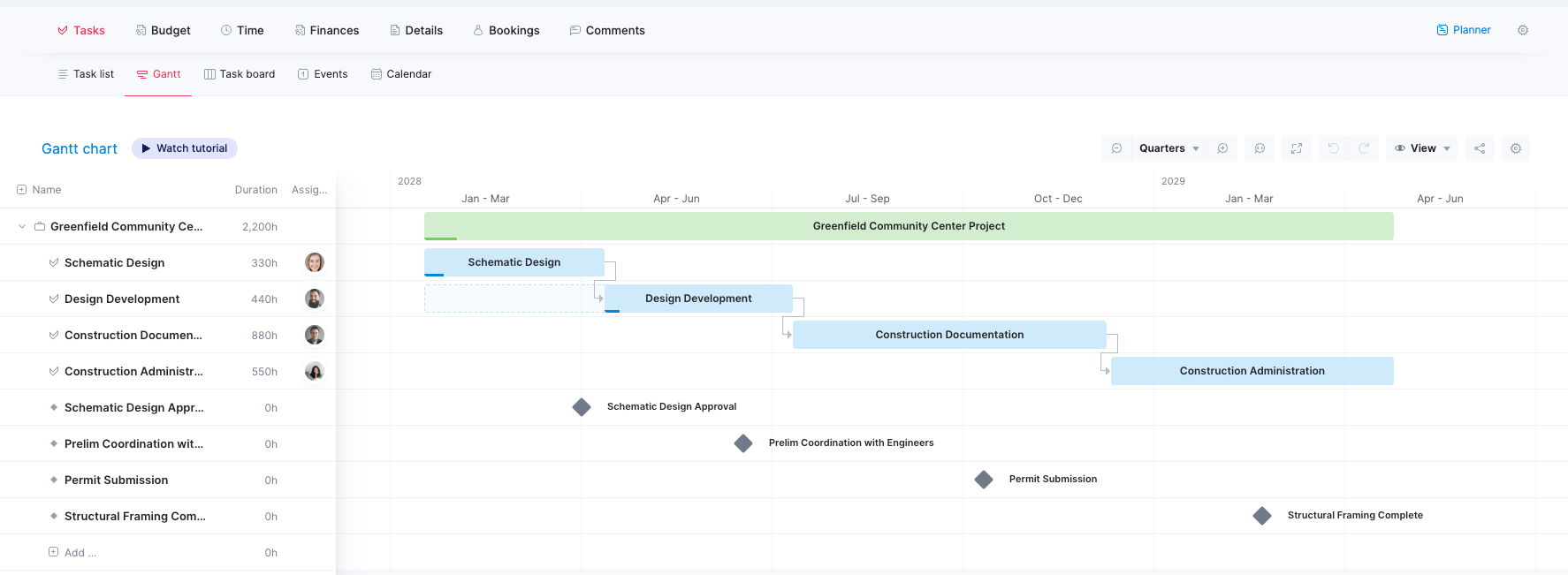
Scoro is a professional services automation platform that connects project delivery, resource planning, and finances. Its configurable apps bring estimating, projects, time tracking, resource planning, and invoicing together, so teams can follow work from quote through delivery and billing.
Core features of Scoro:
- Projects and people: Scoro combines project planning with resource capacity views, workload heatmaps, and tentative bookings for work that is not yet confirmed. Teams can carry planned work forward into projects and financial forecasts, then adjust tasks and bookings as plans change.
- Budgets and profitability: Every confirmed quote converts into the project budget. As delivery progresses, planned against logged hours, costs, and staffing show whether the project is making money. For firms that want resource plans to inform financial forecasts, Scoro links capacity and bookings to revenue and margin rather than treating the schedule as a separate view.
- Invoicing and accounting: Scoro creates invoices from project data, including tracked time and costs, and syncs invoices and payments two-way with Xero, QuickBooks, Sage Intacct, and Exact Online.. The advantage is continuity from quote and delivery through billing; finance has less need to collect and re-enter figures from project managers.
Potential limitations:
- Too many features for teams that only need task management
Pricing: Scoro is modular, so you only pay for the apps you use. The Projects & Resources combination, covering tasks, project planning, time tracking, and resource planning, starts from $29/user/month. All eight core apps plus both core add-ons start from $57/user/month. Start a free 14-day trial.
2. Kantata
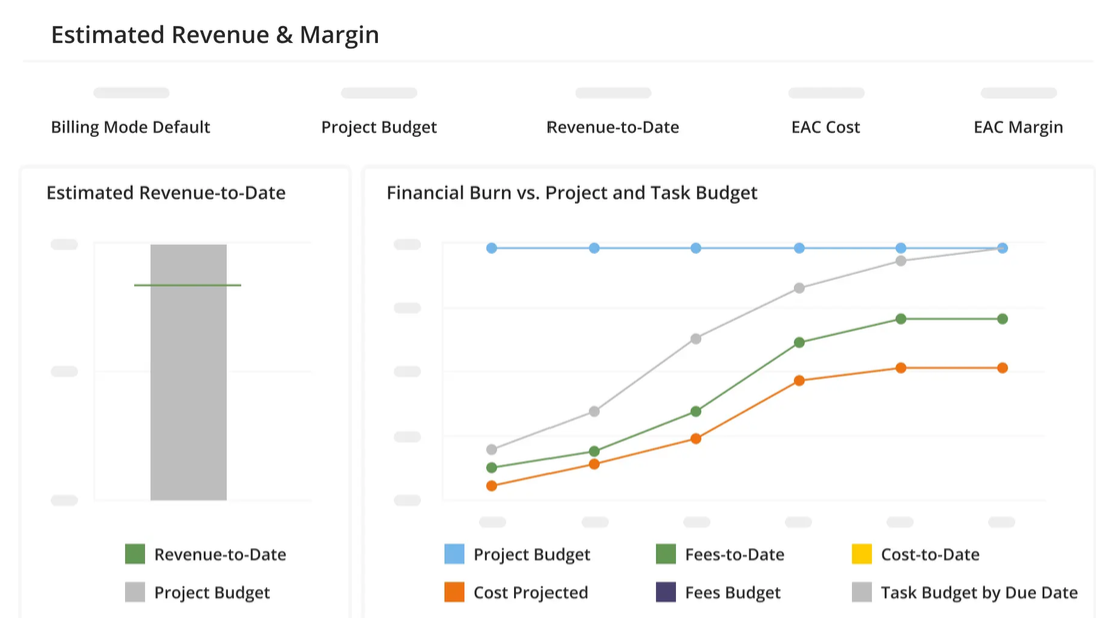
Kantata is a professional services automation platform for managing project work, people, and financial performance. It offers project and portfolio visibility alongside resource planning, time and expense tracking, project accounting, and billing integrations.
Core features of Kantata:
- Projects and people: Kantata’s Resource Center shows availability, workload, skills, roles, and allocated or scheduled hours across projects. It is especially strong for forecasting resource demand and identifying capacity gaps across a portfolio. Scoro, by contrast, makes the pre-sale-to-delivery step more explicit in its product workflow: quotes can create tentative bookings that later become confirmed bookings.
- Budgets and profitability: Kantata provides real-time project financials, including budget performance, costs, revenue estimates, and forecasts. Its project-accounting tools support what-if analysis and monitoring the effect of future work on budgets. This gives Kantata strong project and portfolio financial oversight.
- Invoicing and accounting: Kantata connects billing to project management and supports batch billing, fixed-fee, time, and expense items on invoices, as well as project-specific billing preferences.
Potential limitations:
- A steep learning curve
- Limited customization options when creating projects and setting project criteria
Pricing: Available on request.
3. Productive.io
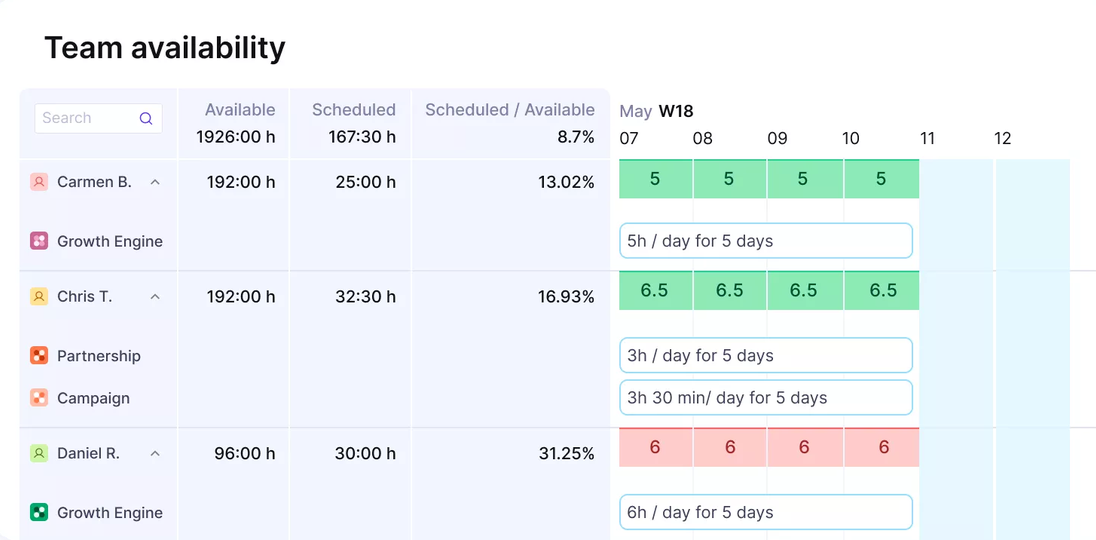
Productive.io combines agency and consultancy project management with resource planning, budgets, profitability reporting, and invoicing. Compared with Scoro, it also supports tentative bookings and connects budgets to invoicing. The main difference is that Productive describes its workflow around budgets and services, while Scoro more explicitly connects estimates and quotes to project creation, bookings, and finance.
Core features of Productive.io:
- Projects and people: Productive’s Resource Planner supports top-down capacity planning across budgets and deals, including tentative bookings for work that is not yet confirmed. It also offers task-level workload planning.
- Budgets and profitability: Productive budgets hold services, estimates, expenses, time entries, and actual-versus-estimated profit. Scenario planning helps teams test costs, profitability, and resource needs before committing.
- Invoicing and accounting: Productive populates invoice information from budget data and work recorded against the budget, linking financial tracking to billing. It also integrates with accounting tools such as Xero and QuickBooks. One point to distinguish from Scoro: Productive’s documented payment-status sync is one-way, so readers should check the direction and scope of sync they need.
Potential limitations:
- Limited CRM functionality compared to dedicated platforms
- Onboarding may feel a little confusing
Pricing: Starts at $10/user/month (on annual plan). Free 14-day trial available.
4. Teamwork.com
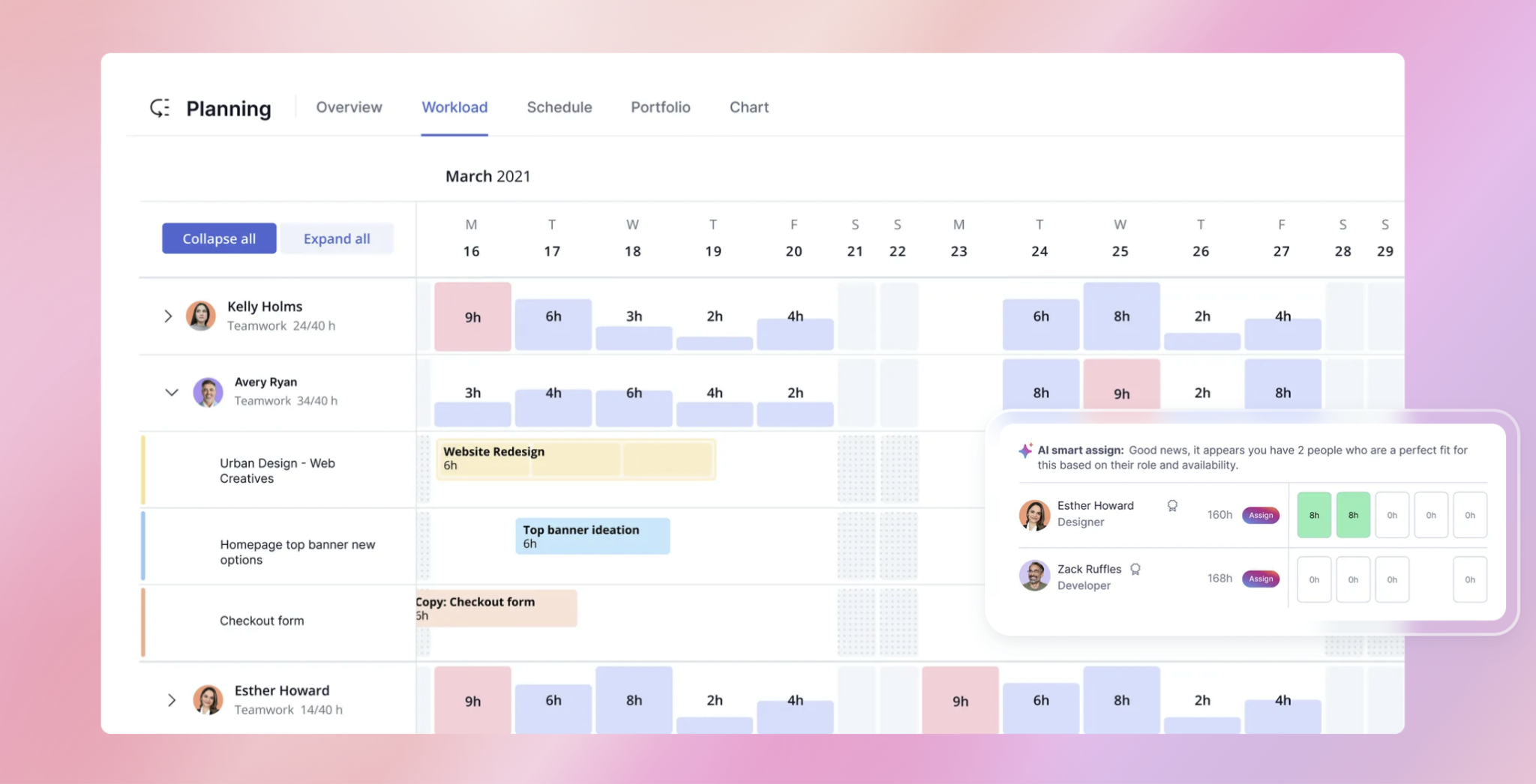
Teamwork.com is a project and resource management platform for client-service teams. It pairs project delivery with workload planning, tentative work, budgets, profitability tracking, and invoicing, making it a strong fit for agencies and consultancies that want client work and financial controls in one system.
Core features of Teamwork.com:
- Projects and people: Teamwork.com supports tasks, milestones, dependencies, workload planning, and long-range resource scheduling. Teams can use tentative projects and placeholders to reserve capacity for pipeline work and model scenarios before deals close.
- Budgets and profitability: Teamwork.com supports project budgets, cost and margin tracking, and scenario planning around prospective work. It also connects quote details to project setup. Scoro stands out in the explicit link from quote to project budget, with estimated income, cost, and time compared against actuals and profit forecast from current cost burn and remaining work.
- Invoicing and accounting: Teamwork.com connects project and time data to invoicing and offers accounting integrations such as Xero and QuickBooks.
Potential limitations:
- Setup and configuration take longer than expected
- Some settings and reports are buried in menus and take time to find
Pricing: Starts at $9.99/user/month (on annual plan). Free 30-day trial available.
5. BigTime
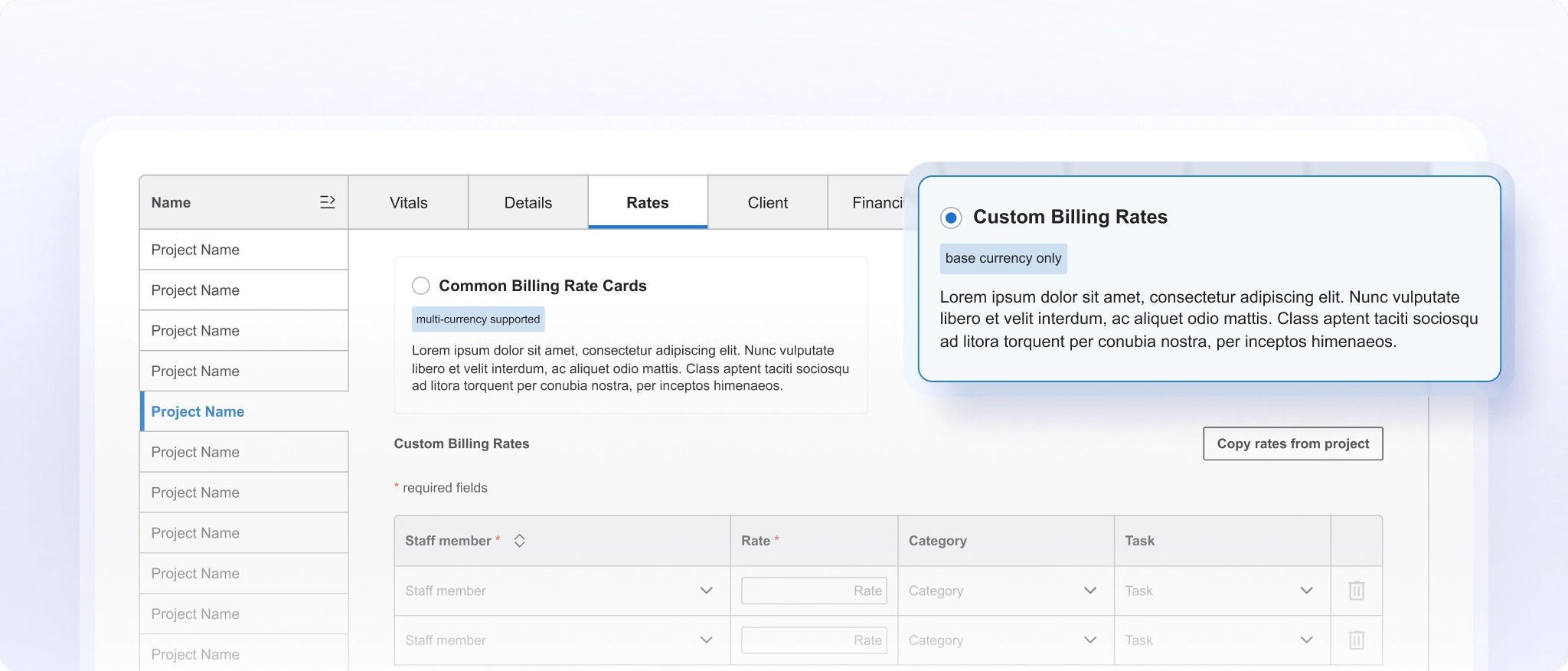
BigTime is professional services software that connects project planning, resource management, time and expense tracking, budgets, and billing. Its financial workflow is especially centered on project actuals and invoicing, with budget burn and margin visibility designed to help firms course-correct before projects close.
Core features of BigTime:
- Projects and people: BigTime provides project and portfolio planning, resource schedules, capacity and utilization views, and staffing recommendations based on availability and skills.
- Budgets and profitability: BigTime tracks budget versus actuals, project costs, utilization, and margin, including by project phase and role.
- Invoicing and accounting: BigTime generates invoices from approved time and expense data and supports multiple billing models. Its accounting connections include QuickBooks Online and Desktop, Xero, and Sage Intacct.
Potential limitations:
- Limited support for tentative bookings and skill-based allocation
- No search or filter option to quickly locate the right project
Pricing: Starts at $20/user/month (Essentials).
What to look for in project and resource management software
Any tool on your shortlist should plan work and schedule people. The bigger differences show up in budgets, profitability, and invoicing, so that’s where to look hardest:
- Projects and people: Look for more than task lists and calendars. Teams need to break projects into tasks, milestones, and dependencies, then see who is available, booked, or overloaded, both this week and months ahead. Tentative bookings are especially useful: they reserve capacity for likely work before a deal is signed, helping operations spot staffing gaps early.
- Budgets and profitability: A project budget should flow from the approved quote, rather than being recreated by hand. As employees log time and expenses come in, managers should be able to compare actuals with estimates and see whether each project, and the business overall, is on track to make money. When scope, costs, or staffing change, the forecast should update while there’s still time to respond, not only after the project closes.
- Invoicing and accounting: Billing should use the hours, expenses, and agreed fees already recorded against the project, so finance doesn’t have to chase project managers for numbers or re-enter them manually. Check whether the platform supports your billing models and syncs the relevant invoice and payment data with your accounting software, such as Xero or QuickBooks.
Simplify your project and resource management with Scoro
When project plans, resource schedules, budgets, and invoices live in separate tools, teams spend time reconciling numbers instead of acting on them. Scoro brings those workflows together: turn an approved quote into a project plan, track capacity and project costs as work progresses, and invoice from the delivery data already in the system.
Frequently Asked Questions
What’s the difference between project management and resource management software?
Project management software organizes a project’s tasks, timeline, and delivery. Resource management adds a cross-project view of people’s availability, skills, and workload, helping operations decide who can take on upcoming work.
How should a services firm plan capacity when a project is not yet sold?
Use scenarios or tentative allocations to model likely work without treating it as a confirmed commitment. Review those plans as the sales pipeline changes, so hiring or staffing gaps surface early.
Which data should be set up before using resource-planning software?
Start with each person’s working capacity, role or skills, planned time off, and current commitments. For financial forecasts, also define relevant cost and billable rates; incomplete or inconsistent inputs make schedules and forecasts less useful.
How can a firm tell whether a resource plan is realistic?
Compare planned allocations with actual time and review the differences regularly. Persistent over-allocation, missed deadlines, or repeated changes in staffing can signal that estimates, availability, or planning assumptions need adjustment.