








When your CRM and your delivery tool are separate, you’re stuck re-entering the same client data at every handoff. This drains time and opens the door to conflicting info on all your deals, projects, and invoices.
A project management tool with a built-in CRM closes that gap: the quote your team wins becomes the project you deliver and the invoice you send. That’s the difference between knowing your margin in real time and rebuilding it in a spreadsheet later.
Most articles reviewing these types of platforms usually rank seven near-identical tools and call it a day.
Ours works differently. We’ve named one winner per business type, because the right tool for a 12-person plumbing company isn’t the same one for a 200-person consultancy.
Note
Article accurate as of 22nd July 2026.
The short version
| Your business | Best tool | Native CRM integrations | Free trial | Starting price |
|---|---|---|---|---|
| Agencies & consultancies | Scoro | HubSpot, Salesforce + 60 more tools | 14 days | $17/user/mo (billed annually) |
| IT services & MSPs | Accelo | HubSpot, Salesforce, Pipedrive (~25 tools total) | Demo only | Custom |
| Agencies that buy media | Workamajig | None | Demo only | $49/user/mo (10+ seats) |
| Architecture & engineering | BQE Core | None native (Zapier workarounds; 100+ tools) | Demo only | Custom |
| Home-service & trades | Jobber | None native (QuickBooks Online native; CRMs via Zapier) | 14 days | $29/mo (billed annually) |
| Accounting & tax firms | TaxDome | None native (QuickBooks Online native; Zapier) | Demo only | $800/user/yr |
| Small teams under ~15 | Flowlu | None (Slack, Stripe + ~50 tools) | 7 days + free plan | Free; paid from $9/user/mo (annual) |
How we picked these tools
Every tool on this list had to have:
- A native CRM: Lead capture and a sales pipeline with deal stages built into the platform itself
- A connected quote-to-invoice flow: An accepted quote or proposal automatically becomes a project or job, and the work transfers to invoicing in the same system.
Those conditions meant that several solid platforms didn’t make the cut.
Take Karbon: a 4.8 on G2 and an accounting favorite. But it missed both of our bars: there’s no native sales pipeline and the proposal-to-work handoff isn’t native, either. It runs through the Ignition integration, which creates the client and work items in Karbon only after the proposal is signed in Ignition.
Then there’s Asana and Wrike. Both are strong project management tools, but neither have a native sales pipeline and can’t invoice without an add-on like QuickBooks or Harvest. So the quote-to-invoice loop doesn’t live in one system.
Monday and Zoho came closest. But in both cases, you have to subscribe to separate CRM products (Monday CRM and Zoho CRM) alongside the work tool. That’s the line we drew for “built-in”: a higher tier of the same product counts, but a separate product you have to add on doesn’t.
For each tool, we checked G2 review data, the vendor’s websites, and user discussions.
Note
While we do talk about integrations that connect to external CRMs like HubSpot or Salesforce for the tools in this list, they’re only in addition to each platform’s native CRM (your foundation). This way, you can build from one connected foundation instead of cobbling together disconnected tools.
Scoro — best for agencies and consultancies
Average customer ratings: G2: 4.5 (496 reviews); Capterra: 4.5 (262 reviews)
Free trial: 14 days
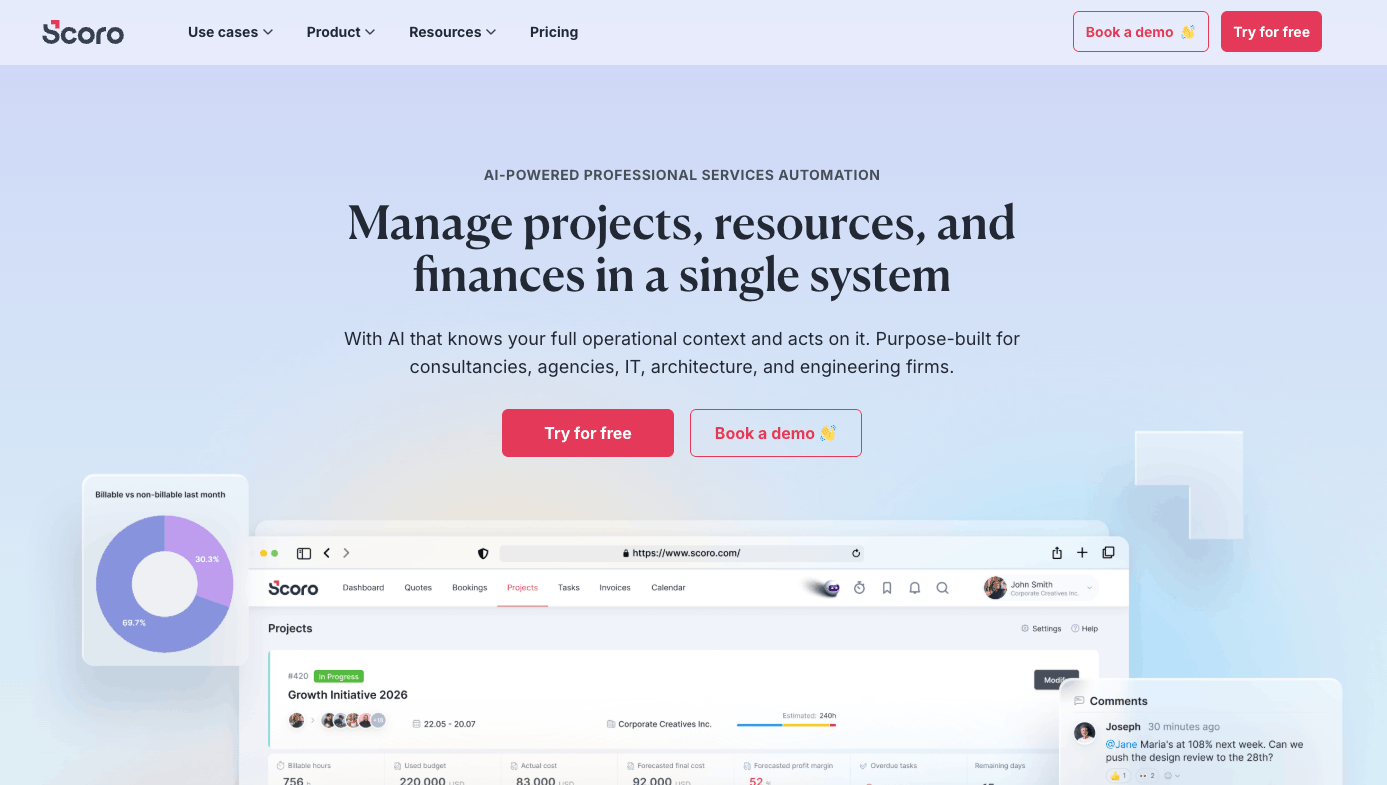
Scoro is a professional services automation (PSA) tool built for agencies and consultancies running quoted, delivered, and invoiced client work. Businesses using Scoro range from 5-person shops to 500+ employee firms.
Full disclosure: this is obviously our own product, but we truly built Scoro for these buyers. Since 2013, we’ve helped over 1,000 professional services firms around the globe to manage work from start to finish—from sales to the final invoice.
Our built-in CRM covers pipeline stages, quotes, revenue forecasting, and reports. And an accepted quote turns right into a project plan and an invoice.
So, we clear the basic tool criteria. But here’s what really makes us different and why we’re the best software for agencies and consultancies:
- A quote estimation matrix that breaks each deliverable down by role, hours, and margin. So you see profitability before you commit to a price.
- Retainer tracking that flags overservicing mid-month
- Real-time margin visibility by project, client, and service
Smaller firms can run Scoro’s CRM as their only CRM. Larger firms keep HubSpot or Salesforce for marketing and top-of-funnel and connect it to Scoro, because a deal-stage CRM can’t model a retainer or a project, so once revenue turns recurring or project-shaped, its forecasting stops meaning much. And Scoro picks up the handoff across multiple entities and currencies, each with its own price lists, in one view. So multi-office firms see group-level margin without stitching instances together.
Integrations
Scoro connects with 60+ tools through the Scoro Marketplace, including native integrations with HubSpot and Salesforce. Accounting syncs run with Xero, QuickBooks, and Sage Intacct.
Other features you’ll like
- Time tracking and timesheets tied to tasks and budgets, so planned hours, logged time, and billing all reconcile in one place
- Utilization heatmaps and role-based resource planning that show where your team’s time goes
- A Team Performance report and role-based resource planning that show utilization, overservicing, and where your team’s time actually goes
- Retainer management that tracks each month’s used budget before the month is out, so you’re not quietly overservicing
- 50+ built-in reports plus custom dashboards covering everything from project profitability to revenue forecasts
- Automated billing from completed work, including recurring invoices for retainers
It’s important to note that Scoro is built for operational complexity. It offers the best ROI when you’re consolidating a scattered tech stack into one system, or scaling to the point where disconnected tools are no longer a feasible option.
If a simple PM tool covers your day-to-day work and you’re happy there, Scoro is probably more than you need.
Pricing
Scoro lets you combine the plan you need based on your core workflows. Combinations start from $17/user/month.
Accelo — best for IT services and MSPs
Average customer ratings: G2: 4.3 (685 reviews); Capterra: 4.5 (174 reviews)
Free trial: No — demo only
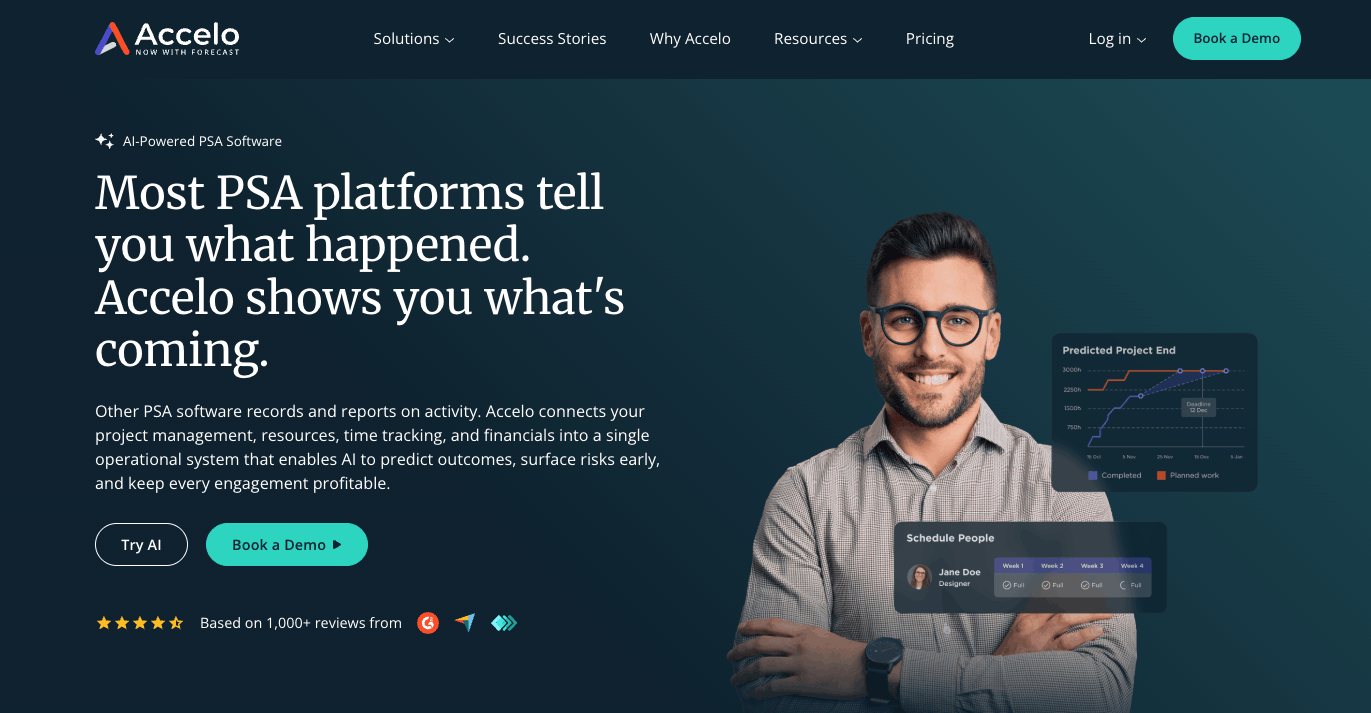
If your client work arrives as tickets and lives under service-level agreements (SLAs), Accelo fits better than anything else on this list. It was built for service businesses that need sales, projects, and support tickets in one system. And that third piece is what makes it ideal for IT.
Accelo’s CRM manages leads, quotes, and client interactions, with Gmail and Outlook emails captured into a shared activity stream. And just like Scoro, it easily clears the second criteria bar: one click turns an approved quote into a live project—with tasks and budgets built from the quote’s line items—then bills straight to an invoice based on logged time or budgets, syncing to QuickBooks or Xero.
The most helpful part, though, is that your ticket queue sits in the same system, tied to the same client records and profitability tracking. Because every ticket lands against the client’s record and budget, you can see which accounts are actually profitable and which are eating hours you’re not charging for.
This prevents MSP margin leaks: all tickets get billed and clients on fixed retainers don’t quietly slip underwater.
Top Tip
Accelo comes out on top for ticket-driven managed services. But if your IT business focuses on project-driven consulting (implementations, builds, migrations), it’s worth comparing Accelo with Scoro to see which one best meets your needs.
Integrations
Accelo integrates with around 25 tools, including three external CRMs: HubSpot, Salesforce, and Pipedrive. Accounting runs to QuickBooks, Xero, and Sage Intacct.
Other features you’ll like
- AI-assisted timesheets that suggest time entries from your actual work
- Resource scheduling by skill and availability, with utilization tracking to prevent overbooking
- A client portal for project updates
- Retainer management that automates recurring billing and tracks usage against each client’s monthly allowance
Pricing
Accelo offers custom pricing.
Workamajig — best for ad agencies with media buying
Average customer ratings: G2: 3.9 (299 reviews); Capterra: 3.8 (351 reviews)
Free trial: No — demo only
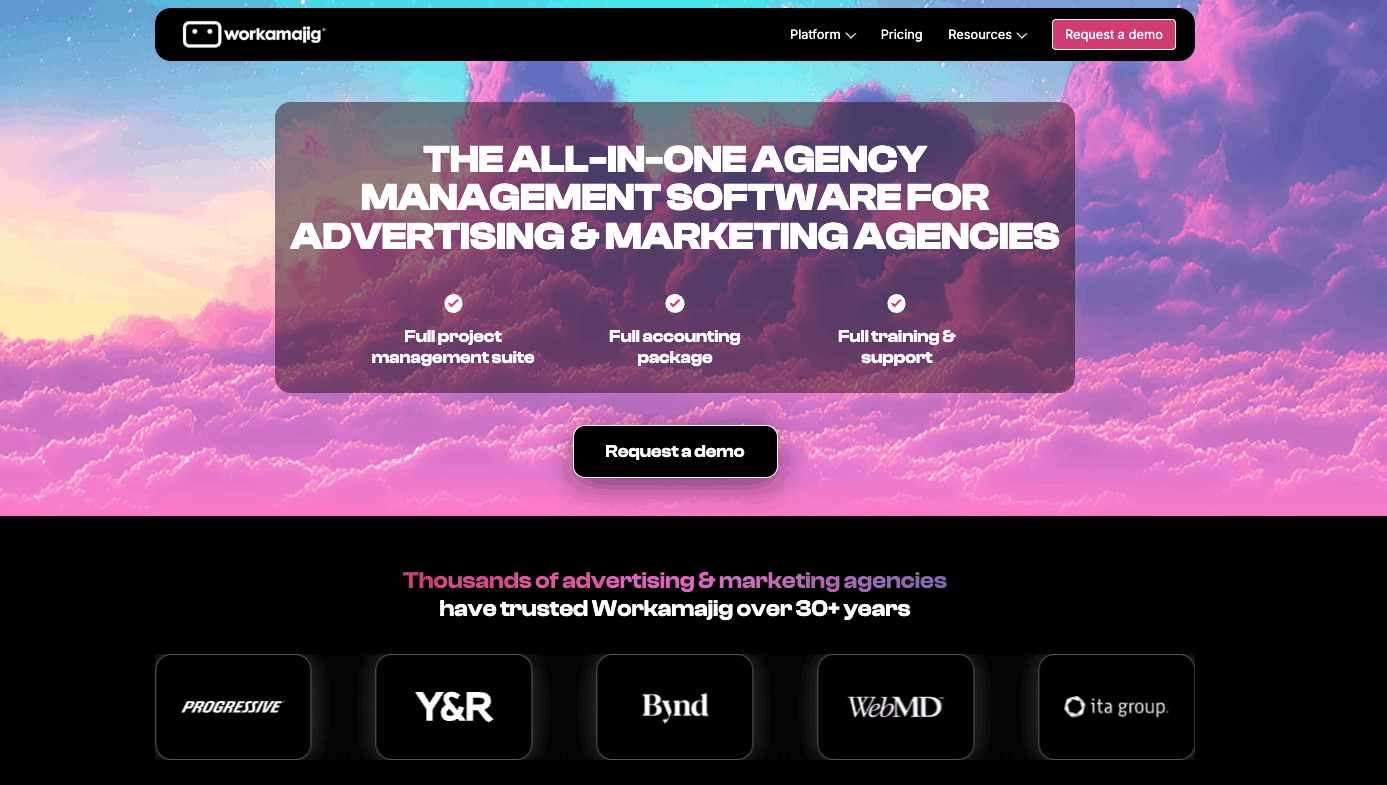
Workamajig is the only tool on this list with native media billing. And for agencies buying media on behalf of clients, that single workflow outweighs everything else. In fact, Workamajig says over 3,000 agencies and 20% of Fortune 500 marketing departments use it.
The CRM side captures conversations and moves deals through pipeline stages with a drag-and-drop interface. When an opportunity is won, it converts into a project—carrying the estimate, client info, schedules, and conversations over—and that approved estimate becomes the project budget you bill against, invoiced as fixed-fee, time-and-materials, or retainer.
So the quote-to-invoice loop runs natively, same as the other tools.
However, Workamig’s ratings—3.9 on G2 and 3.8 on Capterra—are the lowest on this list. G2’s pros-and-cons view tells why: a dated interface and a steep learning curve.
Our opinion is that agencies stay anyway because nothing else on this list does native media billing. But go in knowing the UI is the trade-off.
Integrations
Workamajig publicly lists four integrations: AvidXchange, Avalara, Bionic, and Edenred Pay. None of them are external CRMs. So if your sales team lives in HubSpot or Salesforce, there’s no native connection.
Other features you’ll like
- Resource scheduling that balances workloads and flags who’s over- or under-utilized
- Vendor management with quote requests, bid comparisons, and purchase orders
- Creative review and approval workflows with mark-up tools for images, video, and web pages
- Reusable project templates for recurring campaign work
- A client portal where clients submit requests, track statuses, and review work
Pricing
Workamajig has per-user pricing:
- 10+ seats: $49/user/month
- 25+ seats: $47/user/month
- 50+ seats: $45/user/month
Its Enterprise plan (100+ seats) requires a quote.
BQE Core — best for architecture and engineering firms
Average customer ratings: G2: 4.3 (449 reviews); Capterra: 4.5 (787 reviews)
Free trial: No — demo only
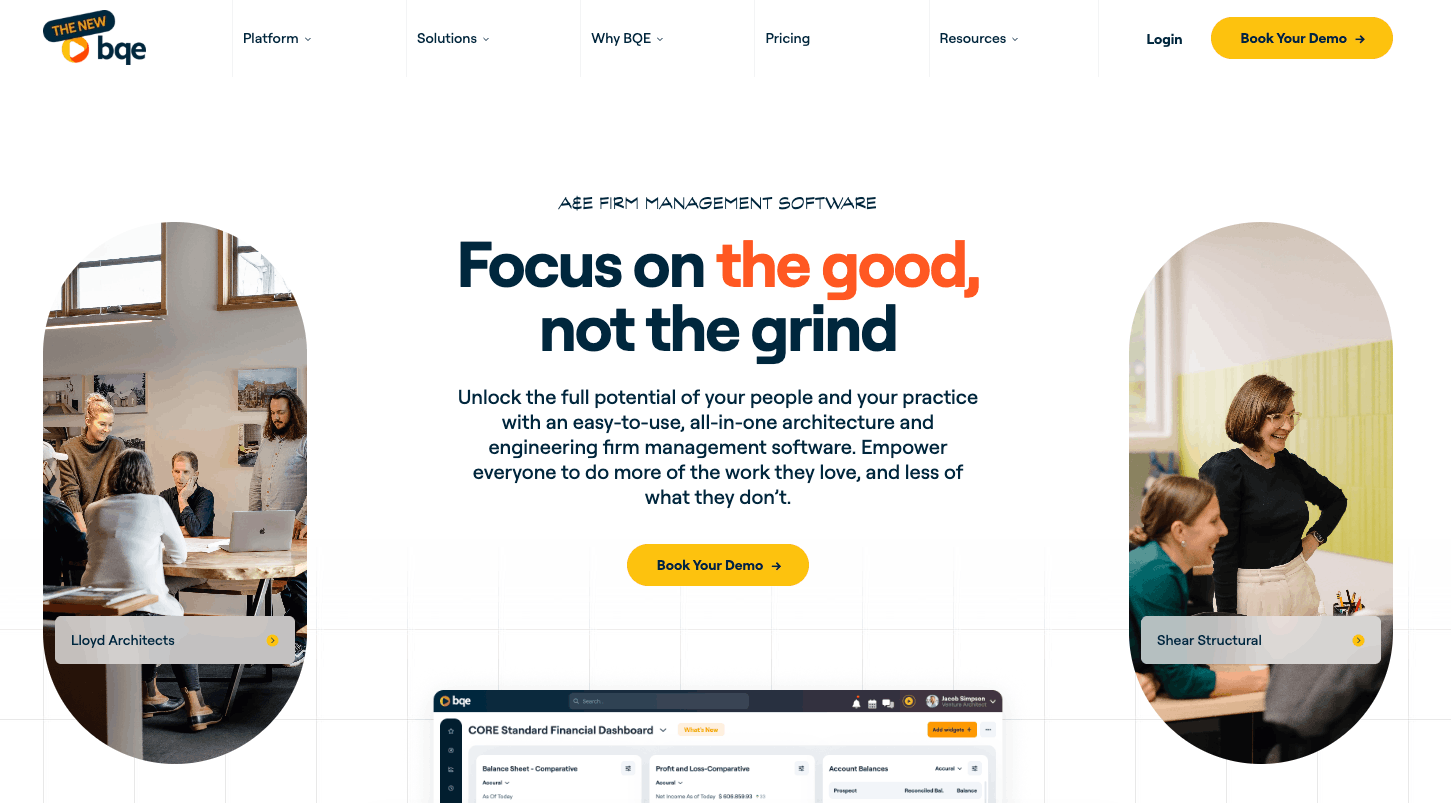
BQE Core was founded over 30 years ago by an architect and an engineer, and it shows in the details that matter to A&E work: phase-based project structures and percent-complete and percentage of construction cost billing that match how A&E firms actually bill.
BQE says over 3,000 A&E firms use it to run projects and finances in one system, with HR features available in an add-on module.
Its CRM centralizes prospect and client data and helps you track multi-stage prospect pipelines, giving leadership real-time pipeline health, revenue forecasts, and win/loss reporting by stage.
Separately, its proposal builder generates proposals from templates, with quotes dropped in as editable line-item tables.
When an opportunity is won, BQE Core creates the project and builds its budget straight from the quote’s line items. From there, invoicing ties to percent-complete on each line—so you bill progressively as phases advance, not just at the end—with the plan, the budget, and the invoices all in one place.
If you’re an A&E firm comparing options, it comes down to what you want to optimize.
BQE is strongest at running project execution. Formal phases and progress-based invoicing tied to them. Scoro is strongest at managing and optimizing project data. Real-time margin, capacity, and profitability across a busy pipeline.
Integrations
BQE Core advertises over 100 pre-built integrations, including QuickBooks, Xero, DocuSign, Power BI, and Microsoft 365, plus a Zapier connector. But no external CRMs connect natively. HubSpot or Salesforce require Zapier workarounds.
Other features you’ll like
- A “Project Center” that puts Gantt-chart phase progress and budget-vs-actual analysis on one screen
- Time and expense tracking, with a mobile app for logging billable hours from site visits
- Real-time financial dashboards showing how each project contributes to revenue
- Automated invoicing with customizable templates and online payment processing
- An HR module for employee records, PTO and salary history, performance reviews
Pricing
BQE has custom pricing based on modules and user count.
Jobber — best for home-service and trades businesses
Average customer ratings: G2: 4.6 (~480 reviews)
Free trial: 14 days (no free plan)
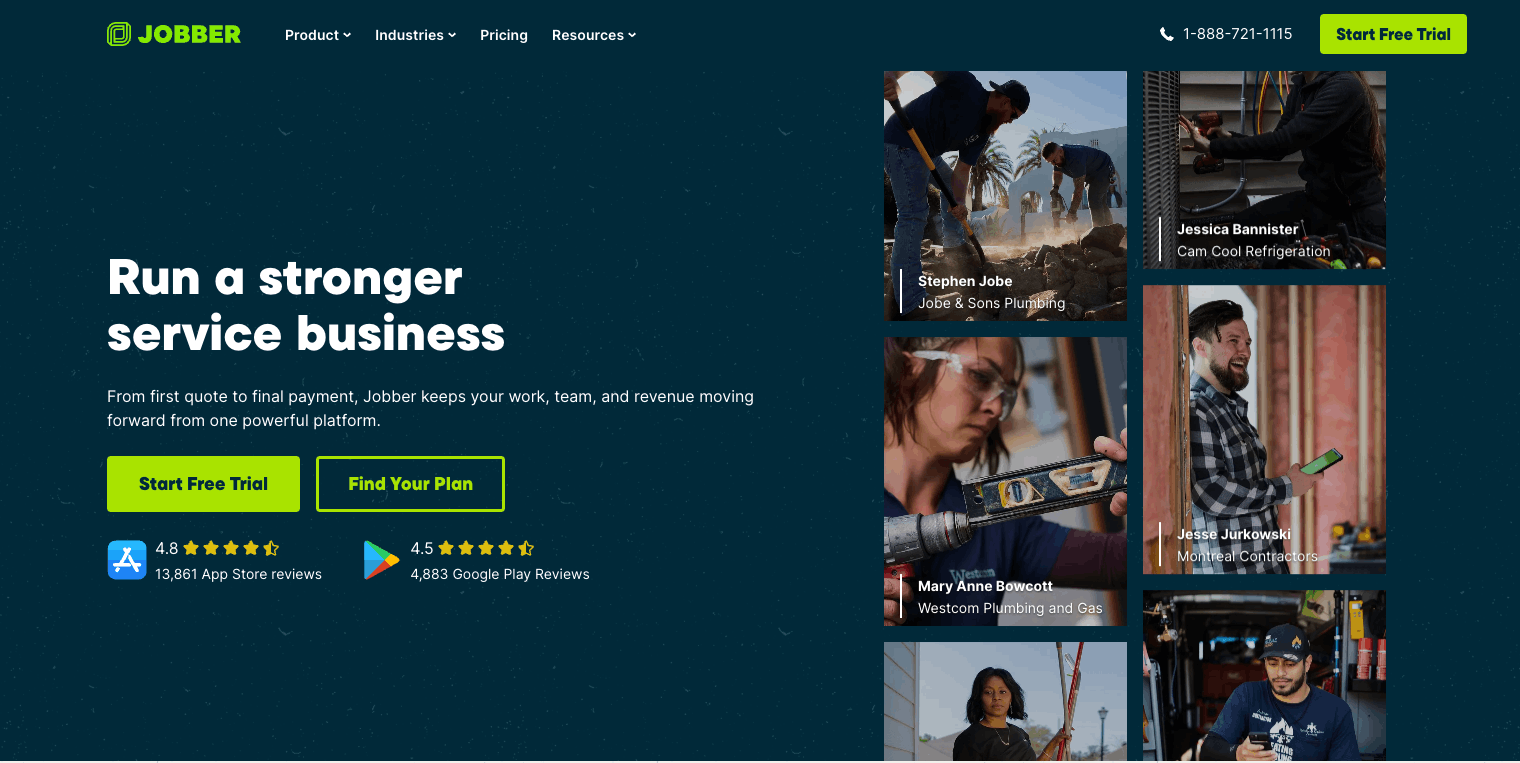
Jobber’s CRM keeps clear client records and makes quoting simple through its Sales Pipeline. Requests and quotes appear as Kanban cards that automatically shift as needed. Approve a quote and the opportunity flips to “Won.”
You can build up to 25 custom stages, with win/loss reporting on the back end. For a business quoting dozens of jobs a month, that’s the difference between knowing your close rate and guessing it.
It also clears our second bar: in one click, an approved quote converts to a scheduled job, then to an invoice once the work’s done. And Jobber carries the assigned salesperson along that whole chain, so you can see who sold what.
Integrations
Jobber connects natively with QuickBooks Online, Mailchimp, and 100+ other tools through its app marketplace.
External CRMs are the gap: there are no native integrations with HubSpot, Salesforce, or Pipedrive. If you need Jobber talking to one of those, you’ll be building it through Zapier.
Other features you’ll like
- Drag-and-drop scheduling that maps each employee’s day, so you can hand the next job to whoever’s closest
- Automated quote follow-ups and appointment reminders
- A client hub where customers can approve quotes, check appointment times, and pay invoices
- Job forms and checklists techs complete on-site, with photos
- Time tracking with GPS waypoints logged from the Jobber app
Pricing
Jobber’s plans are broken into solo plans and team plans:
Solo
- Core: $29/month
- Connect: $99/month
- Grow: $149/month
The Sales Pipeline is included on the Plus plan or as a $49/month add-on on Core, Connect, and Grow.
Team plans start at $149/month for five users, and Plus—the plan that includes the Sales Pipeline—ranges from $439 to $699/month depending on seats and commitment.
So the pipeline does live inside Jobber, but you’ll still have to pay more to use it. A point G2 reviewers have called out alongside limited custom reporting.
Top Tip
Once you’re past ~20 employees or taking on commercial contracts, look at ServiceTitan instead. It’s built for bigger crews and jobs, where Jobber is designed more for residential teams. Just expect custom, per-technician pricing and an implementation time of 12–16 weeks./
TaxDome — best for accounting, tax, and bookkeeping firms
Average customer ratings: G2: 4.7 (700+ reviews)
Free trial: No — demo only
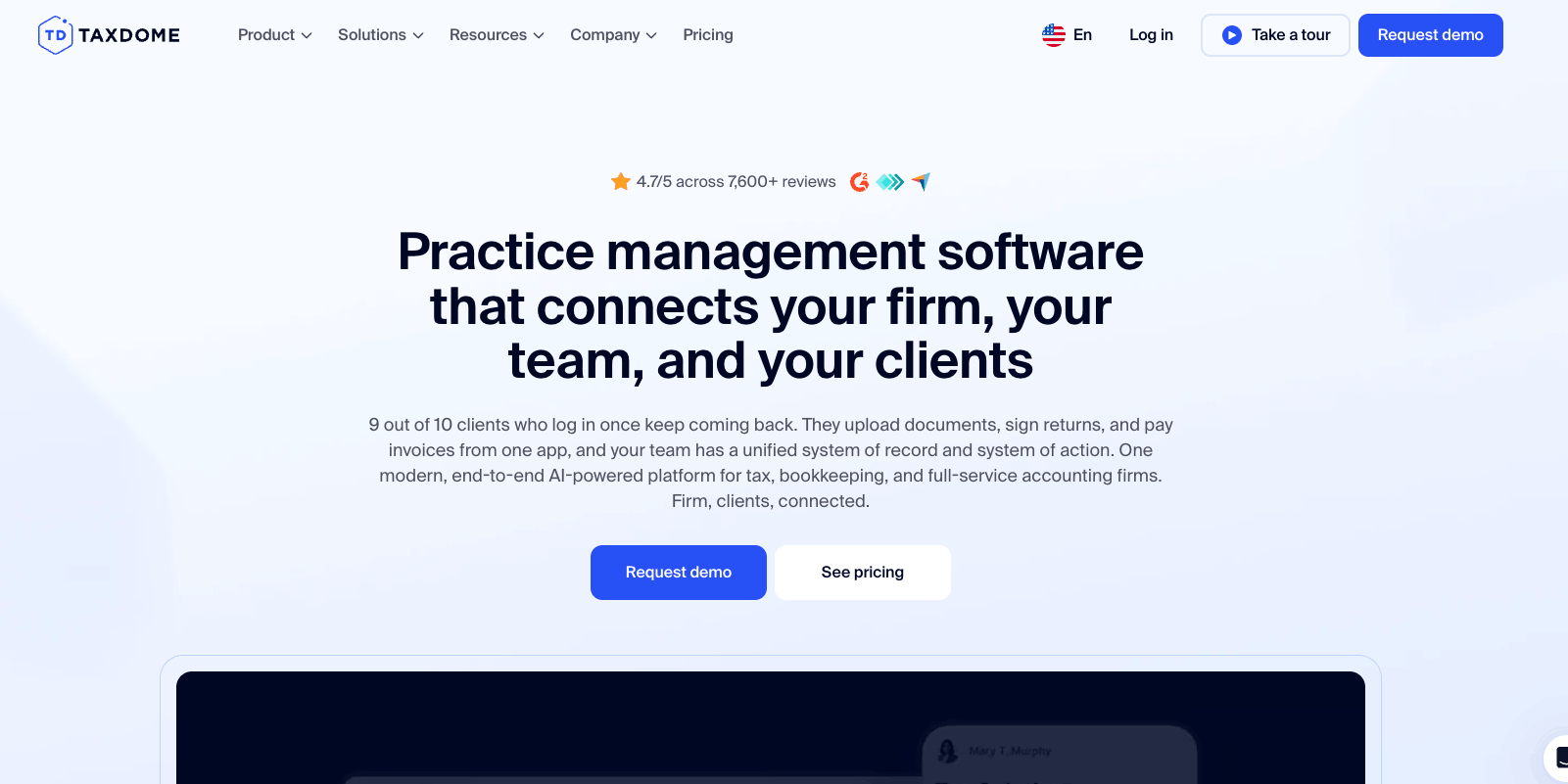
Accounting management is crowded, but TaxDome fits this article’s definition the best.
It’s built around how accounting firms actually work: managing the same compliance jobs—tax returns, monthly bookkeeping, etc.—across hundreds of clients with hard deadlines.
Its CRM holds every client record and customizable pipelines move each client’s job through stages you define—collect docs, prep, review, e-sign, file—with automations firing the next step so nothing slips in tax season.
In practice, that looks like this: a prospect sits as a card in your leads pipeline, and you send a proposal with an engagement letter and a service package attached.
When they e-sign in the client portal, if you’ve added an on-acceptance invoice, TaxDome automoves the job to the next stage and tags the account by the package they chose, kicking off the recurring bookkeeping or tax pipeline automatically.
And the billing is wired to the same signature: the engagement’s pricing becomes an invoice—charged on acceptance, or set to recur with auto-pay for monthly bookkeeping—so the work and its billing start together, and recurring compliance work then bills itself each cycle.
Integrations
TaxDome connects natively with QuickBooks Online, major tax software (including Drake), the IRS (transcript access on Pro and Business tiers), and payment processors including Stripe and PayPal. No external CRMs integrate natively. TaxDome’s own CRM FAQ points Salesforce users to Zapier.
Other features you’ll like
- Tax organizers and client intake forms that collect documents and data up front
- A client portal and mobile app where clients upload documents, e-sign, and pay
- Unlimited e-signatures and document storage
- Recurring invoicing and integrated payments so retainer-style bookkeeping work bills automatically
- Built-in time tracking tied to jobs and clients for firms billing hourly
Pricing
- Essentials: $800/year (solo only)
- Pro: $1,000/user/year
- Business: $1,200/user/year
Monthly seasonal seats are available on Pro at $100/user.
Top Tip
Canopy is the runner-up. It clears both of our bars: a native CRM and engagements that auto-generate tasks and invoices upon signing. It lands second to TaxDome because more of the tax-season automations (advanced workflows, IRS transcripts, AI) are designed as add-ons and credits rather than included in the base plan. But every tier ($74–$149/user/month) includes the core pipeline-to-invoice function.
Flowlu — best for small teams (under 15 people)
Average customer ratings: G2: 4.7 (199 reviews); Capterra: 4.8 (387 reviews)
Free trial: Seven days, plus a free plan
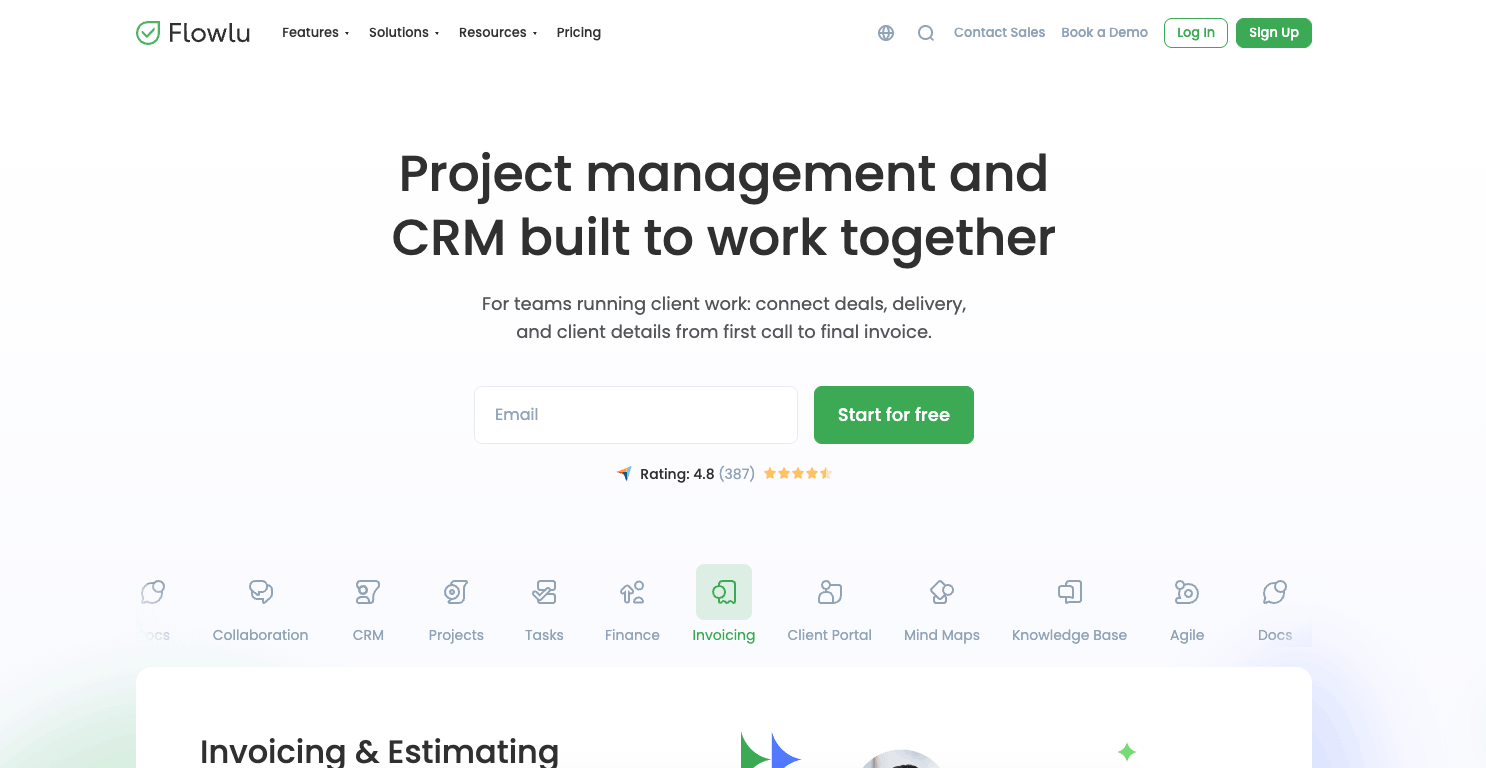
If you’re a small team without established processes, most of the tools on this list are more than you need. Enter Flowlu as a great starting point.
Flowlu’s CRM tracks opportunities through your sales pipeline, logs conversations and calls, and creates projects from won deals through automation rules.
It clears the second bar too: an approved estimate converts to an invoice in one click, and billable hours logged against projects flow straight into billing. The PM side offers Gantt charts, Kanban boards, and templates with stages and milestones.
Integrations
Flowlu offers around 50 integrations, including Slack and Stripe—though the list counts automation bridges like Make and Zapier alongside direct connections.
As with several tools here, there’s no native HubSpot or Salesforce integration (those run through Zapier or Make). But for a five-to-15-person team, that’s rarely a dealbreaker: you’re probably not running a separate enterprise CRM yet, and Flowlu’s built-in CRM is built to be the only one you need.
Other features you’ll like
- Financial management including invoicing and expense tracking, plus project cash flow forecasting
- A document builder for proposals, contracts, and invoices that auto-populates from client records
- A client portal where customers track progress, submit requests, and access shared files
- Mind-mapping tools for brainstorming that convert directly into projects and tasks
- No-code workflow and pipeline automations for assignments, approvals, and updates
With Flowlu, depth is the trade. Resource management, margin tracking, and reporting are pretty light compared to bigger platforms like Scoro, Accelo, and BQE. But again, a small team just needs the basics at first.
Pricing
Flowlu has a free plan for up to two users and three more plans:
- Essential: $9/user/month
- Advanced: $17/user/month
- Ultimate: Custom pricing
Torn between tools? Follow the revenue
Real businesses straddle categories. A digital agency that buys media. An IT consultancy that’s half projects, half tickets. A bookkeeping firm inside a consultancy.
The software tiebreaker should be based on your revenue model, not your industry labels.
Why? Because where your revenue comes from represents the work the software needs to be able to handle
If you run on quoted, delivered, and invoiced client work—projects, engagements, retainers—a broad professional services automation (PSA) platform like Scoro or Accelo fits better than an industry-specific tool.
But if your revenue runs through a workflow those niche platforms were specifically designed for—media billing, service tickets, tax prep—the specialist tool wins.
Want help deciding? “The Handbook” podcast digs into topics such as what fragmented tech stacks cost services firms. And our PSA buying guide walks you through choosing between tools based on your business requirements.
FAQs
What’s the difference between a PM tool with a built-in CRM and a PSA platform?
A PM tool with a CRM connects sales to delivery. A PSA platform adds the operational layer on top. Resource planning, utilization monitoring, margin tracking, and financial reporting.
On this list, Scoro, Accelo, and BQE Core are full PSAs; the others (Jobber, TaxDome, Workamajig, and Flowlu) link sales to delivery but stop short of that operational layer. If you need to know whether projects are profitable, not just on schedule, you probably need a PSA tool.
Can a PSA platform replace my CRM?
For most services firms, yes. A PSA like Scoro includes a native pipeline, quoting, and forecasting, so smaller teams can run it as their only CRM. Larger firms keep HubSpot or Salesforce for marketing and top-of-funnel and sync it to the PSA, so delivery and finance work from the same numbers the sales team closed on.
Can I keep my existing CRM and still use one of these tools?
Depends on the tool and which CRM you run. Scoro integrates natively with HubSpot and Salesforce; Accelo adds Pipedrive. Jobber, TaxDome, BQE Core, Workamajig, and Flowlu have no native external-CRM integrations. Connections run through Zapier or aren’t available at all. So if your sales team already works from an external CRM, just know you’ll need to design a workaround.