










What are the criteria for this guide?
TL;DR: What resource management software should you choose?
You want to see who’s free in the coming months, by role and by stage, before you commit to the next fee proposal. Right now that view probably lives in a color-coded spreadsheet or one person’s head, and it rarely agrees with the fees or the timesheets.
Systems built for architecture, engineering, and construction (AEC) plan by stage out of the box, but they’re a big rollout and usually priced on quote. Schedulers are quick to start but stop at the schedule. That’s the choice behind the decision guide further down, which asks whether you need an AEC-specific platform, a connected PSA, or a standalone scheduler.
This guide covers all three for the design side of AEC.
At a glance
| Tool | Planning by stage | Fees and timesheets | Multiple offices | Pricing |
|---|---|---|---|---|
| Scoro | Through tasks under phases | Timesheets and invoicing; syncs with Xero, QuickBooks, Exact Online, Sage Intacct (paid) | Entities as a paid extra; multiple currencies with the Advanced Financials add-on | From $29 per user/month (Projects & Resources), billed annually, five users minimum |
| CMap | Not confirmed (fees are built by phase) | Timesheets and invoicing | Multiple entities and unlimited currencies on Pro | Not published |
| Deltek Vantagepoint | Native, at any level of the work breakdown | Full project accounting with a general ledger | Multicompany and multicurrency | Not published |
| BQE CORE | Native, allocations to phases | Timesheets and invoicing; QuickBooks Online, Xero, or a paid accounting module | Multiple currencies; each extra company bought separately | Not published |
| Monograph | Native, staffing by phase | Timesheets and invoicing; QuickBooks Online | Not mentioned | $300 to $375/month up to five employees, then about $60 to $75 per employee |
| Projectworks | Native, schedule timecodes publish to resourcing | Timesheets and invoicing; Xero, QuickBooks (Sage Intacct on Unleash) | Offices and currencies from Scale; entities on Unleash, its third plan | $17 / $24 / $41 per user/month, billed annually, 10 users minimum |
| Float | Native, allocations to phases | Timesheets on Pro; no invoicing | Departments; five currencies on Pro | $7 / $12 per scheduled person/month, billed annually |
Native means you plan hours against a phase or stage directly. “Through tasks” means you build tasks under each phase and plan those. “Not mentioned” means we found nothing on the vendor’s site.
Prices checked November 2026.
1. Scoro
- Built for: Architecture practices and engineering consultancies, other consultancies, IT services businesses, and marketing, creative and PR agencies
- Pricing model: Per user per month, based on the apps you choose (two apps and five users minimum)
- G2 rating: 4.5 (510 reviews) as of November 2026
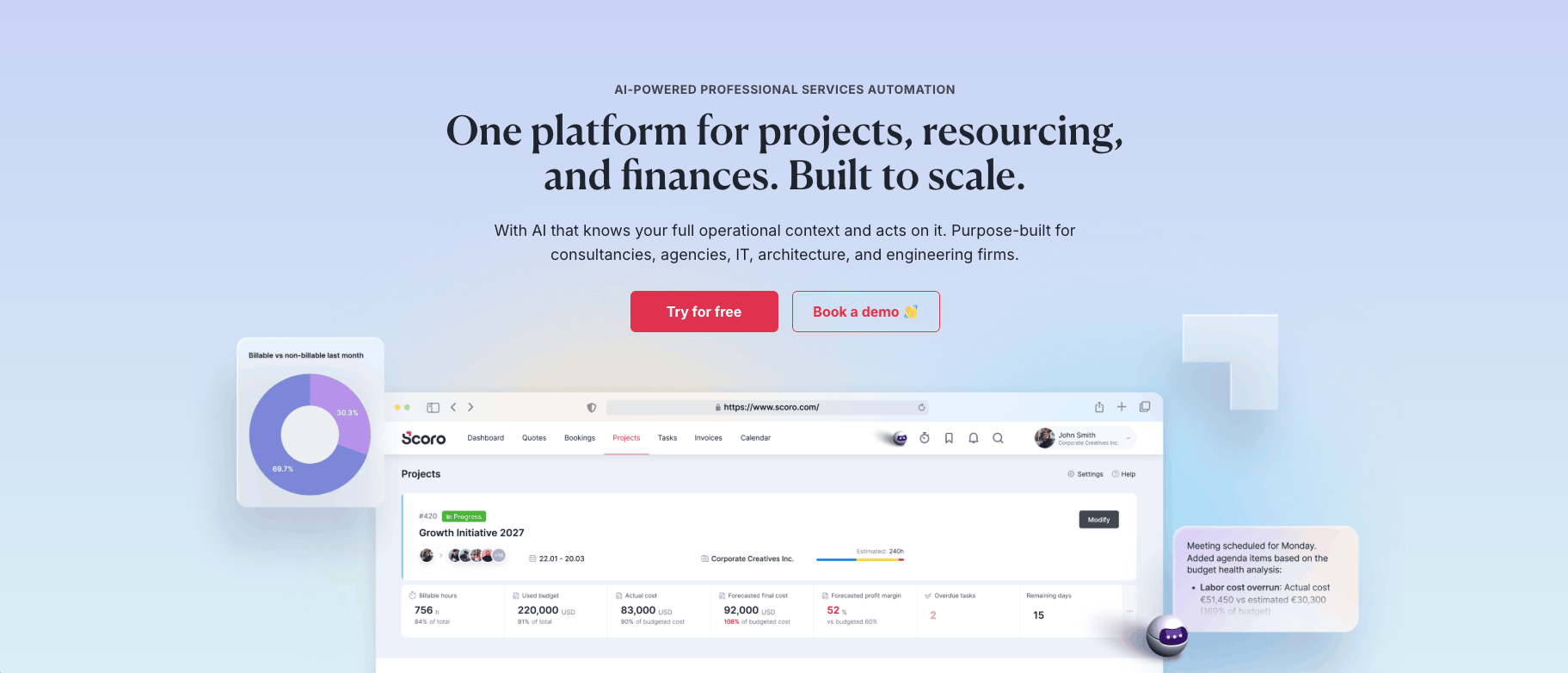
This is our product, so we’re biased. Scoro is PSA software made of separate apps. Resource lays out who’s booked and who’s free in the weeks ahead, with role placeholders and tentative bookings, and Track logs time against the same projects. Estimate and Invoice carry the fee.
Pencil a project architect onto a proposal, and that booking sits on the same record as the quote’s role estimates, timesheets, and invoices. The books stay in your accounting software. You pick the apps, and the smallest setup is two. If your accounting tool already works, we think this is the cleanest way to see whether the next proposal fits.
Stage-level planning is where Scoro is thinner. Bookings attach to the whole project, so planning by stage means building tasks under each phase, which takes setup. G2 reviewers also often mention the learning curve and the time it takes to set up reports.
Recent product updates:
- October 2026: bookings-based revenue in project revenue and the revenue report
- June 2026: booking management in ELI, Scoro’s AI assistant, plus a Balance bookings button
Who should use Scoro?
Practices of about 10 to 200 people that staff proposals before they’re won and want those hours, the timesheets, and the invoices in one place, without giving up their accounting software.
Not for: practices that want stage-by-stage resourcing ready on day one, which Deltek Vantagepoint and Monograph do out of the box, or teams of fewer than five, given the five-user minimum.
Pros and cons
| Pros | Cons |
|---|---|
| Role placeholders and tentative bookings for proposals | Bookings sit at project level, not stage level |
| Booked time feeds planned revenue on role-priced projects | Takes time to learn, say G2 reviewers |
| Start with Resource and one other app | Extra entities are a paid add-on |
| Syncs with Xero, QuickBooks, and Exact Online; Sage Intacct is paid | Reports take time to set up, say G2 reviewers |
2. CMap
- Built for: Architecture and engineering practices, and consultancies
- Pricing model: Based on users, plan, and add-ons; quote only
- G2 rating: 4.4 (339 reviews) as of November 2026
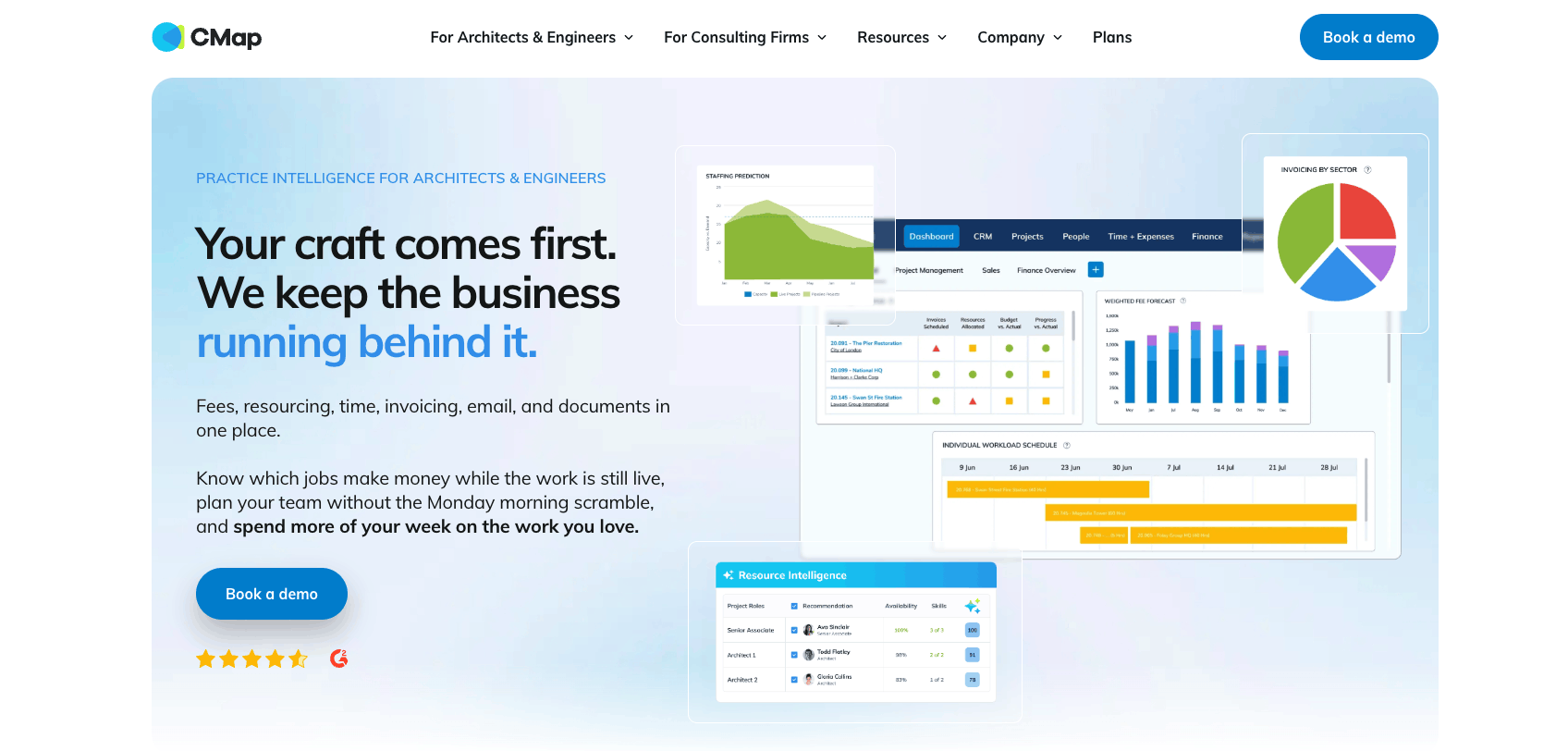
Architects get their own edition of CMap, a practice management tool. Its resource schedule uses heatmaps to show who has too much work and who has room, from the Growth plan up. The workload schedule, multiple entities, and unlimited currencies come with Pro.
Fees can start from the people you plan. On Pro, CMap estimates fees from the resource plan, and on every plan its Staffing Prediction report shows pipeline work beside live work, months ahead. For a practice that prices from the team it expects to put on a job, it’s the most natural fit here.
The catch is the size of the change. Prospects on our sales calls called it complex and a big shift for the team, though G2 reviewers often call it simple once it’s set up. Advanced resourcing sits on Pro, and pricing is by quote.
Who should use CMap?
Practices that want fees built from the resource plan, with pipeline work shown beside live projects.
Not for: a small team on a tight budget, since the resourcing it’d want is on Pro.
Pros and cons
| Pros | Cons |
|---|---|
| Fees estimated from resourcing (Pro) | Advanced resourcing only on Pro |
| Pipeline work in the demand view | Pricing on quote |
| Multiple entities and unlimited currencies (Pro) | A big change to adopt, say prospects on our calls |
| Timesheets on every plan |
3. Deltek Vantagepoint
- Built for: Architecture, engineering, and consulting businesses
- Pricing model: Not published
- G2 rating: 4.1 (741 reviews) as of November 2026
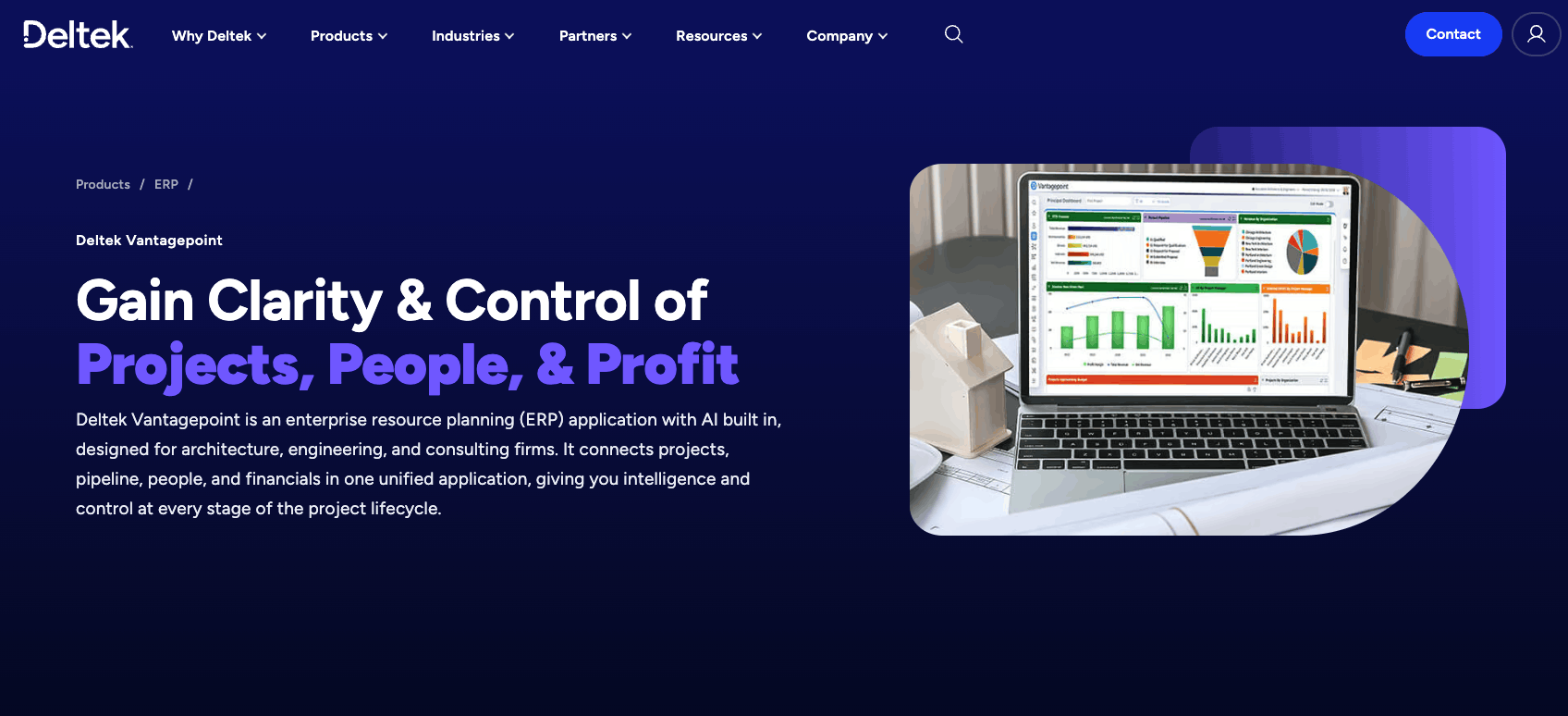
An enterprise resource planning (ERP) system, Deltek Vantagepoint connects projects, pipeline, people, and financials in one place. It plans staff at any level of the work breakdown, with generic resources for unnamed roles and soft bookings for tentative work. As time is charged, actual hours show against each assignment.
It’s the only tool here with the ledger, multiple companies, and multiple currencies built in, so a group of offices can plan and account in one system. It’s the system AEC prospects on our sales calls mention most, so it’s the benchmark the others get compared with.
Expect a learning curve. G2 reviewers describe clunky navigation and reports. And because it runs the books too, adopting it means moving your accounting as well as your staffing.
Who should use Deltek Vantagepoint?
Larger practices across several offices or companies that want the general ledger in the same system as staffing.
Not for: anyone keeping Xero or QuickBooks as the books.
Pros and cons
| Pros | Cons |
|---|---|
| Plan at any level of the work breakdown | Clunky navigation and reports, say G2 reviewers |
| Generic resources and soft or hard bookings | Pricing not published |
| Ledger, multicompany, and multicurrency built in | |
| Actual hours tracked on each assignment |
4. BQE CORE
- Built for: Architecture, engineering, and other professional services businesses
- Pricing model: Per user, quote only; accounting is a separate module
- G2 rating: 4.3 (455 reviews) as of November 2026
BQE CORE is an all-in-one for architecture and engineering businesses, covering time, billing, and project management. Its Project Planner puts a Gantt chart of allocations above a resource schedule, and Resource Groups let you budget by role before naming anyone.
You choose where the books live. Keep QuickBooks Online, Xero, or MYOB, or move them into BQE’s own accounting module when you’re ready. For a small US practice, that makes it the middle ground between Monograph’s simplicity and Deltek’s ERP.
What we couldn’t find is a way to mark time for unwon work as tentative, even though allocations can go on opportunity projects. G2 reviewers also call it complex, and practices that moved from ArchiOffice, BQE’s older product, found the switch hard.
Who should use BQE CORE?
Small to mid-size US architecture and engineering practices that want planning, time, and billing together and may move their books in later.
Not for: practices that want proposal time labeled and kept separate without a workaround.
Pros and cons
| Pros | Cons |
|---|---|
| Allocations by phase in Project Planner | No tentative flag found for unwon work |
| Role budgets with Resource Groups | Complex to learn, say G2 reviewers |
| QuickBooks Online, Xero, or its own accounting module | The accounting module costs extra |
| Logged hours shown against allocations |
5. Monograph
- Built for: Architecture and engineering practices
- Pricing model: Monthly, by number of employees; Pipeline is an add-on
- G2 rating: 4.5 (39 reviews) as of November 2026
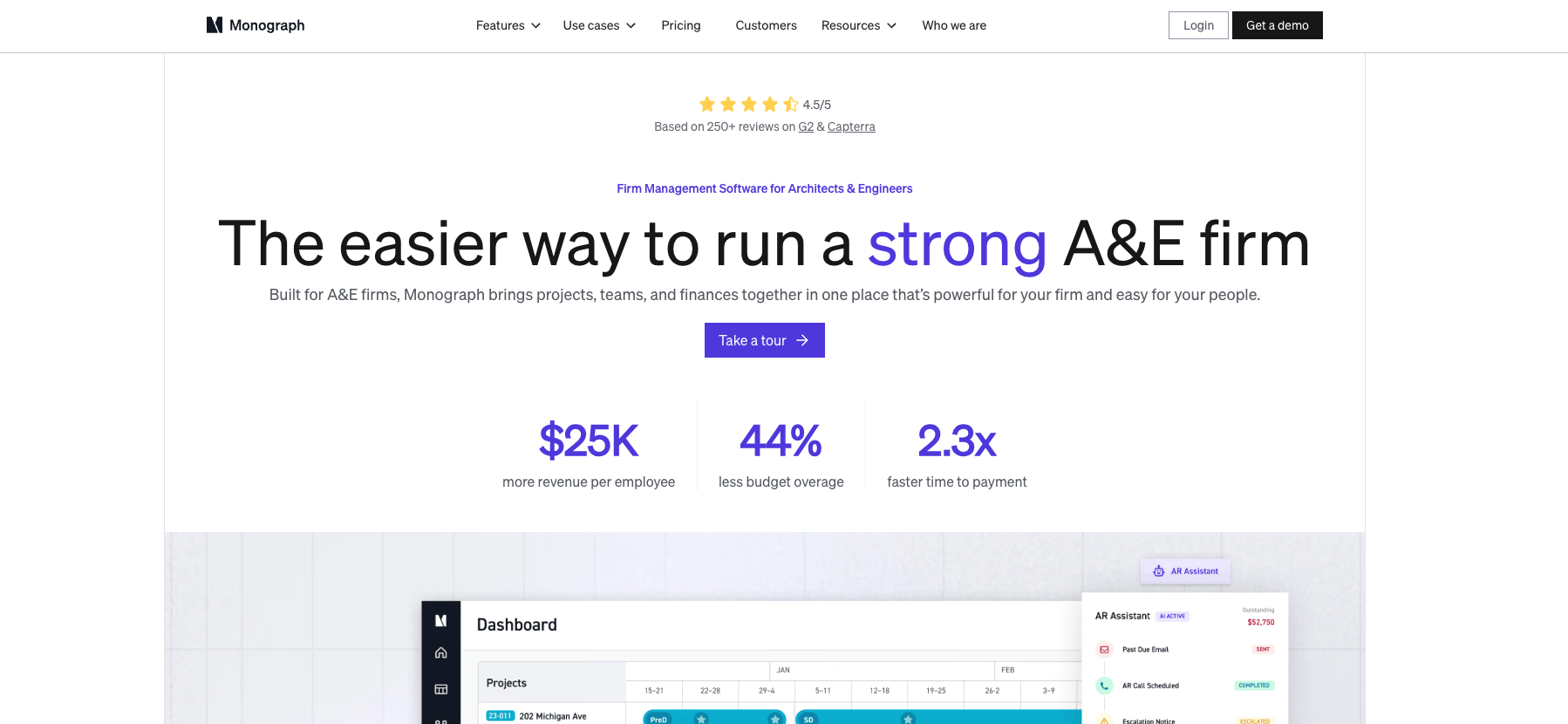
Built as practice management for architects and engineers, Monograph staffs by phase and looks up to 12 months ahead. Timesheets fill in from the staffing plan.
Its pricing calculator puts a practice of up to five people at $300 to $375 a month, with every core feature included. With the Pipeline add-on, a leads report shows demand by role, month by month, against the team you have. Going by G2 reviewers’ praise for its clean design, we’d expect it to be the easiest of the AEC-specific tools here for a small team to pick up.
The limits show as you grow. Staffing is by named person, planning for leads costs extra, and we found nothing on its site about multiple offices or companies.
Who should use Monograph?
Small US architecture practices that want phase staffing without a heavy rollout.
Not for: practices with several offices or companies to plan across.
Pros and cons
| Pros | Cons |
|---|---|
| Staffing by phase, 12 months ahead | Staffing by named person, not role |
| Staffing plan prefills timesheets | Pipeline is a paid add-on |
| Every core feature in one plan | Nothing found for multiple offices or entities |
| Clean and easy, say G2 reviewers |
6. Projectworks
- Built for: Consulting businesses
- Pricing model: Per user per month, three published plans, 10 users minimum
- G2 rating: 4.4 (273 reviews) as of November 2026
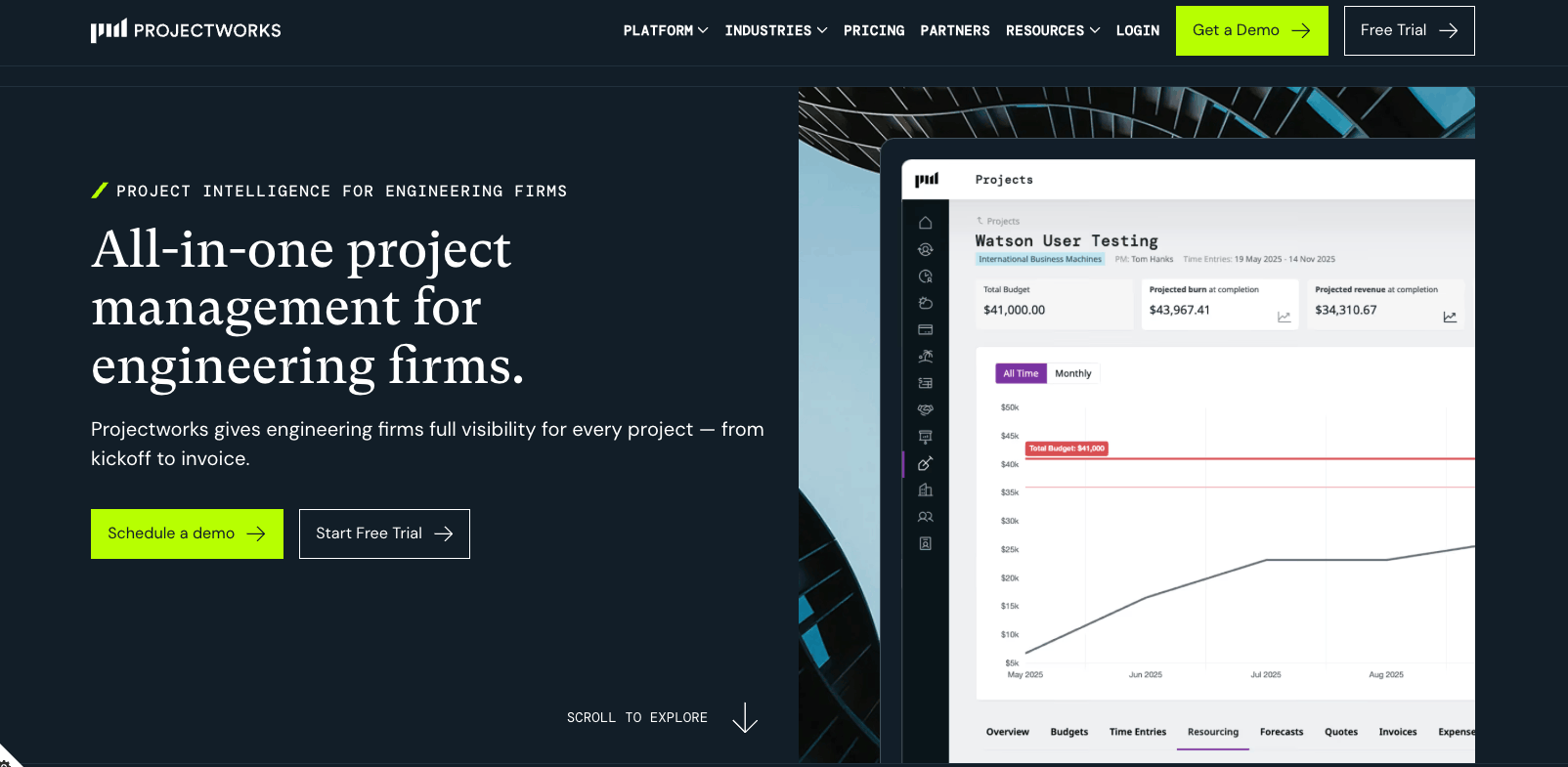
Projectworks is PSA software for consultancies, covering resourcing, time, invoicing, and forecasting. Placeholders are set up per project and always hold penciled hours, and the project schedule publishes straight into resourcing.
Multiple offices and currencies come with Scale, its second plan, at a per-user price on its website. Placeholders carry bill and cost rates, so a role you haven’t filled still shows up in the project’s margin. For a consultancy with several offices, it’s the simplest pricing on this list.
Reporting is the sore spot. G2 reviewers call report building clunky and say they end up exporting to a spreadsheet. There’s also a 10-user minimum, and separate legal entities need Unleash, the third plan.
Recent product updates:
- October 2026: availability shading on each person’s row in the resourcing redesign beta
Who should use Projectworks?
Consultancies of 20 to 200 people with several offices and currencies to plan across.
Not for: practices of fewer than 10 people.
Pros and cons
| Pros | Cons |
|---|---|
| Placeholders priced at bill and cost rates | Report building is clunky, say G2 reviewers |
| Pencil bookings for unconfirmed work | 10-user minimum |
| Multiple offices from the Scale plan | Separate entities only on Unleash |
| Per-user pricing on its website |
7. Float
- Built for: Professional services businesses and in-house delivery teams
- Pricing model: Per scheduled person per month
- G2 rating: 4.2 (2,249 reviews) as of November 2026
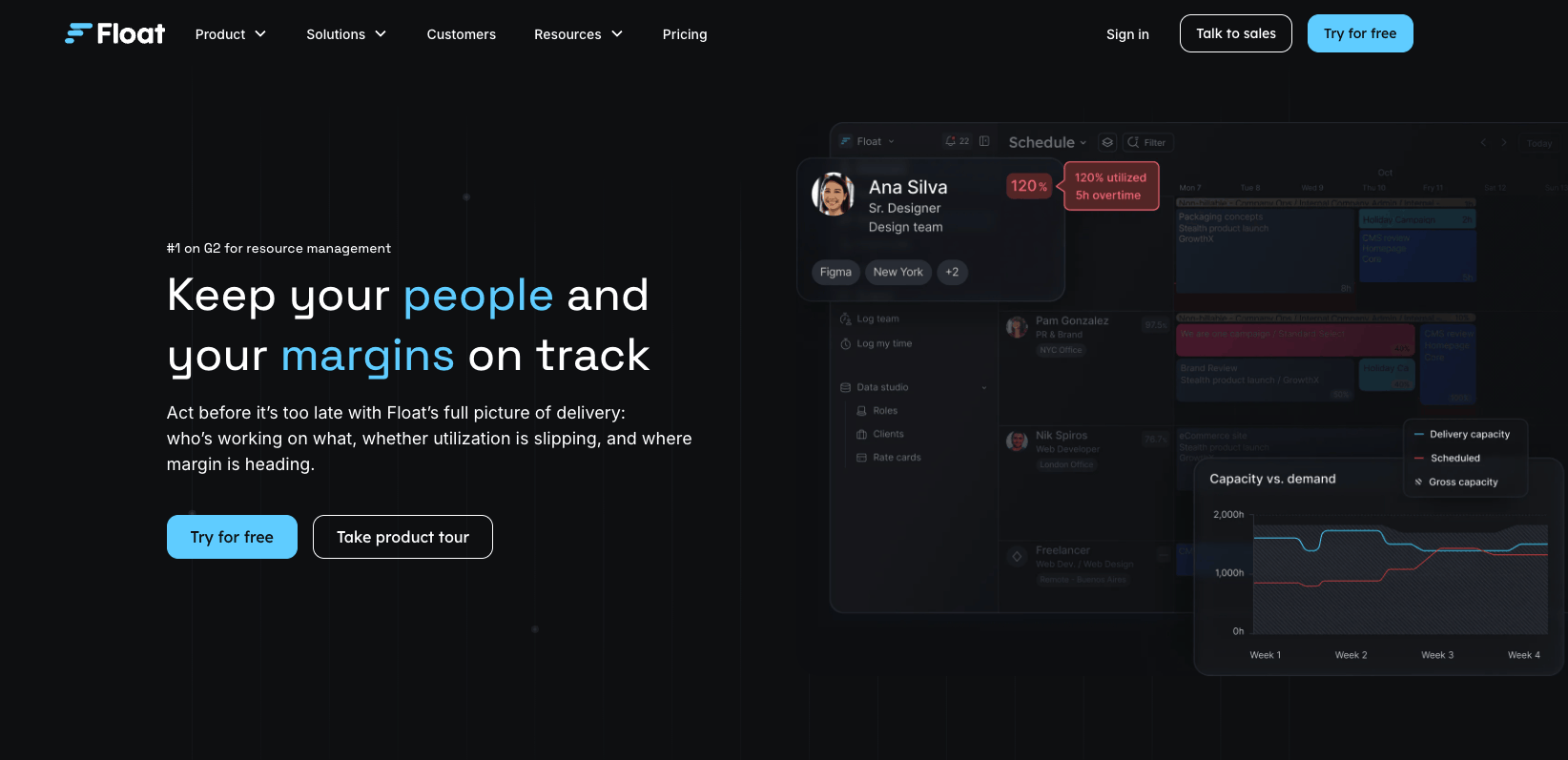
Think of Float as a resource scheduler, like Resource Guru. You allocate people to projects, phases, and tasks, mark work as tentative until it’s confirmed, and park hours on placeholders. Placeholders are limited by plan, with one on Starter and five on Pro.
Being only a scheduler is the point. It’s the simplest tool here to start with and the cheapest per person. If your fees and invoices already live somewhere you’re happy with, we’d call it the least disruptive way off a spreadsheet.
Where it runs out is money. There’s no invoicing or accounting, so the schedule never meets the fee in one place. Logged time and utilization need the Pro plan, and G2 reviewers mention slowdowns on busy schedules.
Recent product updates:
- August 2026: smart insights, with AI experience profiles that show who has done similar work before
- August 2026: a Rates tab
Who should use Float?
Practices that only need to see and move people across phases, with fees handled somewhere else.
Not for: anyone who needs staffing tied to fees and invoices in one system.
Pros and cons
| Pros | Cons |
|---|---|
| Allocate to phases and tasks | No invoicing or accounting |
| Tentative allocations and placeholders | Time tracking only on Pro |
| Lowest per-person price here | Slowdowns on busy schedules, say G2 reviewers |
AEC-specific platform, a connected PSA, or a standalone scheduler?
Every tool on this list can show you who’s free next month. They differ in how much of the rest of the practice you can run in the same place, and how much change it takes to get there.
An AEC-specific platform
CMap, Deltek Vantagepoint, BQE CORE, and Monograph are built around how architects and engineers work. Stages, fees by phase, and staffing by phase are there from the start, so you’re not configuring a general tool to think in work stages.
The cost is mostly time and change. Pricing is on quote for three of the four, and the bigger systems are a full rollout. Prospects on our calls described CMap as a big change for the team, and G2 reviewers mention learning curves for Deltek and BQE. Deltek Vantagepoint and BQE CORE can also take over the books, which is a bigger decision than resourcing.
Pick this path if you want the AEC way built in and have someone who can own the rollout. Match the tool to your size. Monograph and BQE CORE suit smaller US practices, CMap suits practices that price from the resource plan, and Deltek Vantagepoint suits larger groups of offices.
A connected PSA
Scoro and Projectworks aren’t built only for AEC. They put staffing, time, and invoicing on the same record and sync with the accounting software you already use. That suits a practice that trusts its books, or one that also does work outside design, such as advisory.
The cost is setup. In Scoro, stage-level planning means building tasks under phases. Projectworks starts at 10 users. G2 reviewers mention a learning curve for Scoro and clunky reporting in Projectworks. Both publish prices, so you can work out the cost before a call.
Pick this path if you want staffing, fees, and invoices to agree without changing your accounting software.
A standalone scheduler
Float does one job. You see who’s booked on which phase, move people around, and pencil in work that isn’t confirmed. It’s the cheapest option here per person and the lightest change for the team.
The cost is that the schedule stays separate from the money. Fees, invoices, and accounting live in other tools, so checking whether a phase is over its fee still means comparing two systems.
Pick this path if the schedule is the only thing that’s broken.
Still on a spreadsheet?
A spreadsheet works while one person plans staffing and the pipeline is short. It breaks when several people edit it, when you have more than one office, or when you need to staff proposals you haven’t won. That’s the point where any of the tools above pays back the switch.
Our rule of thumb
Start with the problem from the top of this guide, a staffing plan that rarely agrees with the fees or the timesheets. A connected PSA fixes that without moving your books, and Scoro goes a step further by turning a quote’s role estimates into tentative bookings, so the proposal and the staffing start from the same numbers. If only the schedule is broken, use Float. If you want stages built in and can take on the rollout, pick the AEC platform that matches your size.
Which should you choose?
- Want staff held for unwon proposals on the same record as the fee and the timesheets, with your books left where they are? Scoro.
- Want fees to come out of the resource plan? CMap.
- Several offices or companies, and the ledger in the same system? Deltek Vantagepoint.
- Small to mid-size US practice that might move its books in later? BQE CORE.
- Small US architecture team that wants phase staffing it can pick up quickly? Monograph.
- Consultancy with several offices that wants them in the plan rather than as an add-on? Projectworks.
- Just need the schedule? Float.
FAQ
How do you pencil in staff for fee proposals you haven’t won yet?
Pencil the time in as a tentative booking, often against a role placeholder rather than a named person, so it shows up in capacity without being confused with confirmed work. When the project is won, confirm the bookings and swap in real people. Scoro, Deltek Vantagepoint, Projectworks, and Float all keep tentative time separate, and Monograph does it for leads with its Pipeline add-on.
Can you plan resources by project stage, such as Royal Institute of British Architects (RIBA) stages?
Yes, in most AEC tools. Deltek Vantagepoint plans at any level of the work breakdown, BQE CORE and Monograph staff by phase, and Projectworks and Float allocate to phases too. Some PSA tools, including Scoro, plan stages through tasks under each phase rather than booking hours to the stage directly.
How do you see who’s free across several offices or studios?
Look for two things. You need to filter the schedule and utilization by office, and if each office is its own company, you need multiple entities or companies in one system. Deltek Vantagepoint has multicompany built in, CMap includes multiple entities on Pro, Projectworks adds offices on Scale and entities on Unleash, and Scoro sells extra entities as an add-on.
Is a spreadsheet enough for resource planning?
It’s enough while one person plans staffing for a handful of projects. It stops working when several people edit the plan, when you need to see more than one office, or when you’re staffing proposals that aren’t confirmed. At that point the time spent keeping the spreadsheet right is better spent on a tool that updates from timesheets.
Does resource management software work with Xero, QuickBooks, or Sage?
Many tools sync with them. Scoro connects to Xero, QuickBooks, and Exact Online, with Sage Intacct as a paid integration. Projectworks syncs with Xero and QuickBooks, and with Sage Intacct on its Unleash plan. Monograph works with QuickBooks Online, and BQE CORE with QuickBooks Online and Xero. Deltek Vantagepoint has its own ledger, and schedulers like Float don’t touch accounting.
What should you check when switching from an older AEC system?
Check how much history you’ll move, how your stages and phases will map across, and how the team will log time in the new system. Prospects on our calls describe implementations taking a few months, often with a year of past data moved over. Ask each vendor what they migrate for you and what you’ll have to rebuild.