












You’re already tracking project costs in Scoro. But how much manual work goes into getting them there?
Whether your team is keying in employee expenses or supplier bills by hand or syncing cost documents from your accounting software, chances are, there’s some friction in the process – be it manual data entry, costs that arrive without being linked to projects, or forgotten receipts that always come in a bit too late.
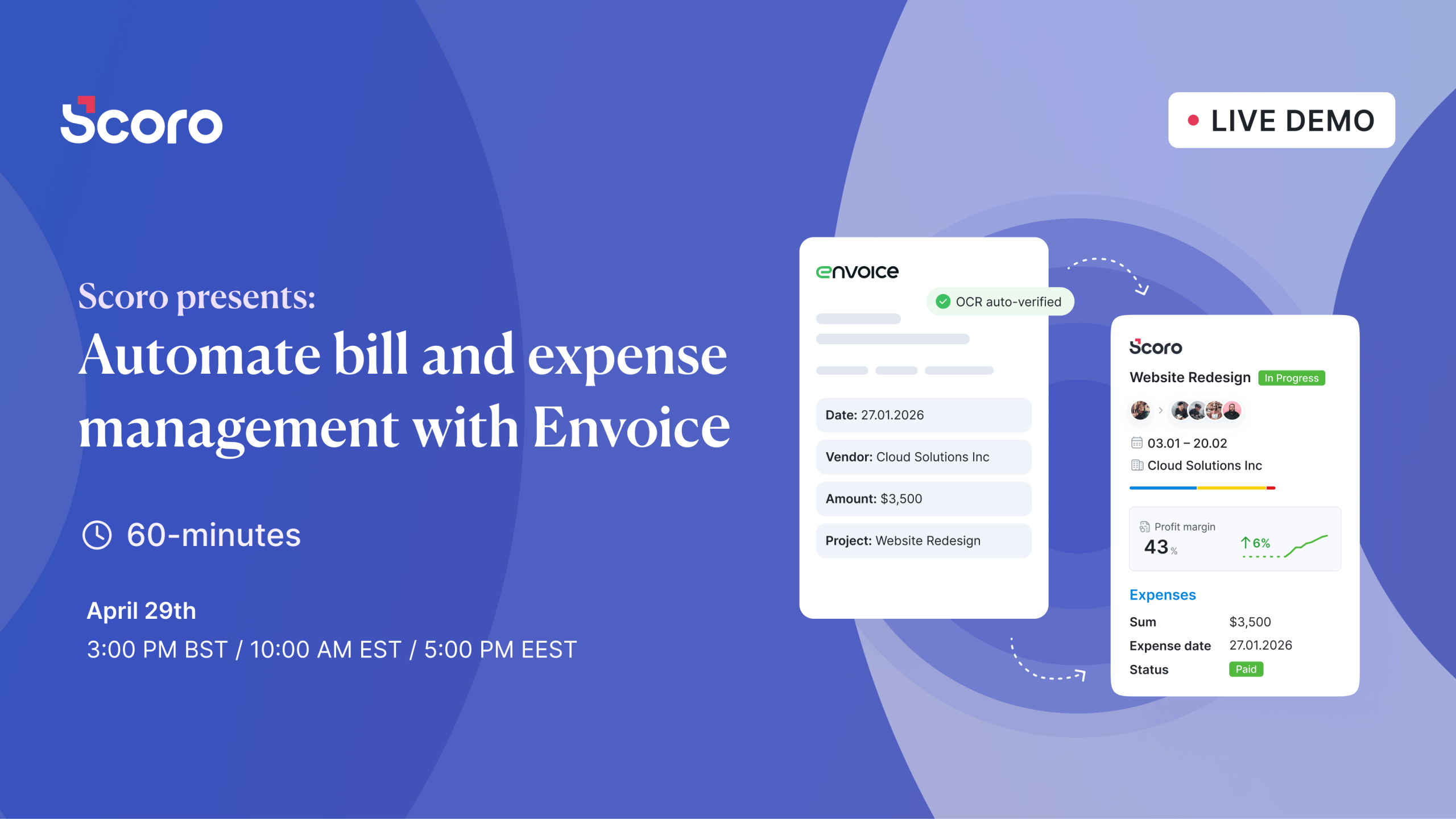
In this live demo, we’ll introduce Envoice, an AI-powered bill and expense management platform with native integration to Scoro, and show you how to automate the entire process: from bill and expense capture, through coding and approvals, to real-time sync with your project budgets and accounting ledger.
This webinar is for you if:
- You’re still entering supplier bills into Scoro manually
- You’re syncing bills from an accounting tool, but linking them to projects is still manual work
- Your team’s expenses don’t make it reliably into project budgets
- You want to automate bill and expense management without adding another disconnected tool to your stack
We’ll walk you through:
- How your supplier bills are automatically captured and extracted
- How your team can record and submit expenses via a mobile app
- How automatic coding works for bills and expenses, and gets smarter as AI learns your patterns
- How approval workflows route costs to the right people before payment
- How approved costs sync to Scoro project budgets with real-time margin impact
- How costs flow to your general ledger with full project context and coding intact


