










Deltek has sunset Vision and moved its customers to Vantagepoint. For professional services firms, that forced upgrade is a good moment to ask a bigger question: is Vantagepoint the right next step, or is there a platform that fits better?
The right system should give finance teams reliable billing, profitability reporting, and financial controls, while helping delivery teams manage projects, resources, and time. But switching also has real costs: migration effort, integration work, retraining, and the risk of interrupting billing mid-year.
This guide compares seven Deltek Vantagepoint alternatives for professional services firms. For each one, we cover what it does best, key features, pros and cons, user ratings, and pricing.
Why consider Deltek Vantagepoint alternatives?
Here are the three most common reasons firms look beyond Vantagepoint:
- A learning curve that can slow adoption: Some users find Vantagepoint’s navigation complex and its training requirements demanding. Firms that want project, time-entry, and financial workflows to be easier for both delivery and finance teams may prefer a simpler alternative.
- Setup and reporting that can require specialist help: Some users report difficult implementations and custom reports that need a consultant or in-house developer. Alternatives with simpler configuration and more accessible reporting may suit firms that want finance leaders and project managers to work independently.
- A potential mismatch with your existing accounting setup: Vantagepoint includes its own accounting functionality, which may be more than firms need if they already use Xero or QuickBooks. For those firms, a platform that connects project delivery and billing to the existing accounting system may be a better fit than replacing their financial setup.
7 Deltek Vantagepoint alternatives compared
This side-by-side view shows what each platform does best, how users rate it, and what it costs to start:
| Tool | Ideal for | G2 rating | Capterra rating | Starting price |
|---|---|---|---|---|
| Scoro | Mid-sized services firms that want projects, resources, and financials in one place | 4.5/5 (505 reviews) | 4.5/5 (263 reviews) | $17/user/month |
| BQE Core | A&E firms that need integrated project accounting | 4.3/5 (453 reviews) | 4.5/5 (796 reviews) | Custom pricing |
| CMap | Consultancies and design firms that want job costing from bid to invoice | 4.4/5 (324 reviews) | 4.4/5 (5 reviews) | Custom pricing |
| Monograph | Architecture and engineering firms that want phase-based project tracking | 4.5/5 (32 reviews) | 4.5/5 (236 reviews) | $60/user/month |
| Avaza | Small teams that want simple project, time, and invoicing tools | 4.5/5 (393 reviews) | 4.6/5 (475 reviews) | $9.96/month |
| BigTime | Firms that want to link time tracking and staffing to profit margins | 4.4/5 (1815 reviews) | 4.6/5 (664 reviews) | $20/user/month |
| Teamwork | Agencies and client-facing teams that want collaboration and budget tracking | 4.4/5 (1214 reviews) | 4.5/5 (942 reviews) | $9.99/user/month |
1. Scoro
Average customer ratings: G2: 4.5 (505 reviews); Capterra: 4.5 (263 reviews)
Ideal for: mid-sized services firms that want projects, resources, and financials in one place
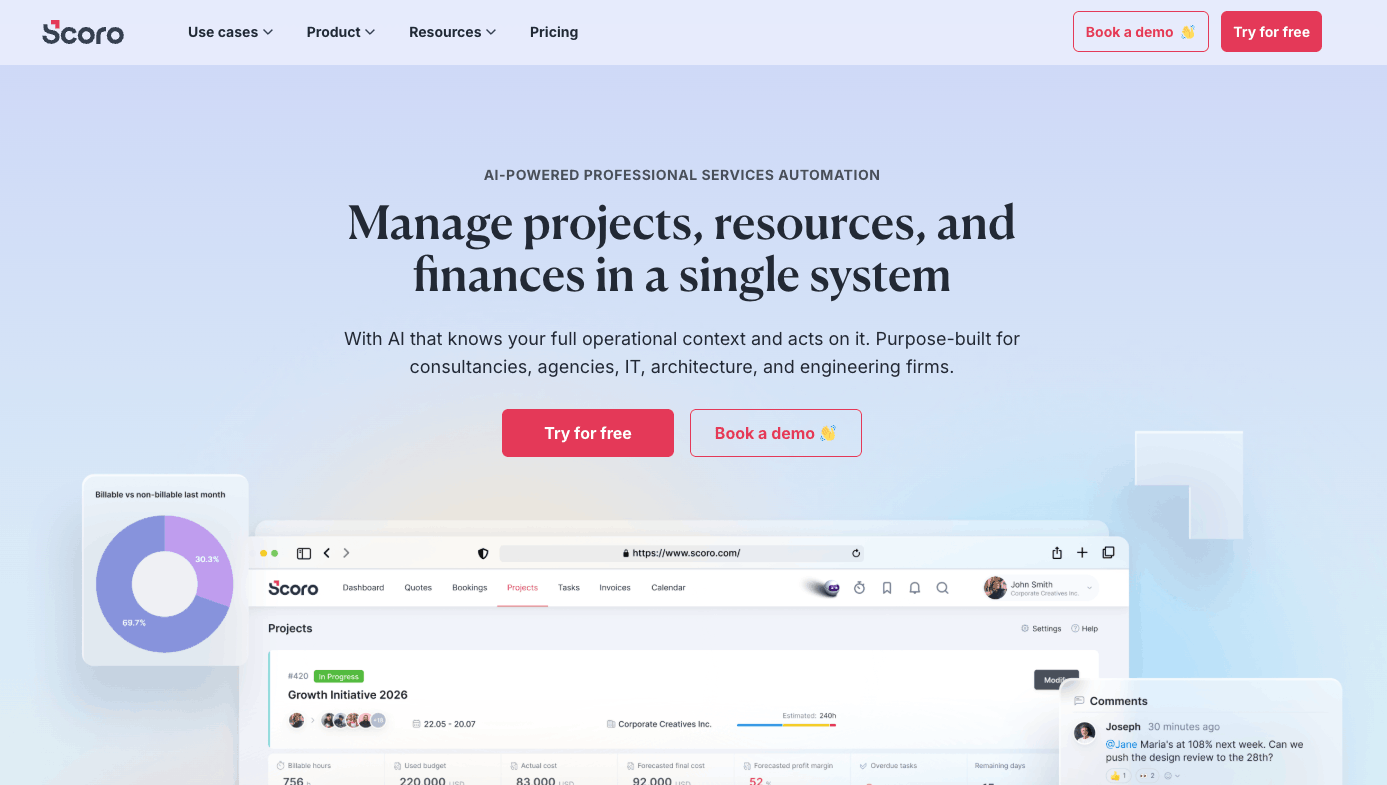
Scoro is a professional services automation (PSA) platform that brings project management, resource planning, time tracking, billing, and financial reporting into one system.
Why Scoro stands out
Scoro connects project activity to financial performance in real time. Its dashboards bring together project progress, logged hours, costs, and income, helping finance leaders and project managers identify budget overruns and margin pressure before projects finish.
Time tracking connects the work teams complete to labor costs and client billing. Employees can log billable and non-billable time, giving managers a clearer picture of where effort goes and which work remains available to invoice.
Accounting integrations help keep project financials aligned with the books. Scoro’s Xero and QuickBooks Online integrations use accounting-side tax rates and account codes, sync invoices and bills, and bring payment information back into Scoro, reducing duplicate entry across teams.
Key features
- Real-time budget tracking and report templates, so finance leaders and project managers can see where projects stand without waiting on a consultant or developer
- Billable and non-billable time tracking linked to labor costs and invoicing
- Gantt charts that make it easy to plan and adjust complex projects with dependencies and milestones
- Resource scheduling and capacity planning tools to help you balance your team’s workload
- Quick proposal and quote creation templates to win new business
- Retainer management and recurring invoices for ongoing projects
- Automated invoicing based on existing quotes and projects
- Accounting integrations with Xero, QuickBooks, Exact Online, and Sage Intacct, so you can keep your existing accounting system instead of replacing it
- Granular user permissions that restrict access to financial information and features according to each team member’s responsibilities, so finance and project teams can work independently in the same system
Pros & cons
| Pros | Cons |
|---|---|
| Everything you need in one place to manage projects and accounts | Takes time to set up and customize |
| Connects client feedback directly to actionable tasks and projects | Timeline customization could be more flexible to meet client needs |
| Offers customizable dashboards for monitoring operational progress |
What others say about Scoro
“I like that Scoro keeps everything in one place, which is very handy for finance, project management, and business development. I appreciate that the whole team can use it wherever and whenever they need.”
—Pete, G2
“We’ve been using Scoro for over a year now, and it’s had a significant impact on our operations. It’s helped us streamline our processes, stay organized, and make data-driven decisions.”
—Cheryl, G2
Pricing
Scoro uses modular pricing. Combinations start from $17/user/month, with a five-user minimum. You can try it free for 14 days or book a demo to see how it works.
2. BQE Core
Average customer ratings: G2: 4.3 (453 reviews); Capterra: 4.5 (796 reviews)
Ideal for: A&E firms that need integrated project accounting
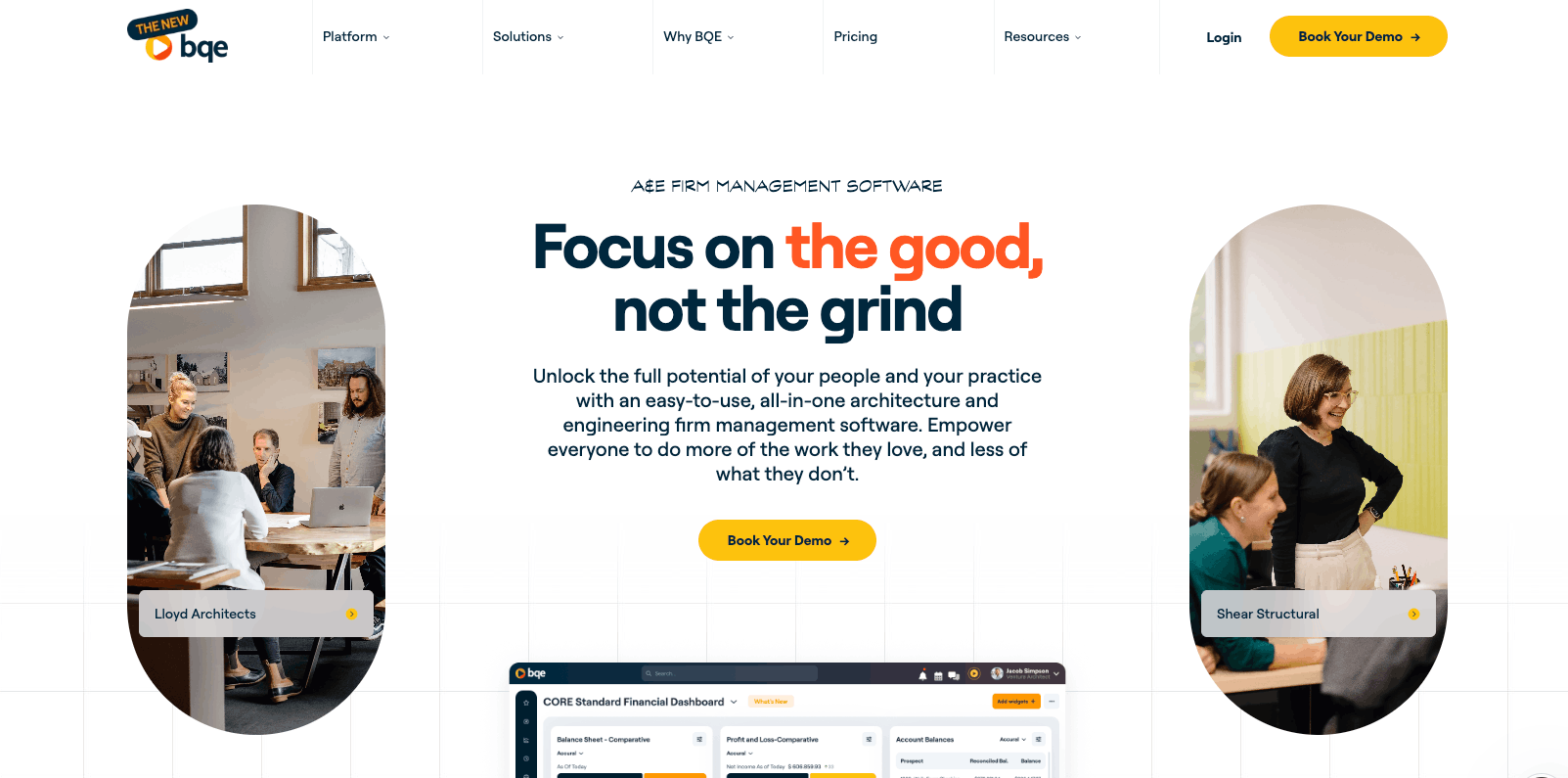
BQE Core is a firm management platform for architecture and engineering businesses that connects project management, time and expenses, billing, and accounting
Why BQE Core stands out
BQE CORE connects time entries, expenses, and billing with project accounting, helping finance and delivery teams work from shared financial data. Its dashboards and reports show project performance alongside firm-level financial statements, including profit and loss, balance sheets, and the general ledger.
Its architecture and engineering focus also extends to project schedules, deliverables, and resource allocation. This makes it relevant for migration committees that want industry-focused project workflows alongside accounting capabilities.
Key features
- Project schedules, milestones, tasks, and budget tracking to monitor delivery progress and costs
- Budget tracking to help you manage costs for each project
- Resource scheduling tools that help you optimize team utilization with workload planning
- Integrated project and business accounting with general-ledger, profit-and-loss, and balance-sheet reporting
- QuickBooks Online integration
Pros & cons
| Pros | Cons |
|---|---|
| Combines project management, accounting, and HR tools in one platform | Set up and customization can be time-consuming |
| Offers real-time insights into budgets, profitability, and project progress | Steep learning curve for new users |
| Easy time and expense tracking with its mobile app | Higher pricing compared to basic project tools |
Pricing
Custom pricing.
3. CMap
Average customer ratings: G2: 4.4 (324 reviews); Capterra: 4.4 (5 reviews)
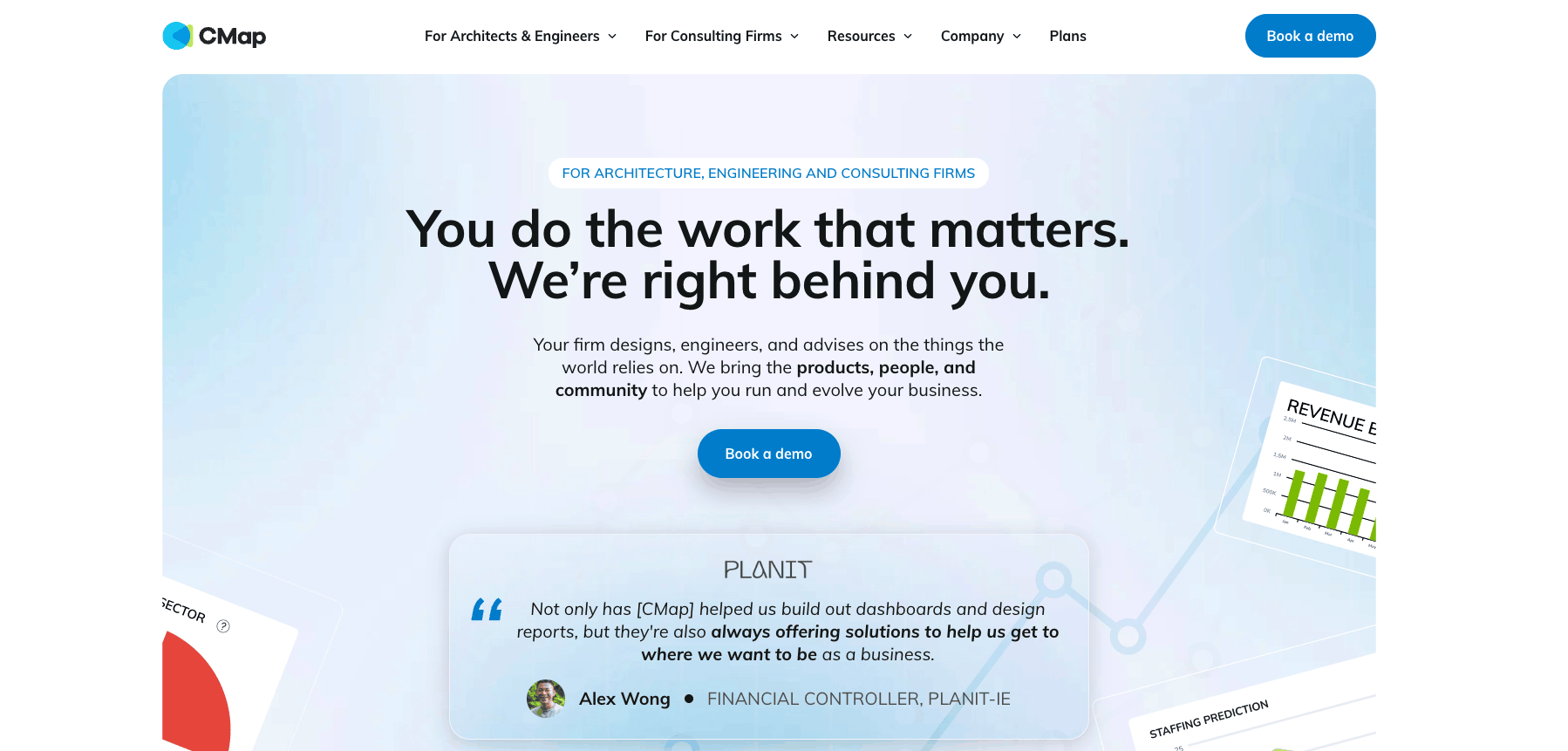
CMap is a professional services management platform that connects job costing, project delivery, resource planning, and project accounting.
Why CMap stands out
CMap connects initial fee estimates with delivery costs, helping teams compare the margin they quoted with the margin they achieve.
Timesheet data feeds into budget tracking, WIP, and invoicing, giving finance and project managers a shared view of financial performance.
On the project accounting side, CMap automatically imports quotes, timesheets and invoice data into executive dashboards.
Key features
- Job costing with rate cards and fee estimates to assess expected margins before work begins
- Project planning with Gantt charts, activities, and budgets linked to delivery progress
- A built-in CRM for tracking sales opportunities
- Time and expense tracking for projects that ensures you capture all billable hours and costs accurately
- Accounting integrations, including QuickBooks, Xero, and Sage, to reduce duplicate financial data entry
Pros & cons
| Pros | Cons |
|---|---|
| Pros | Cons |
| Intuitive interface | Resourcing functionality needs improvement |
| Smooth onboarding process | Revenue phasing functionality is cumbersome |
Pricing
Custom pricing.
4. Monograph
Average customer ratings: G2: 4.5 (32 reviews); Capterra: 4.5 (236 reviews)
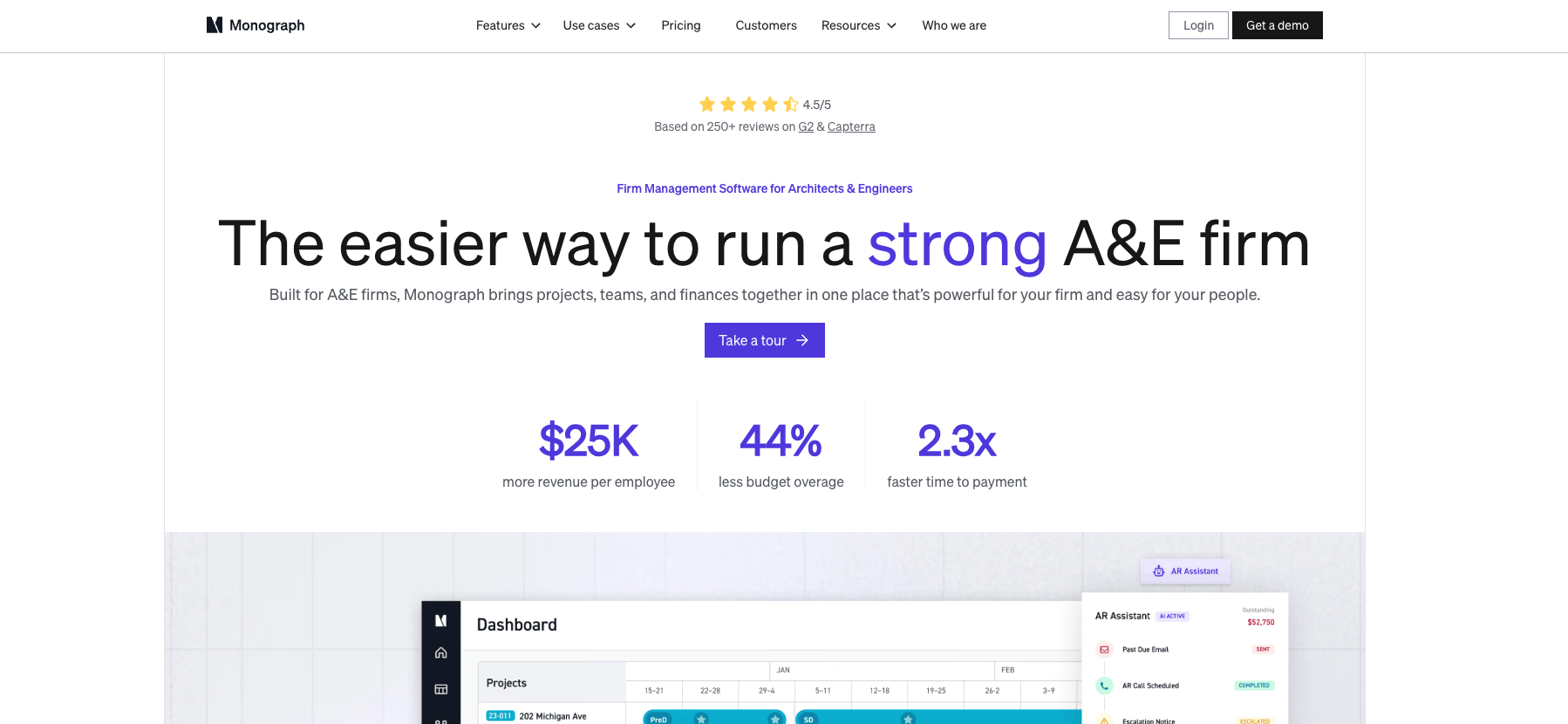
Monograph is a project management tool for architecture and engineering (AEC) firms. It organizes work around project phases, helping teams monitor budgets, labor costs, consultant fees, and financial performance as projects progress.
Why Monograph stands out
Monograph specializes in helping users with projects that unfold across distinct phases, each with its own budget and resource requirements.
From pre-design to construction administration, you can keep phases organized. And make sure you’re not overspending in the earlier stages at the expense of later work.
Beyond just tracking project progress, Monograph helps you maintain profitability. Its financial dashboard shows you how many projects have over-budget phases, helping you course correct before the project ends.
Key features
- Real-time budget monitoring that shows exactly where your projects stand financially
- A staffing overview that makes it easy to assign work and balance utilization rates across team members
- Fixed-fee and hourly billing with phase-level invoice details and consultant costs
- Project financial dashboards covering budget performance, unbilled amounts, and consultant fees
- QuickBooks Online integration
Pros & cons
| Pros | Cons |
|---|---|
| Intuitive interface and easy adoption for timekeeping | Some previously uploaded invoices not recognized after upgrading |
| Fast billing and invoicing processes | Delays in initial project invoicing |
| Limited invoice customization options |
Pricing
Pricing starts at $60/user/month.
5. Avaza
Average customer ratings: G2: 4.5 (393 reviews); Capterra: 4.6 (475 reviews)
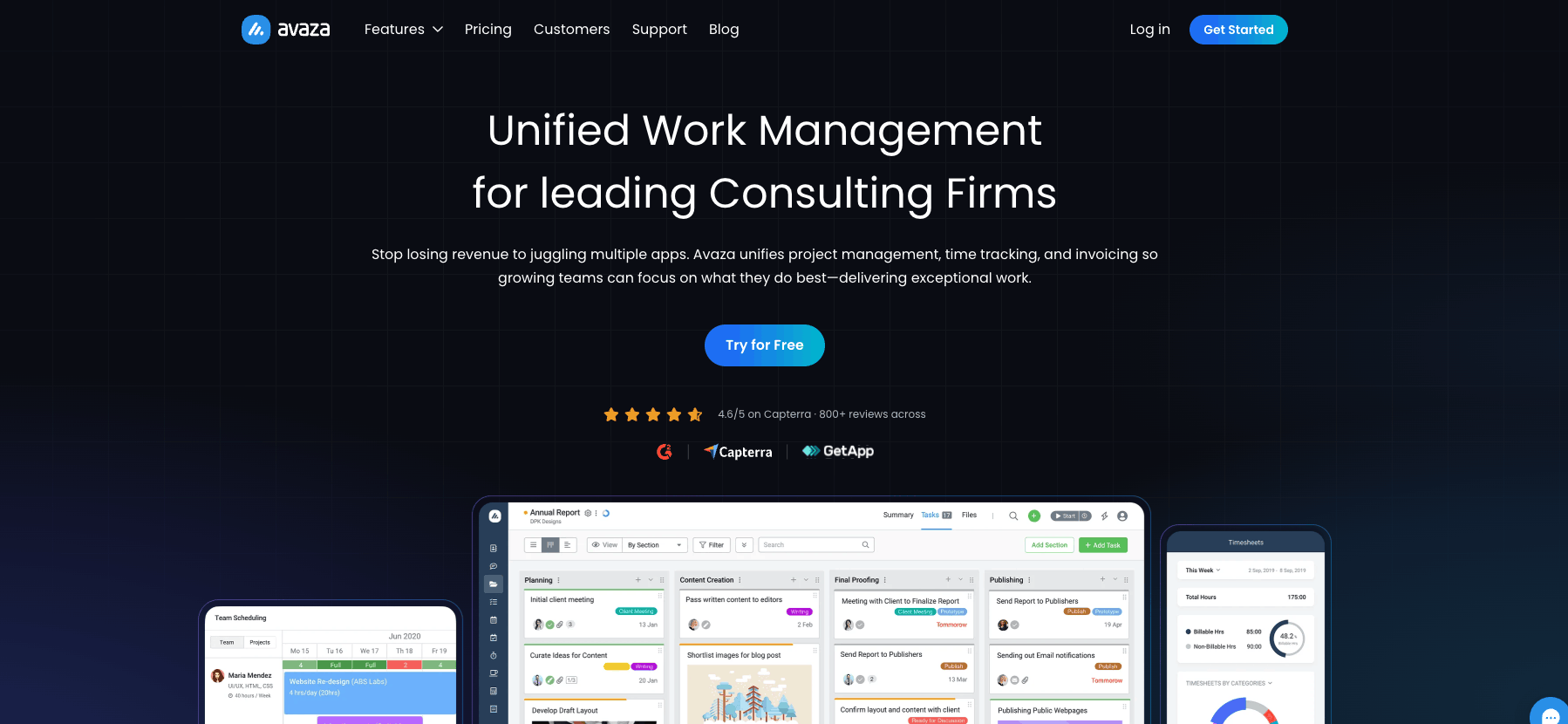
Avaza is a complete work management platform that combines project management, time tracking, resource scheduling, and invoicing.
Why Avaza stands out
Avaza makes project and financial management easier for businesses of any size. Its resource scheduler shows team availability and capacity, while reporting draws on schedules, logged hours, costs, and invoices.
Key features
- Clear project overviews with Kanban boards, Gantt charts, and list options
- Built-in time tracking that connects directly to invoices
- Resource scheduling with availability, leave, and recurring bookings to support capacity planning
- A simple expense tracking process with easy receipt uploads
- Client collaboration tools that let you invite clients to collaborate on projects and approve timesheets
- QuickBooks Online and Xero integrations that sync invoices, payments, and contacts to reduce duplicate entry
Pros & cons
| Pros | Cons |
|---|---|
| All features are included at each plan level | Risk of missing critical alerts due to all-or-nothing notification settings |
| Improved tracking of billable hours across different technical roles | Lack of filtering and reporting options for compliance-cleared staff |
Pricing
Pricing starts at $9.96/month when billed annually. A free plan is also available, along with a 14-day free trial.
6. BigTime
Average customer ratings: G2: 4.4 (1815 reviews); Capterra: 4.6 (664 reviews)
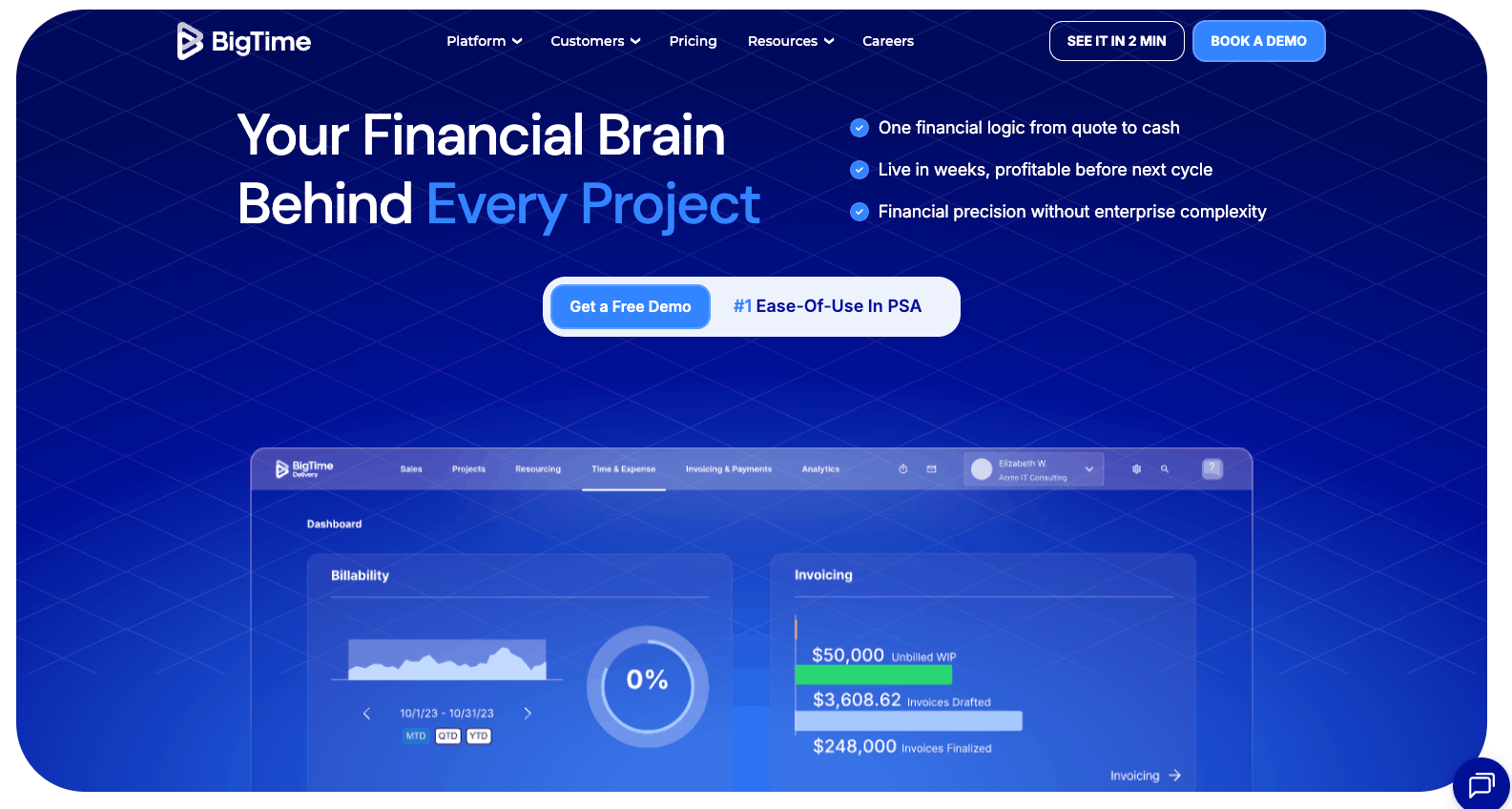
BigTime is a professional services automation platform designed to streamline operations and improve your cash flow. It combines project management, time tracking, and billing features in one system.
Why BigTime stands out
BigTime connects time entries, expenses, and project budgets with invoicing and financial reporting. Finance teams can review budget-versus-actual performance and generate invoices from project data. Project managers use the same information to monitor costs and address margin pressure during delivery.
Its resource-planning capabilities link staffing decisions to availability, utilization, and margin impact.
Key features
- Project and portfolio tracking with real-time budget-versus-actual comparisons and financial reporting
- Project budgeting tools that show real-time project health
- Resource scheduling tools to optimize team workloads and billable utilization
- Project-based invoicing and online payments, with visibility into work in progress
- Native QuickBooks Desktop and Online integrations to connect project billing with the firm’s accounting records
Pros & cons
| Pros | Cons |
|---|---|
| User-friendly interface that is easy to navigate | Initial set up takes time |
| Efficient time entry and project tracking | Inefficient receipt uploading with unclear upload status |
| Detailed project financial tracking |
Pricing
Starts at $20/user/month (Essentials).
7. Teamwork
Average customer ratings: G2: 4.4 (1214 reviews); Capterra: 4.5 (942 reviews)
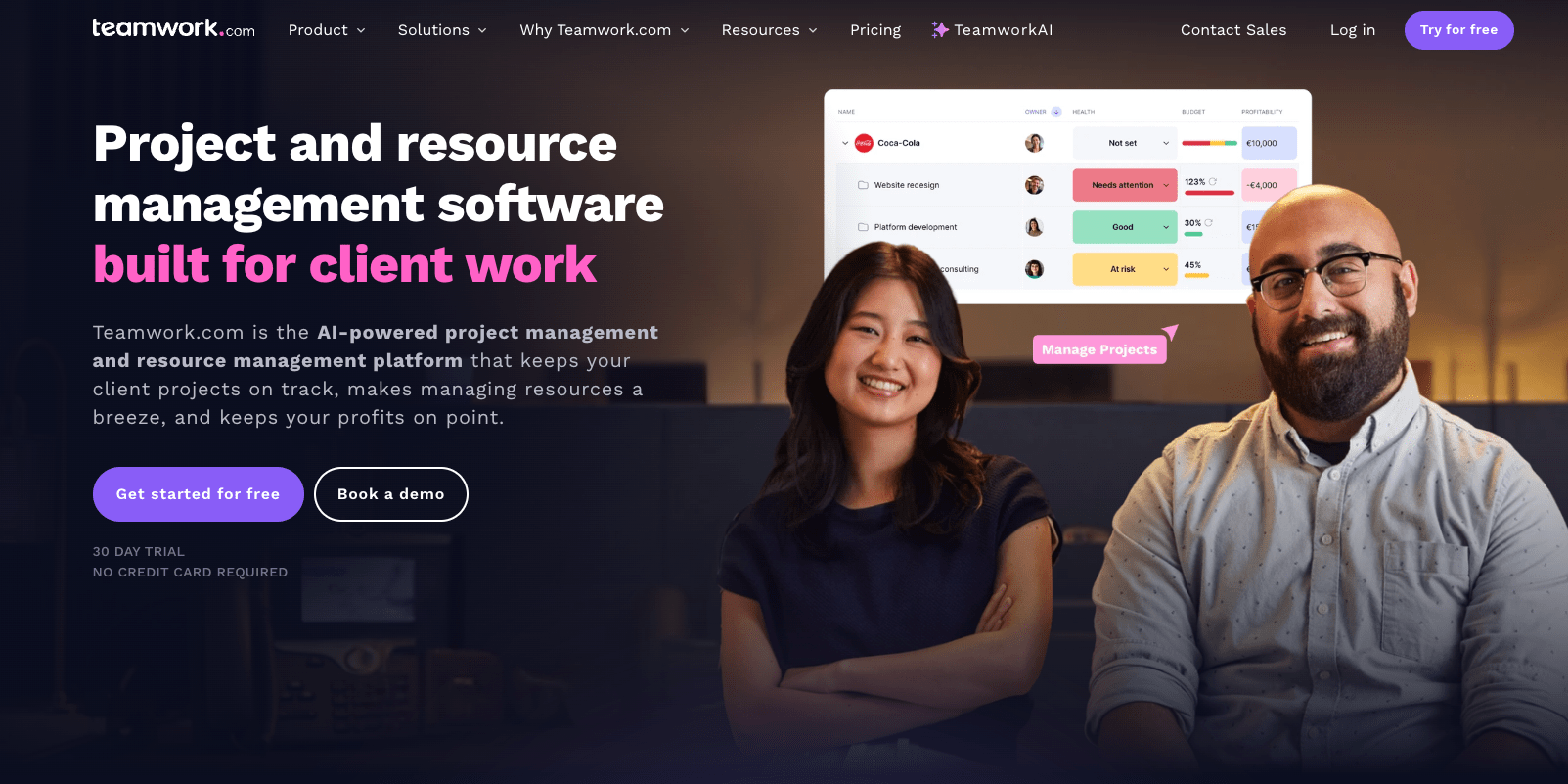
Teamwork is a client-work management platform that connects project delivery, resource planning, time tracking, and project financials. Teams can organize tasks, allocate staff, and compare budgets with actual time and costs as work progresses.
Why Teamwork stands out
Teamwork is designed to help you manage the entire client lifecycle, from onboarding new clients to collaborating on projects together.
For project management, you get full visibility into every task, timeline, and milestone. The “Resources Scheduler” helps you optimize team capacity and prevent burnout by showing exactly who’s available for new projects:
On the financial side, Teamwork lets you track billable hours, create invoices, and tap into detailed financial reporting so you can spot trends and make data-driven decisions.
Key features
- Visual project management charts with options to switch between list, board, and Gantt views
- A resource scheduling and workload planner to help you distribute work evenly across your team and prevent burnout
- Billable and non-billable time tracking with timesheets, approvals, and configurable billing and cost rates
- Invoicing from project time, with accounting integrations including Xero and QuickBooks
Pros & cons
| Pros | Cons |
| Integrated billing and reporting reduce administrative workload | Initial set up takes time |
| Pre-built project templates for common client work types | Missing integrations with key tools |
Pricing
Teamwork offers a free plan for up to five users. Paid plans start from $9.99/user/month on the Basics plan (billed annually), with a three-user minimum. A 14-day free trial is available.
Build a clearer path from project work to profit with Scoro
Before committing, have finance, operations, and IT agree on a shortlist of non-negotiables, including billing methods, reporting needs, accounting integrations, access controls, and migration support.
Then test each shortlisted platform against one representative project, from the initial estimate through staffing, time capture, invoicing, and financial review. Scoro connects those operational and financial workflows while integrating with accounting systems, making it a relevant option for that evaluation.
Start a free 14-day trial to explore your team’s everyday workflows.
Frequently Asked Questions
Is Deltek Vision still supported?
Deltek has sunset Vision and moved customers to Vantagepoint. If you’re still running Vision, confirm your current support status and end-of-support date directly with Deltek.
What is professional services automation (PSA) software?
PSA software connects project management, time tracking, resource planning, and billing in one system. It helps services firms see how project work translates into revenue and profit.
Do I need a platform with built-in accounting, or can I connect my existing system?
Built-in accounting suits firms that want one system for projects and the general ledger. Firms already using Xero, QuickBooks, or Sage Intacct may prefer a platform that integrates with that system instead of replacing it.