




What are the criteria for this guide?
TL;DR: What project management software should your agency choose?
Agencies want to know whether client work is making money. Often, the schedule lives in a task tool, time in a tracker, the budget in a spreadsheet and invoices in accounting software, and none of them talk to each other. So someone types the same numbers in twice to find out whether a project is on budget.
You can keep stitching tools together or move to one system. Task tools are quick to adopt and leave budgets and billing to someone else. Agency platforms join everything up and ask for more setup in return.
We’ve picked seven tools across that range, from all-in-one agency platforms to job and billing tools built around your accounting software, plus one studio tool that doesn’t charge for freelancers.
At a glance
| Tool | Starting price | Budgets and profitability | Time to invoice | Accounting sync |
|---|---|---|---|---|
| Scoro | From $17/user/month, 5-seat minimum | Native | Native | Xero, QuickBooks, Exact Online; Sage Intacct (paid) |
| Productive | From $10/user/month | Native | Native | Xero, QuickBooks, Sage, Exact, Visma e-conomic, Fortnox, Twinfield, CPP, NetSuite |
| Teamwork.com | Free plan; paid from $9.99/user/month (budgets and invoicing from $24.99) | Higher plan | Higher plan | QuickBooks, Xero |
| Workamajig | $49/user/month, 10-seat minimum | Native | Native | Built in |
| WorkflowMax | From $7.50/user/month, 3-seat minimum | Native | Native | Xero, QuickBooks Online |
| Avaza | Free plan; paid from $9.96/month for 2 users | Native | Native | Xero, QuickBooks Online |
| Streamtime | Not published (one fixed monthly price, unlimited freelancers) | Native | Native | Xero, QuickBooks, MYOB |
Native: included in the tool. Higher plan: included only on a more expensive plan. Time to invoice: time tracked in the tool and turned into invoices in the same tool. Prices are for annual billing where both are shown. Prices checked November 2026.
1. Scoro
- Built for: Agencies, consultancies, and IT, architecture and engineering companies
- Pricing model: Per user per month, based on the apps you choose (at least two apps and five users)
- G2 rating: 4.5 (508 reviews) as of November 2026
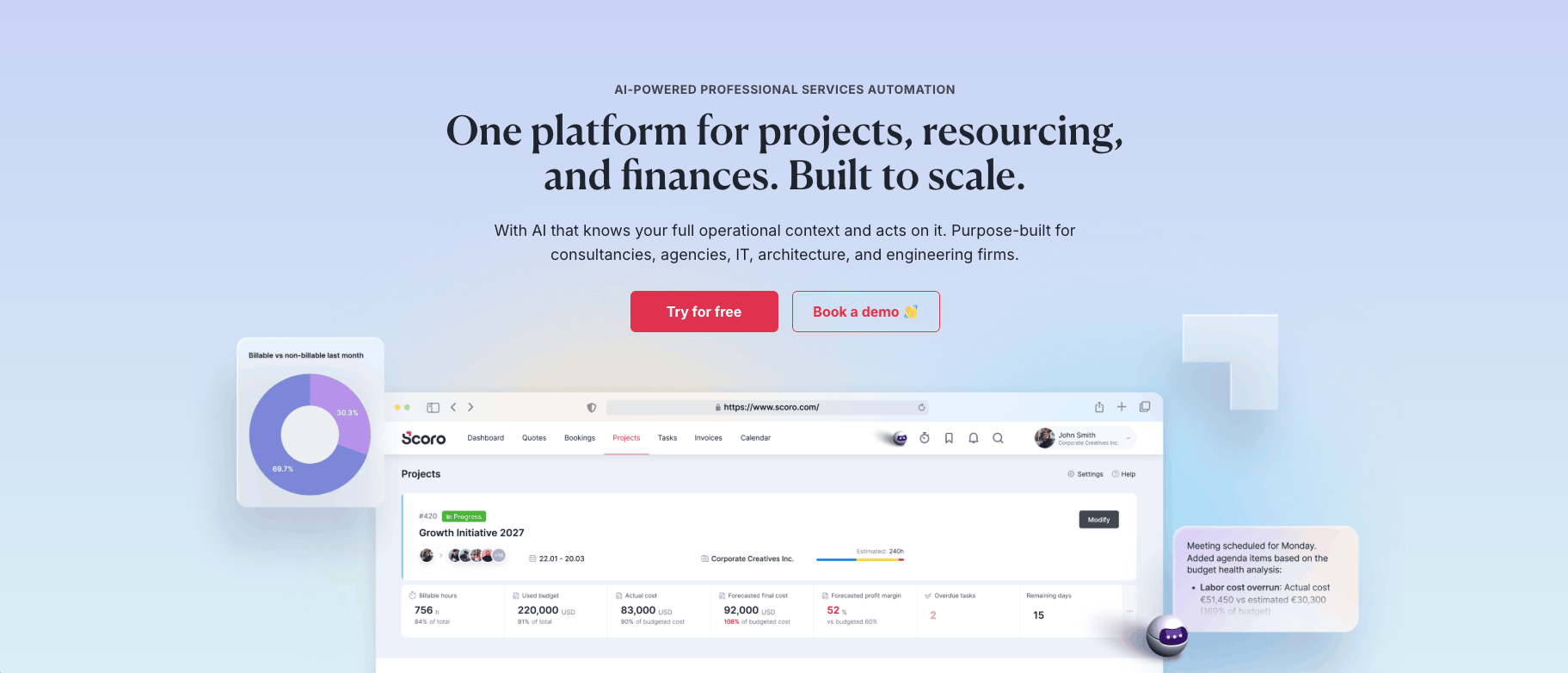
This is us, so we’re biased. We’ve tried to hold our own section to the same standard as everyone else’s, including where we fall short. Scoro is a professional services automation (PSA) platform built from eight core apps for projects, resourcing, quotes, time and invoicing. It’s closer to a system for running an agency than a task tool like Asana.
You buy apps, not a plan, starting with any two. No other tool here works that way. An agency on a separate time tracker and spreadsheets could start with Track and Invoice, so logged time turns into invoices, then add Estimate when quoting gets messy, or Resource when nobody knows who’s free. The honest downside is setup. Agency reviewers on G2 mention a learning curve, and if your team loves Asana’s task views, ours will feel stiffer.
Recent product updates:
- October 2026: bookings-based revenue, which estimates a project’s planned value from booked time and role prices so you can compare it with earned revenue
- September 2026: Scoro Time, a free mobile app for logging time on iOS and Android, including offline
Who should use Scoro?
Agencies of roughly 10–200 people that want to replace one part of their stack at a time and end up with one system for fixed-fee and retainer work.
Not for: very small teams, because of the five-seat minimum, or teams that only need task boards. Asana is simpler for that, and we’d tell you to use it. If you’d rather pick from a few simple tiered plans, look at Productive.
Pros and cons
| Pros | Cons |
|---|---|
| Buy only the apps you need | A learning curve, and it can feel complex at first |
| Expected profit shows on every quote line, and the confirmed quote becomes the budget | The five-seat minimum and the cost of adding apps add up for small teams |
| Logged time flows into invoices, including partial and retainer billing | Task and timeline views are less flexible than dedicated task tools |
| Two-way sync with Xero and QuickBooks, plus Exact Online | |
| Resource planning and utilization in the same system |
2. Productive
- Built for: Agencies, consultancies and other service businesses
- Pricing model: Tiered per user (Essential, Professional and Ultimate)
- G2 rating: 4.6 (97 reviews) as of November 2026
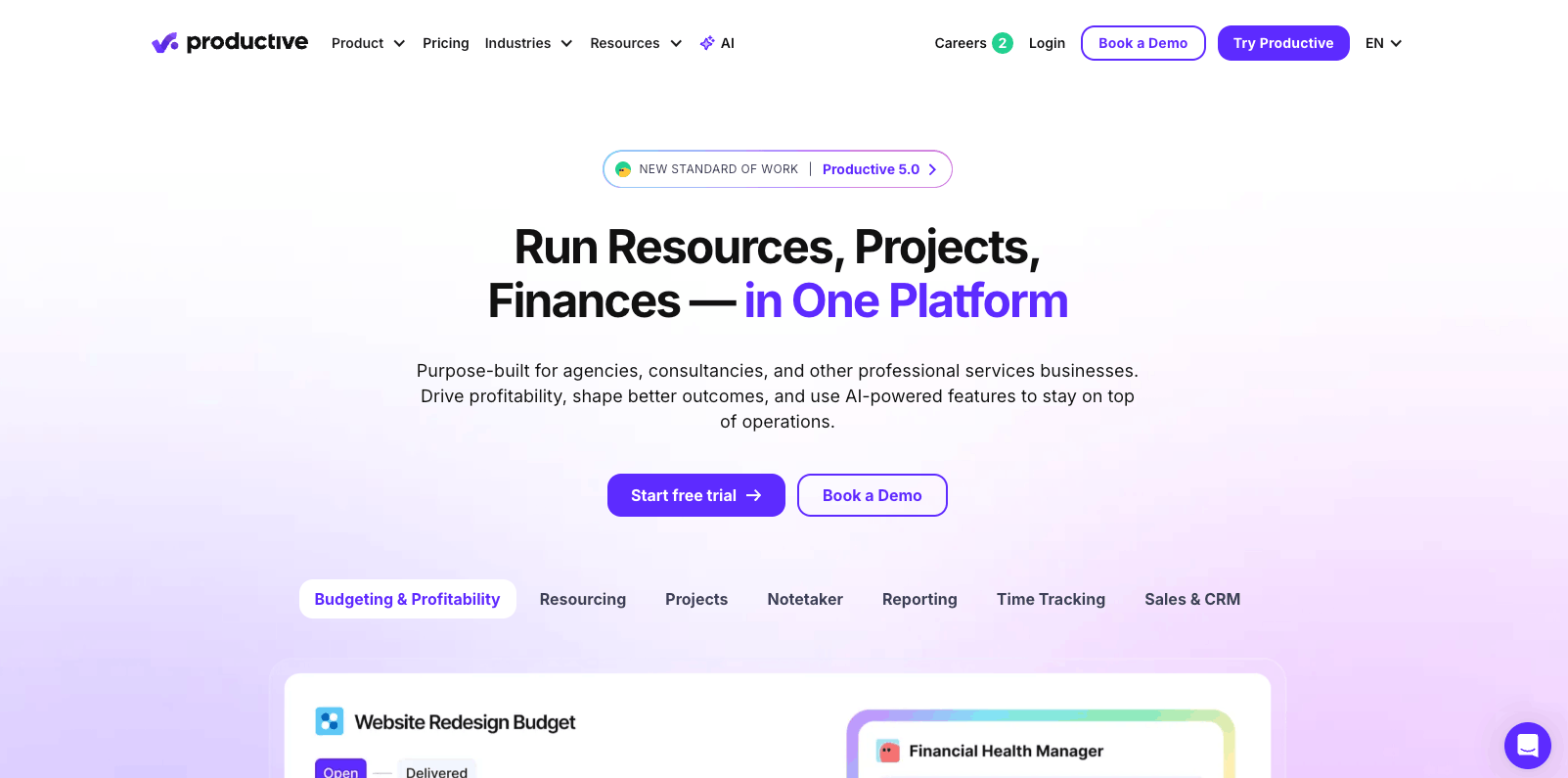
Productive is our closest competitor on this list, and plenty of agencies compare the two of us. It puts projects, time tracking, budgets and invoicing in one tool, so it replaces a task tool, a time tracker and the budget spreadsheet in one go.
If your accounting isn’t Xero or QuickBooks, start here. It connects with Sage, Exact, Visma e-conomic, Fortnox, Twinfield, CPP and NetSuite too, the widest list here. G2 reviewers like how easy it is to use day to day. Getting there is the hard part. Reviewers say onboarding can feel overwhelming, and some mention missing features and integrations.
Recent product updates:
- November 2026: Productive 5.5 lets its AI agents connect to Gmail, Outlook and calendars, and syncs HubSpot deal stages
- September 2026: Productive 5.3 lets teams choose the AI model (Claude, Gemini or ChatGPT)
Who should use Productive?
Agencies on accounting software beyond Xero and QuickBooks, such as Visma e-conomic, Fortnox or Twinfield, that want projects, budgets and invoicing in one platform.
Not for: groups that run several agencies or companies and want them in one account on a published plan. Multiple subsidiaries are only on Ultimate, which is custom-priced.
Pros and cons
| Pros | Cons |
|---|---|
| Connects with nine accounting tools, the most here | Onboarding can feel overwhelming |
| Warnings when a budget runs low, and caps that stop extra time being logged | Reviewers mention missing features and integrations |
| Budgets and profitability on every plan | |
| Invoice amounts fill in from the budget | |
| Tiered per-user plans and a 14-day trial |
3. Teamwork.com
- Built for: Client services teams, including agencies, consultancies and IT services
- Pricing model: Tiered per user, with a free plan (Free, Basics, Accelerate, Optimize and Enterprise)
- G2 rating: 4.4 (1,218 reviews) as of November 2026

Teamwork.com is the friendliest step up from Asana on this list. It feels like a task tool in daily use, but projects are organized by client from the free plan up.
Task and project management is what it does best, and G2 reviewers agree. You can run client projects and log time for free, then move to Accelerate ($24.99 per user per month) for time budgets, retainers, live team capacity and invoices built from logged time. The catch comes when you want the money side in full. Financial budgets and profitability need Optimize, which has no published price, and reviewers mention a learning curve.
Recent product updates:
- July 2026: financial insights in the Scheduler, with widgets that show the cost and profit impact of your plans as you schedule
- July 2026: a cleaner, less busy interface with navigation you can customize
Who should use Teamwork.com?
Teams moving off a general task tool such as Asana that want something familiar, organized by client and free to start, then grow into time budgets and invoicing.
Not for: agencies that need financial budgets and profitability without a custom-priced plan. Scoro and Productive include them on plans with published prices.
Pros and cons
| Pros | Cons |
|---|---|
| Strong task and project management, familiar to Asana users | Financial budgets and profitability only on Optimize, which has no published price |
| Free plan for up to five users, with work organized by client | Paid plans have three- and five-seat minimums |
| Time budgets, retainers and live team capacity on Accelerate | Learning curve, and some features are missing or limited |
| Invoices built from logged time on Accelerate | |
| QuickBooks and Xero integrations |
4. Workamajig
- Built for: Creative, marketing and advertising agencies, and in-house creative teams
- Pricing model: Per user, with lower rates at 25 and 50 users
- G2 rating: 3.9 (305 reviews) as of November 2026
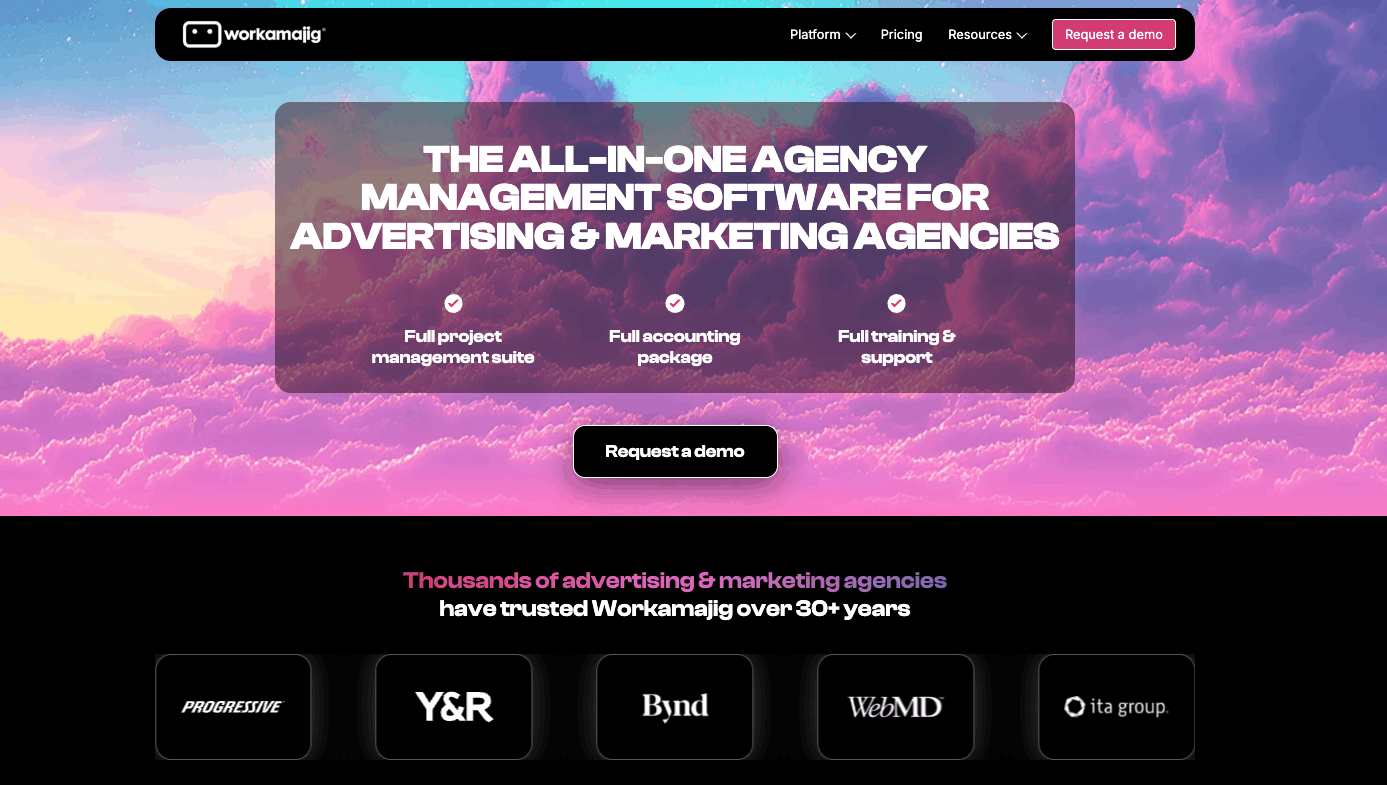
Workamajig doesn’t sync with your accounting software. It replaces it. That makes it the most complete back office on this list, and also the heaviest.
Client invoicing, payables, receivables, the general ledger and financial reporting sit next to projects, time and estimates, so there’s nothing to sync and nothing to reconcile between two systems. It handles purchasing too, including media buys, which matters if you place ads for clients. The price of all that is weight. G2 reviewers mention a learning curve and a dated design, and you’re buying at least 10 seats ($49 per user per month).
Recent product updates:
- October 2026: two AI billing tools that apply advance bills to open invoices and create, approve and post a revenue invoice, pausing for confirmation before anything is saved
- September 2026: client and project profit and loss reports added to its Model Context Protocol (MCP) server, which connects Workamajig to AI tools such as Claude (in beta)
Who should use Workamajig?
Ad and marketing agencies of 10 or more that want finance in the same system as their projects and are ready to retire their accounting software to get it.
Not for: agencies that are happy with Xero or QuickBooks. Every other tool here syncs with one of them instead. It’s also not for teams under 10.
Pros and cons
| Pros | Cons |
|---|---|
| Full accounting built in, with no sync to set up | 10-seat minimum |
| Time tracking tied to estimates and billing | Learning curve and dated design |
| Purchasing and media buys in the same system | |
| Built for ad and marketing agencies |
5. WorkflowMax
- Formerly: WorkflowMax by Xero
- Built for: Service businesses, including creative agencies, architects, engineers and consultants
- Pricing model: Tiered per user (Essentials, Pro and Advanced)
- G2 rating: 4.1 (66 reviews) as of November 2026
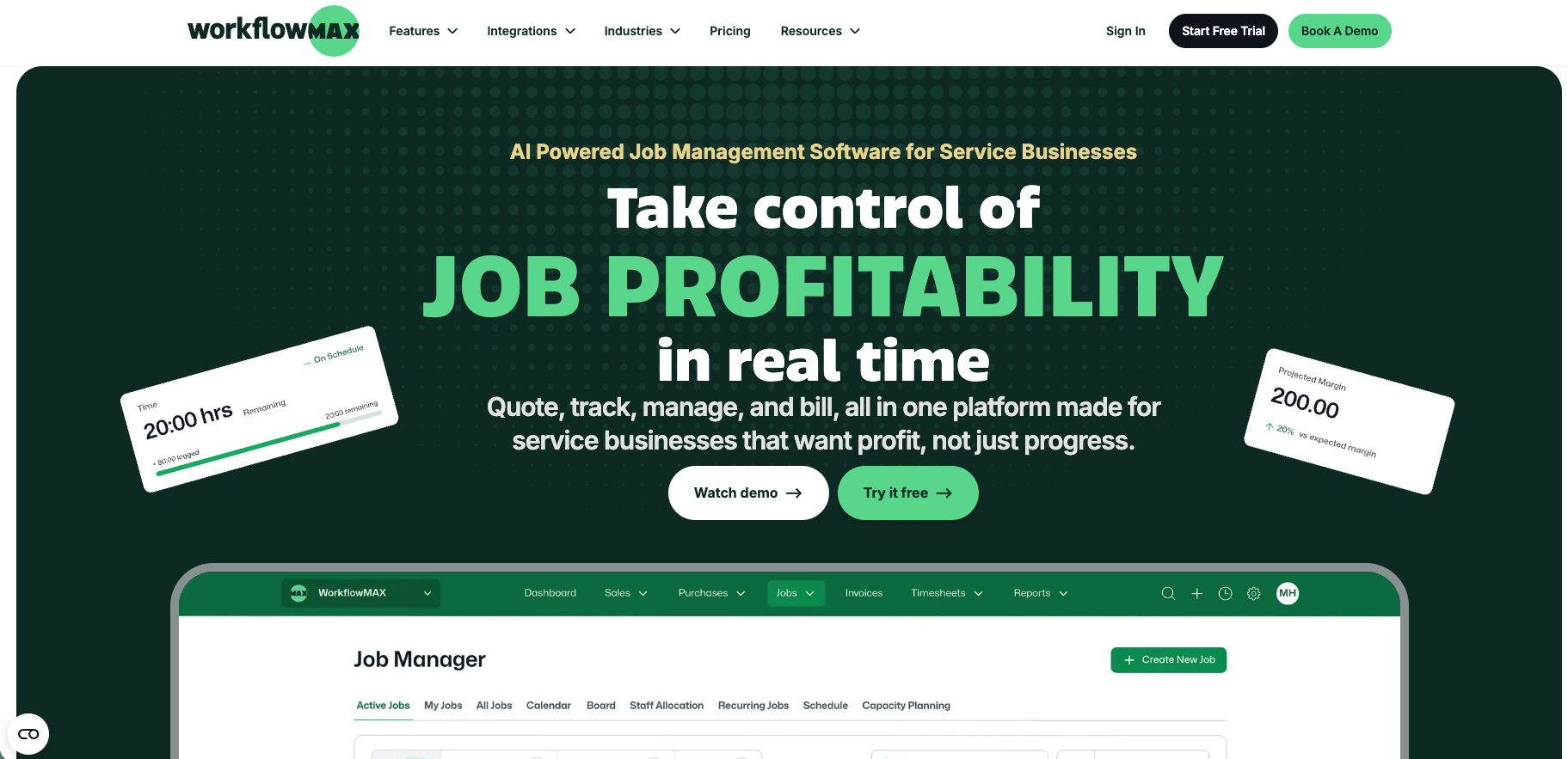
WorkflowMax started life as Xero’s own job management software, and it still feels like Xero’s natural sidekick. Xero retired the original in 2024, and BlueRock runs it now.
It’s the cheapest seat here. Essentials costs $7.50 per user per month (billed annually) and still covers quotes, timesheets, scheduling, invoices and Xero or QuickBooks sync for invoices, bills and payments. You give up depth for that price. Capacity planning needs Advanced ($22.50), it can’t bill clients in other currencies yet, and G2 reviewers would like better reporting and a more modern interface.
Recent product updates:
- October 2026: an MCP connector that lets AI assistants such as Claude and ChatGPT query live job, time and margin data (Advanced plan)
- October 2026: online quote acceptance, so clients can review and accept quotes online (in beta on Pro and Advanced)
Who should use WorkflowMax?
Agencies on Xero or QuickBooks that want quotes, time and invoicing for as little per person as possible, and can live without deep resource planning.
Not for: agencies that bill clients in several currencies, which WorkflowMax lists as coming but doesn’t support yet, or that want resource planning and reporting closer to Scoro or Productive.
Pros and cons
| Pros | Cons |
|---|---|
| Lowest per-user price here, from $7.50 | No multi-currency billing yet |
| Xero and QuickBooks sync for invoices, bills and payments on every plan | Capacity planning only on Advanced |
| Every hour tracked against the job budget | Reporting and interface feel dated |
| Invoice by phase or by percentage of the quote (Pro and up) |
6. Avaza
- Built for: Professional service teams, including agencies and consultancies
- Pricing model: Per account, with users, projects and invoices included by plan
- G2 rating: 4.5 (442 reviews) as of November 2026
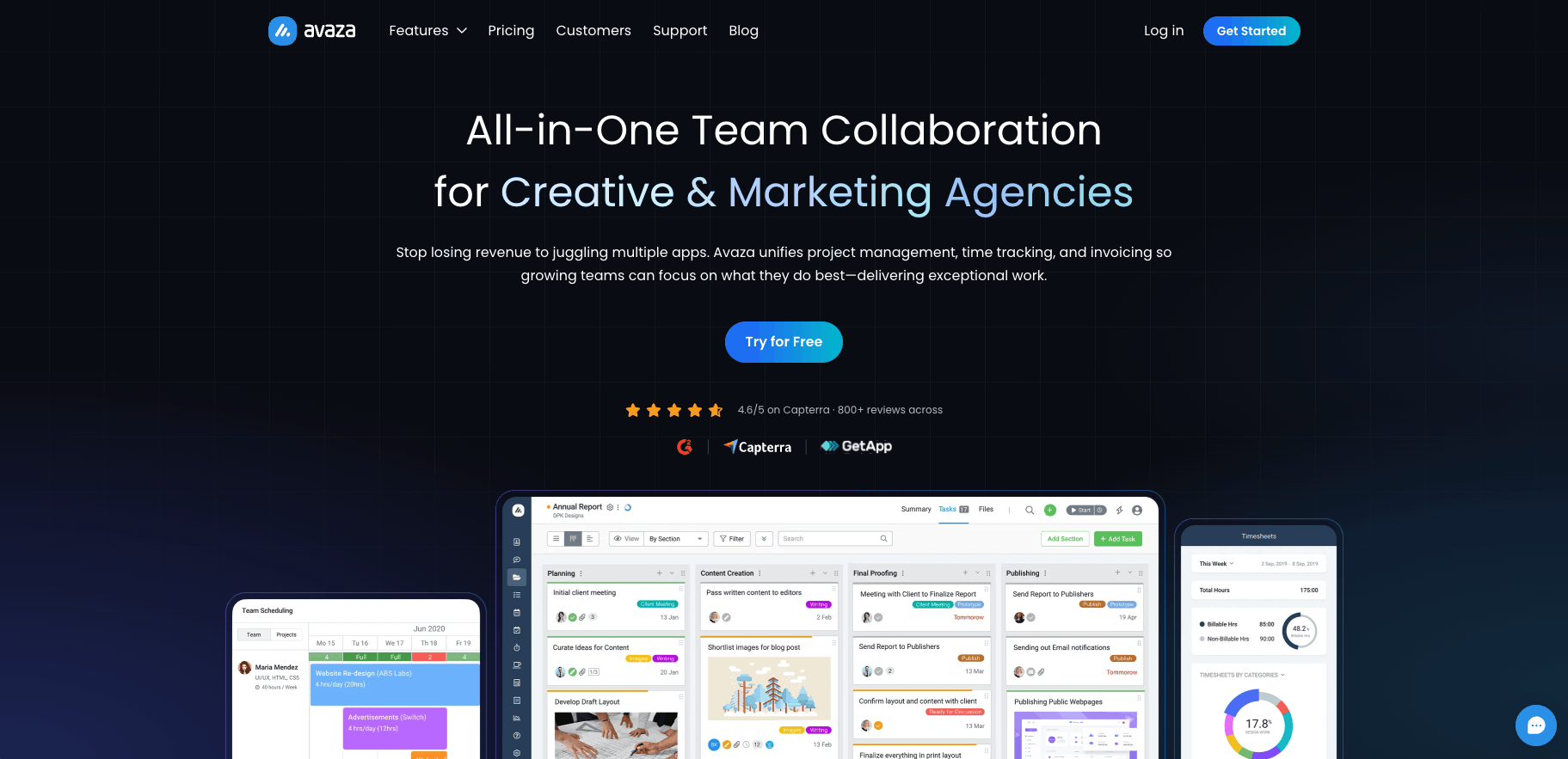
Avaza is the tool we’d hand a five-person studio that’s just outgrown spreadsheets. It covers projects, time, expenses, quotes and invoices in one lightweight package, without a long setup.
The pricing is the point. Plans are priced per account, not per user, so Basic covers five people tracking time and 100 invoices a month for $19.96 a month (billed annually), with extra users at $7 each. Approved time flows into invoices, and it syncs with Xero and QuickBooks Online. Where it runs out is budgets for more complex work. Fixed-fee projects and period-based budgets are still on its roadmap, and recent G2 reviews say project features are lighter than dedicated tools.
Recent product updates:
- May 2026: subtask enhancements
Who should use Avaza?
Small agencies of up to about 10 people that want time, expenses and invoicing in one place without a big monthly bill.
Not for: agencies running retainers that need a budget for each period, which is still on Avaza’s roadmap.
Pros and cons
| Pros | Cons |
|---|---|
| Priced per account, with five users on Basic for $19.96 a month | No fixed-fee projects or period-based budgets yet |
| Free plan for one user | Plan limits on projects and invoices, and the free plan can’t email invoices |
| Approved time flows into invoices | Lighter project features than dedicated tools |
| Xero and QuickBooks Online sync |
7. Streamtime
- Built for: Creative businesses, including agencies, in-house teams and architects
- Pricing model: One fixed monthly price based on team size, revenue and features, with unlimited freelancers
- G2 rating: 3.4 (4 reviews) as of November 2026
Streamtime was built for creative studios, and it shows. Each job starts from a job plan with rates, team and timeline, and quotes and invoices come out of that plan.
Its best idea is how it charges. Freelancers are unlimited, and you agree one fixed monthly price based on your permanent team, revenue and the features you use. Bring in six contractors for a big pitch and your bill doesn’t move. Jobs carry planned profit, and invoices can bill by job plan, quote, time or installments, then sync to Xero, QuickBooks or MYOB. The frustrating part is how little you can check before you talk to them. No prices are published, and with four G2 reviews, the newest from February 2024, there’s not much independent feedback either.
Recent product updates:
- September 2026: a refreshed To Do view
- August 2026: Streamtime’s MCP server, which connects it to AI tools, available to every customer
Who should use Streamtime?
Creative studios that lean on freelancers and would rather pay one fixed monthly price than pay for every person who logs time.
Not for: agencies that want to compare prices before talking to sales. Every other tool here publishes prices for its entry plans.
Pros and cons
| Pros | Cons |
|---|---|
| Unlimited freelancers, with one fixed monthly price | No published prices |
| Planned versus used time and profit margin on every job | Few independent reviews (four on G2, the newest from February 2024) |
| Invoice by job plan, quote, time or installments | |
| Xero, QuickBooks and MYOB sync |
Should your agency use an all-in-one platform or connect separate tools?
Once you outgrow a task tool, you’ve got three options. Each one is right for somebody, and each has a cost that never shows up on the pricing page.
Connect separate tools
When it works: small teams with simple fixed fees, where one person owns the numbers. The usual stack is a task tool such as Asana, Monday.com or ClickUp, a time tracker such as Harvest, a spreadsheet for budgets and Xero or QuickBooks for invoices.
What it costs: several subscriptions, and the same hours and amounts typed into more than one place. The bigger cost is that the budget lives apart from the work. Nobody sees a fixed-fee project going over budget until someone rebuilds the spreadsheet, and by then it’s too late to do much about it.
Tools that fit: the general task tools in the criteria box, alongside a time tracker and your accounting software.
Use a job and billing tool built around your accounting software
When it works: small and mid-size agencies already on Xero or QuickBooks that mainly need jobs, time and invoices in one place, without touching how the finance side runs.
What it costs: the least of the three. WorkflowMax starts at $7.50 per user per month, Avaza covers five people for $19.96 a month, and Streamtime agrees one fixed monthly price with unlimited freelancers. You trade away depth. WorkflowMax keeps capacity planning for its Advanced plan ($22.50 per user), and Avaza doesn’t offer fixed-fee projects or period-based budgets yet.
Tools that fit: WorkflowMax, Avaza and Streamtime.
Move to an all-in-one agency platform
When it works: agencies of roughly 20–200 people with retainers, fixed fees and several teams, where seeing margin on every project matters more than keeping the setup light.
What it costs: more setup time and a learning curve, which G2 reviewers mention for most tools in this group, us included. The price per user is higher too. Scoro starts at $17 per user per month with a five-seat minimum, Teamwork.com’s Accelerate plan is $24.99 per user, Workamajig is $49 per user with a 10-seat minimum, and Productive’s plans start at $10 per user.
Tools that fit: Scoro, Productive, Teamwork.com (Accelerate and up) and Workamajig.
Our rule of thumb
If one person can keep the numbers straight in a spreadsheet, don’t switch yet. Once someone is checking budgets, time and invoices every week across several teams, move to one system, and pick the lightest one that covers your accounting software.
Which project management software should your agency choose?
- Want to fix one part of your setup first and grow from there? Scoro
- Running accounting software none of the other tools here connect to? Productive
- Want Asana-style task management, organized around clients? Teamwork.com
- Ready to retire your accounting software too? Workamajig
- Need jobs, time and invoicing as cheaply as possible, alongside Xero or QuickBooks? WorkflowMax
- A small team that needs time and invoicing on a tight budget? Avaza
- Scaling up with contractors and tired of paying per head? Streamtime
Book a demo to see Scoro first. Or start you 14-day free trial now.
Frequently asked questions
What’s the difference between project management software and agency management software?
Project management software plans tasks and deadlines. Agency management software adds budgets, time tracking, invoicing and accounting sync. Tools like Asana or Monday.com tell you who’s doing what and when. Agency management tools, sometimes called PSA software, also tell you what each client project costs and earns, so you can see margin without a separate spreadsheet.
When should an agency stop running projects in spreadsheets?
When you can’t see a project’s budget against the hours already logged without updating the sheet by hand. That usually happens once several people track time across fixed-fee or retainer work and the spreadsheet is always a week behind. If one person can still keep the numbers straight, a spreadsheet next to your accounting software is fine for now.
How much does agency project management software cost?
Most tools here cost between $7.50 and $49 per user per month, and several have minimum seat counts. WorkflowMax starts at $7.50 per user, Scoro at $17 with a five-seat minimum and Workamajig at $49 with a 10-seat minimum. Teamwork.com (up to five users) and Avaza (one user) have free plans. Avaza prices per account instead of per user, and Streamtime agrees one fixed monthly price.
Can these tools handle retainers as well as fixed-fee work?
Most can, in different ways. Scoro tracks retainer periods and bills them on schedule, Teamwork.com manages time retainers on Accelerate, and Productive offers recurring budgets on Professional. Workamajig bills retainers on a set schedule, Avaza can auto-charge recurring retainer invoices, WorkflowMax uses recurring jobs and can import monthly invoices from Xero, and Streamtime runs retainers as one annual job with monthly phases or as a job per month.
How long does it take to switch, and should you bring over historical data?
Start with live work, then decide how much history you need. Teamwork.com says onboarding for larger businesses typically takes 6–12 weeks. Streamtime suggests picking a cutover date, rebuilding recently signed jobs, bringing across what’s still in play and leaving finished jobs in your old tool unless you need them for reporting. Scoro, Productive and Avaza all import projects and logged time from spreadsheet files if you do want history.
Is there agency project management software with AI?
Yes. Every tool here has shipped AI features in the last year. Productive’s AI agents connect to Gmail, Outlook and calendars, Workamajig’s AI tools apply advance bills and post invoices, and Scoro’s AI assistant, ELI, has been live for all customers since April 2026. Scoro, Streamtime, WorkflowMax and Avaza also have MCP servers that let AI tools such as Claude work with your data.
How is Scoro different from Productive?
Both put projects, time, budgets and invoicing in one system. The differences are how you buy them and which accounting tools they connect to. Scoro is modular, so you buy apps, starting with any two, with a five-seat minimum. Productive sells tiered per-user plans and connects with more accounting tools, including Visma e-conomic, Fortnox and Twinfield. Scoro syncs with Xero, QuickBooks and Exact Online, with Sage Intacct as a paid extra. If your accounting decides it, that probably decides it.