







There’s no single best professional services automation (PSA) tool. The right one is the one whose strengths cover your weaknesses.
All eight below take a project from quote to invoice in one platform. What sets them apart is which part of that process they do best, so that’s how they’re grouped.
The short version
| Tool | Best for | Native CRM | Accounting sync | Starting price |
|---|---|---|---|---|
| Scoro | Financial reporting and forecasting | ✅ | QuickBooks + Xero two-way | $17/user/mo |
| Productive | Sales pipeline and proposals | ✅ | Xero, QuickBooks, Sage +3 (one-way) | $9/user/mo |
| Kantata | Skills-based staffing | None (via Salesforce/HubSpot) | QuickBooks native; rest via middleware | Quote only |
| Birdview PSA | Capacity scenario planning | None (quotes are native) | QuickBooks export only | $37/user/mo |
| BigTime | Getting paid faster | — | QuickBooks + Sage two-way | $20/user/mo |
| BQE Core | A&E firms replacing their accounting system | Add-on | Native GL + QB/Xero two-way | Quote only |
| ConnectWise PSA | Contract profitability for MSPs | ✅ (quoting separate) | QuickBooks export; Xero/Sage third-party | Quote only |
| Autotask PSA | MSPs already using Datto RMM | ✅ (quoting separate) | QuickBooks Online two-way | Quote only |
How we picked these tools
To make this list, a tool had to handle all five of these without add-ons or integrations:
- Quoting and estimating
- Project and task management
- Time tracking
- Resource and capacity planning
- Invoicing based on tracked project time
That last one rules out a lot. Plenty of project tools cover the first four, then pass invoicing to another system. A PSA keeps all five in one place, so what you bill comes straight from the hours your team logged.
Best all-in-one PSAs
1. Scoro
Average customer ratings: G2: 4.5, Capterra: 4.5
Free trial: Yes. 14 days.
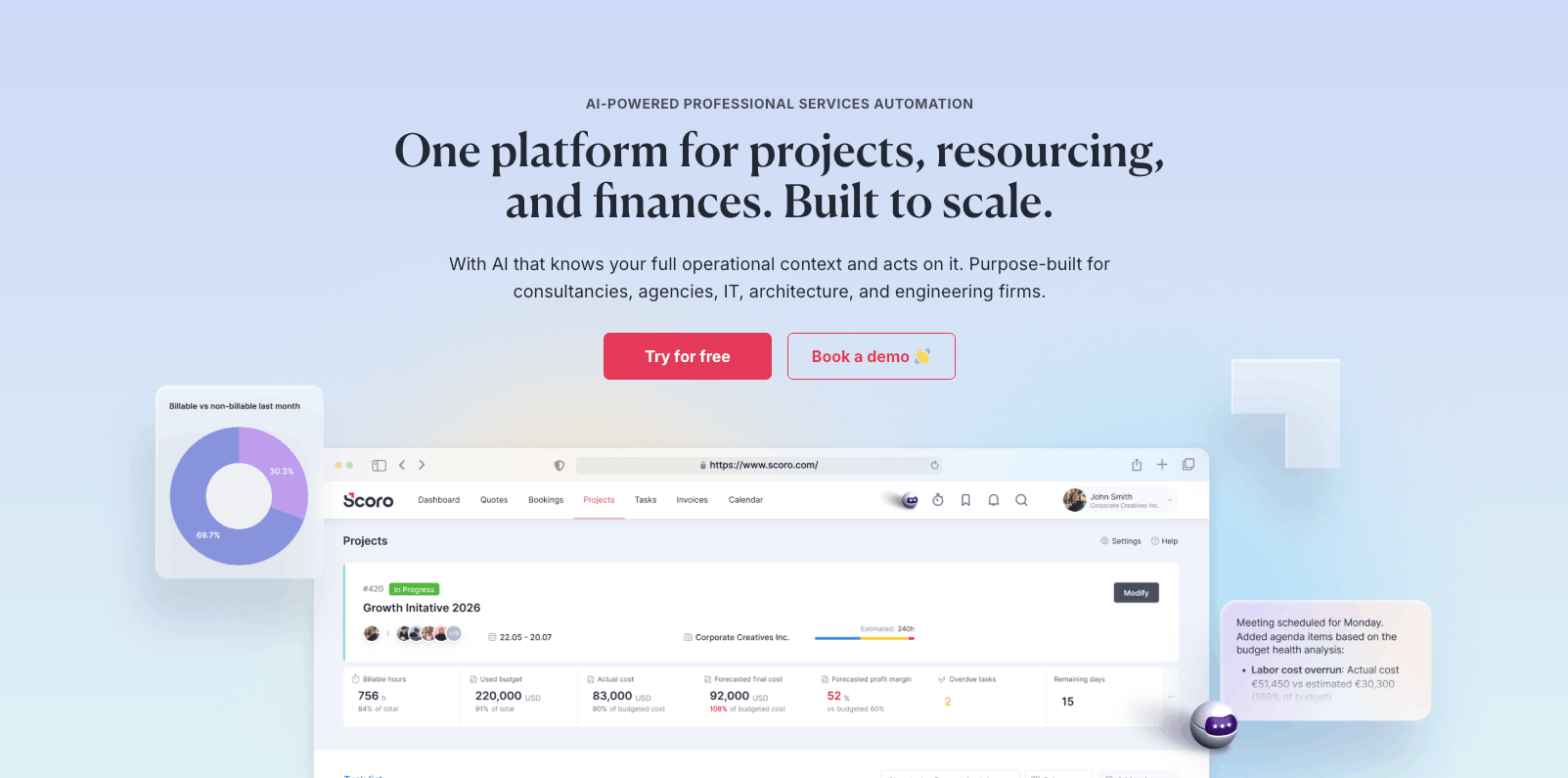
Obviously, Scoro is our product, so we’re biased. But three things genuinely separate it from the others here: how deep its financial reporting goes, an AI assistant that works off your live data, and the fact you build it from the parts you actually need.
It starts at the quote. Our estimation matrix breaks a project down line by line—deliverables, roles, hours—and prices as you build, so you can adjust the variables to hit your margin before the quote goes to the client, not after you’ve delivered the work. Approved quotes then become project plans and tentative bookings, so you can catch resource conflicts and fix them before the project starts.
Your team logs time against that plan, and because the quote, the schedule, and the hours share one record, budget-versus-actual compares like with like.
That’s the groundwork. The real depth is in what Scoro shows financially with reports such as:
- The WIP report puts a number on the fee you’ve earned but not yet invoiced, mid-project rather than at the end. It works out the earned share of the fee from how far through the budget you are.
- The detailed financial report gives you one set of numbers across every company or office you run
- The revenue report splits money you can count on from money you’re hoping for: work underway counts in full, while unsigned quotes are discounted by how likely they are to close, so a $10,000 quote at even odds shows as $5,000.
What most of the others here don’t have is ELI, Scoro’s AI assistant. And it’s not a bolt-on chatbot. Because it’s built on your live Scoro data, it already knows your budgets, your pipeline, and your team’s capacity, so you can ask it “which projects are heading over budget?” in plain language and then have it act—log time, sort out bookings, run a project health audit—without you digging through views.
Integrations
- Accounting: QuickBooks and Xero both sync two-way; Exact Online and Sage Intacct are native.
- CRM: the sales pipeline is native in-platform, and both Salesforce and HubSpot sync.
Beyond those, Scoro syncs natively with calendar and email (Microsoft 365, Google) and time trackers like Memtime, with several thousand more apps reachable through Zapier. Full directory in the Scoro Marketplace.
Pricing
Scoro prices by app combination. You pick the core apps you need—across sales, delivery, resourcing, quoting, time, spend and invoicing—and the per-user price scales with the combination you choose.
There’s a five-user minimum. To make it easier to start, Scoro offers four pre-built packages:
- Time-billing — for teams whose priority is tracking time and getting it invoiced
- Projects & Resources — for planning and delivering work while managing team capacity
- Quote to Cash — for running the full commercial cycle from estimate through to payment
- End-to-end — the complete platform, every core app
Enterprise (multi-entity, SSO, advanced permissions) is custom-priced.
Scoro is used right across professional services. From ten person agencies to consultancies of 300+, including agency groups running several offices across countries.
2. Productive
Average customer ratings: G2: 4.6, Capterra: 4.6
Free trial: Yes. 14 days.
While Scoro offers the most depth in terms of financial data, Productive goes deepest on the sales side. It has the most complete CRM-and-proposals stack of any tool here.
It runs on custom pipelines. Before a deal goes out, the Scenario Builder lets you build a few versions of it and compare them. Not just on price, but on who would staff each one and whether you’d have the people. You pick the version that works and carry it straight into the delivery budget.
And unlike Scoro, Productive lets clients sign proposals within the platform itself instead of through a link.
With logged time connected directly to budgets, each client, project, and service gets tracked as its own profit center. Productive also has built-in PEPPOL e-invoicing, covering Belgium, the Netherlands, Luxembourg, Norway, and Sweden, with other EU markets covered through other formats.
Top Tip
If you invoice clients in the EU, check your markets’ e-invoicing rules before you shortlist anything. Belgium’s B2B mandate went live in January 2026, and others are following. A tool without PEPPOL support turns every affected invoice into a manual workaround. Scoro acquired Envoice—an expense management platform—in 2026 to solve this exact problem.
Integrations
- Accounting: Xero, QuickBooks, Sage, Exact, Fortnox, and Twinfield. But all of them one-way, pushing invoices out and reading payment status back, which makes your accounting tool the system of record.
- CRM: pipeline is native in-platform, with a HubSpot sync available.
Beyond those, Productive connects natively to Jira (log time where developers already work), Slack, calendar and email (Google, Outlook), and HR tools like BambooHR and Personio, with the rest reachable through Zapier. Full list in Productive’s app marketplace.
Pricing
Productive has a three-seat minimum with three plans:
- Essential: $9/user/month
- Professional: $24/user/month
- Ultimate: Custom
Best for resource and capacity planning
3. Kantata
Average customer ratings: G2: 4.2, Capterra: 4.2 (627 reviews)
Free trial: No. Demo only.
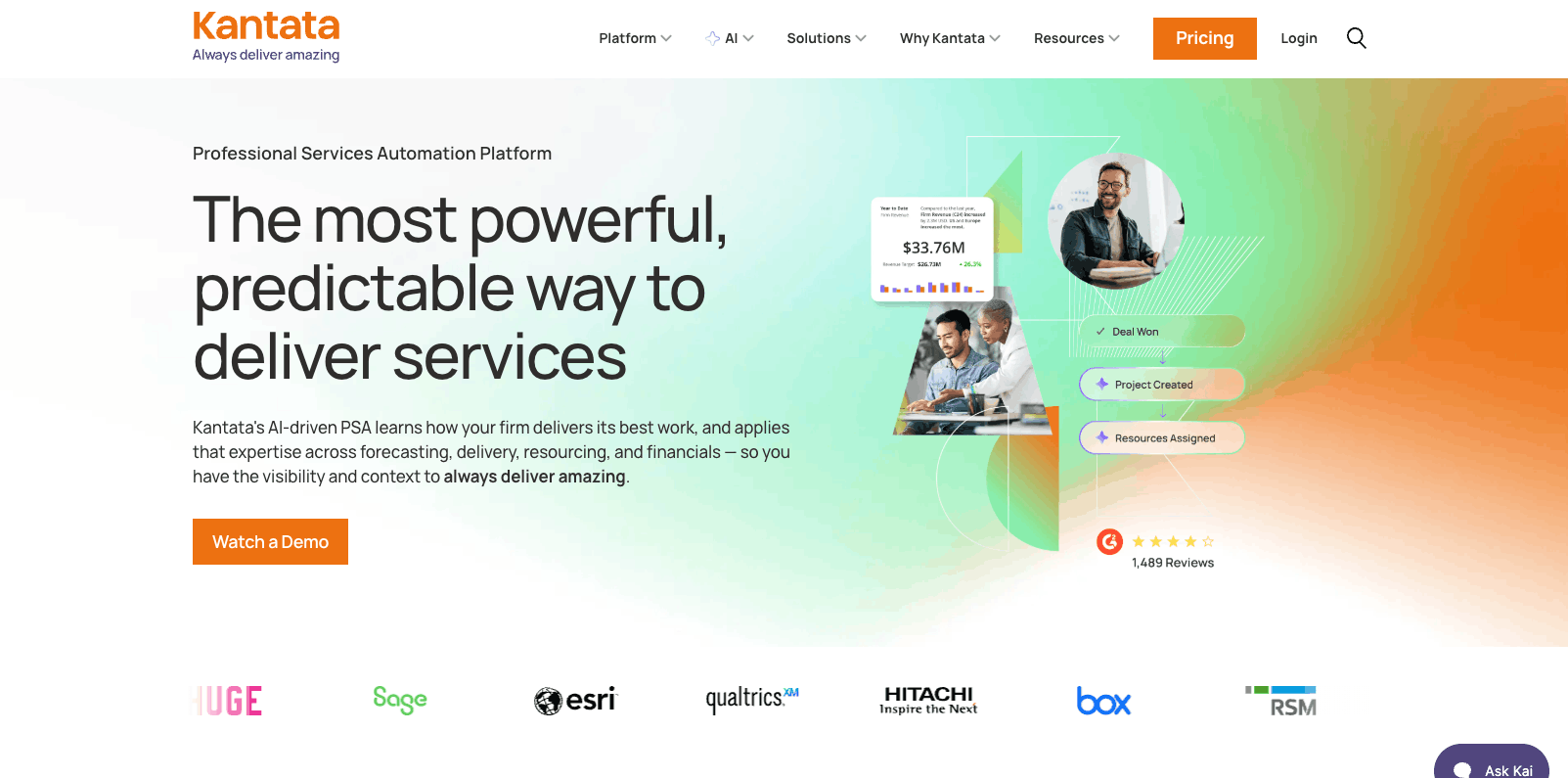
Kantata is a PSA that’s especially helpful for people who struggle with staffing.
Like Scoro and Productive, Kantata prices work as you build the estimate, making it easy to shift things around to hit your desired financial targets.
What makes Kantata stand out is how its Team Builder ranks potential team members (including contractors), scoring them based on the platform’s unique skills inventory as well as each individual’s availability and costs. You can run it per project or across certain project types that need a specific role.
When the client signs, the estimate becomes your project plan and bookings. Then, you can save a snapshot of the original quote, including the financials, the hours, and the timeline, for future comparison.
From there time is logged against that plan, and Kantata’s sold-versus-delivered margin report compares the fees you budgeted against the fees you actually billed.
Integrations
- Accounting: QuickBooks is embedded natively with a partial two-way sync, available as an add-on; NetSuite, Xero, and Sage Intacct run through Kantata’s M-Bridge middleware.
- CRM: None native. Salesforce and HubSpot are the pipeline layer, and the client-facing quote gets built and sent from there rather than from Kantata.
Beyond those, Kantata links directly to Jira, Expensify, Slack and Google Workspace, and reaches NetSuite, Workday and other systems through its M-Bridge middleware. More on Kantata’s integrations page.
Pricing
Not published. Quote only.
4. Birdview PSA
Average customer ratings: G2: 4.2, Capterra: 4.5
Free trial: Yes. 14 days.
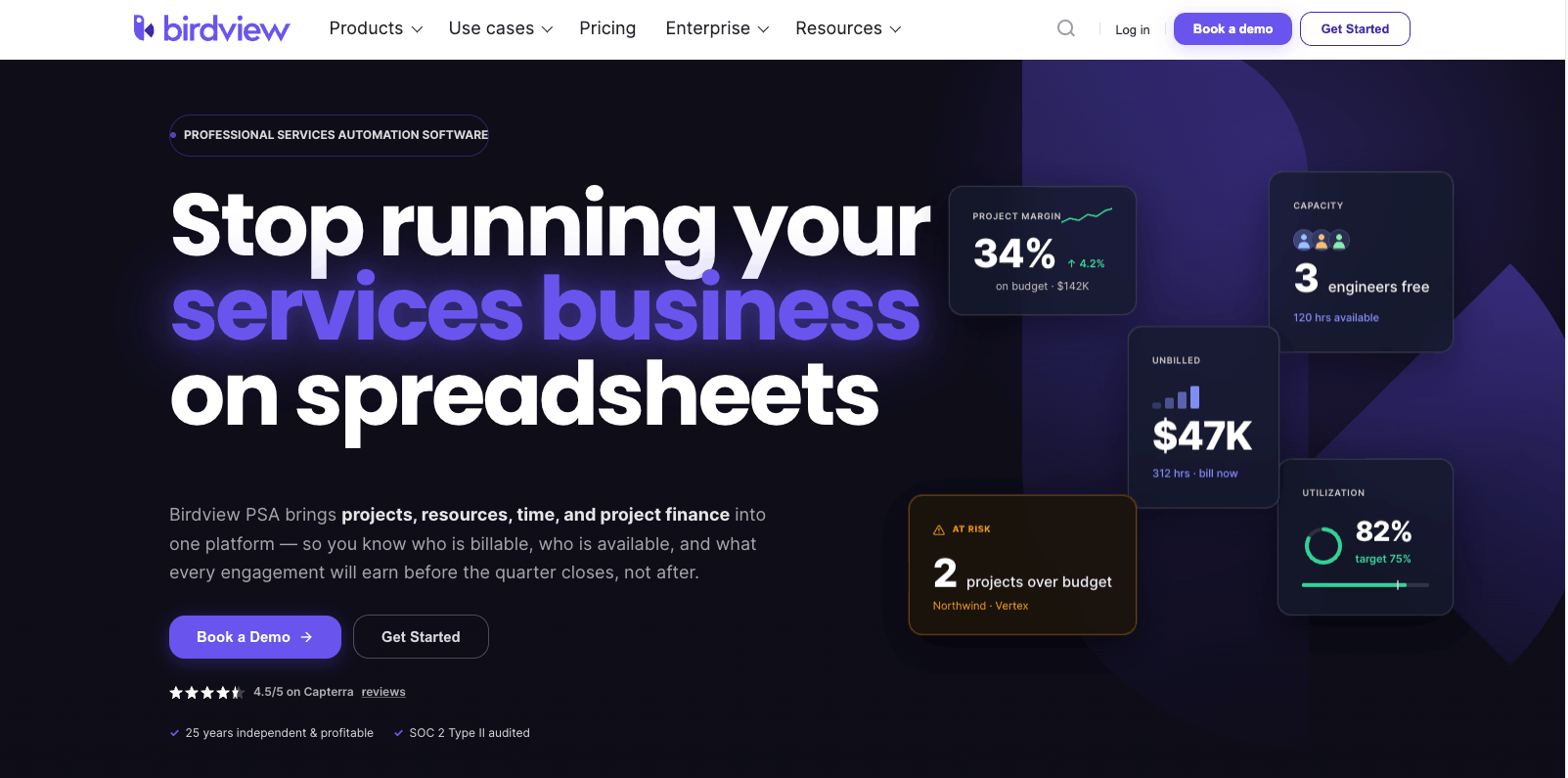
While Kantata offers more in terms of individual skills matching, Birdview specializes in a more macro lens on whether you can take work on at all.
Its scenario planning lets you test different staffing configurations before you book team members. Birdview calls it a “dress rehearsal” for your project lineup, letting you check whether the work fits before you commit. It also offers flexible bookings, making it easy to switch assignments from tentative to confirmed.
Quoting is streamlined with project templates that pre-fill fixed-fee tasks, time-and-materials items, and expenses. And what that logged time does at invoicing depends on how the job is priced.
- On time-and-materials, the hours and expenses become the invoice.Rates applied, totals summed.
- On a flat fee, the invoice is the agreed amount (the whole project, or a milestone installment), and the logged time only tells you your margin.
- On a mixed job, the scoped work bills as a fixed fee while extra work and change requests bill as T&M
Birdview also stands out for its Power BI-powered dashboards, including an AI completion forecast that predicts the most likely finish date for projects based on machine learning.
Integrations
- Accounting: QuickBooks export only, one-way, with nothing coming back; Xero through Zapier; no native NetSuite
- CRM: none native — deals get pulled from Salesforce or HubSpot via Zapier, though quotes are native in-platform.
Beyond those, Birdview connects to Jira, Slack, Microsoft Teams and Outlook, with 5,000+ further apps reachable through Zapier. Full list on Birdview’s integrations page.
Pricing
Birdview offers two plans:
- Team: $37/user/month (5-100 users)
- Enterprise: Custom pricing
Best for billing and invoicing
5. BigTime
Average customer ratings: G2: 4.5, Capterra: 4.6
Free trial: No. Demo only.
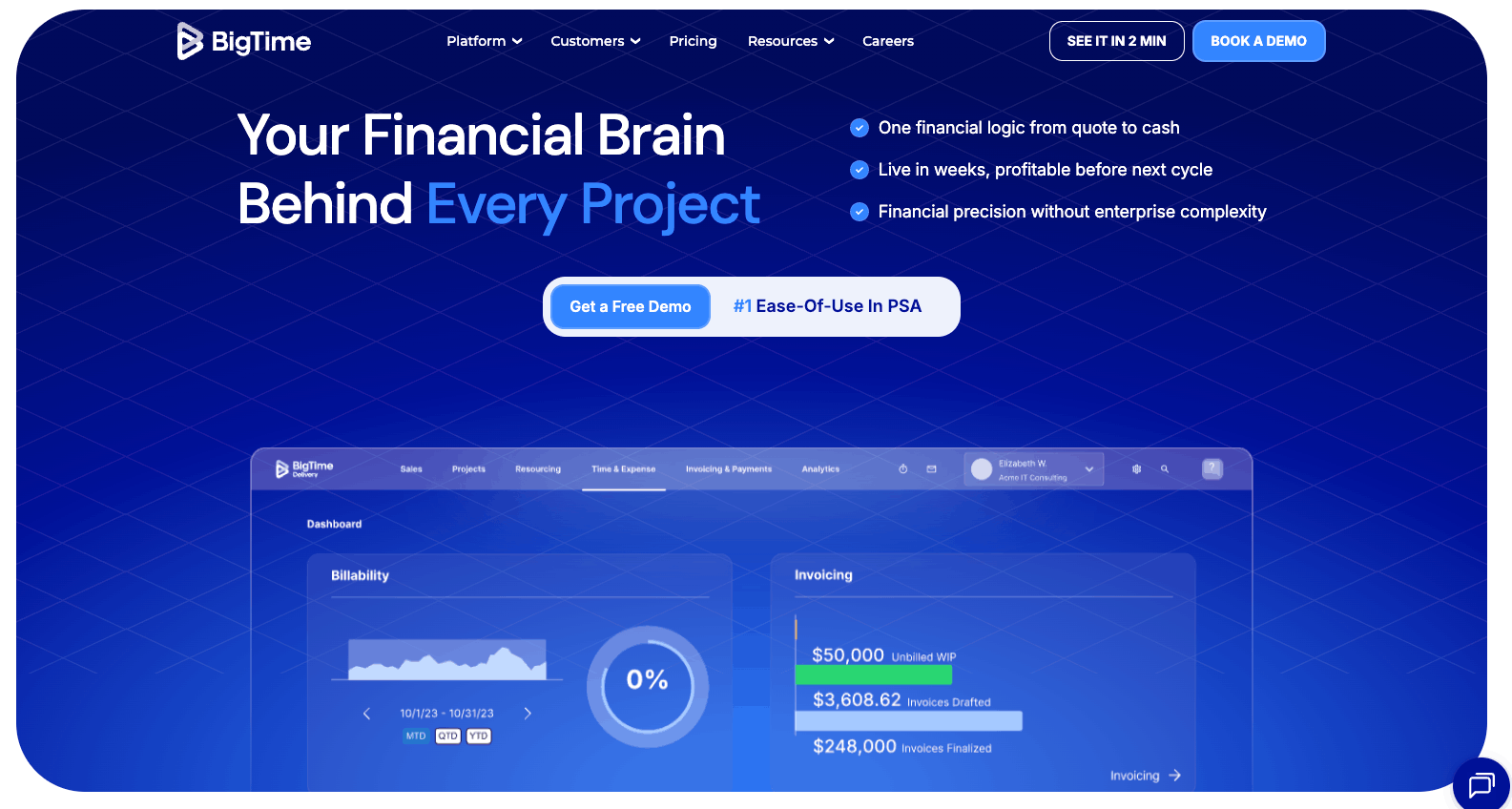
BigTime is the best pick if your biggest problem is getting paid. It handles the standard PSA groundwork. Quotes convert to projects, and logged hours are tied to set billing rates so invoices come out accurate.
What sets BigTime apart is that the invoice is also where the client pays. Through BigTime Wallet, every invoice you email carries a pay link, so clients settle by card or bank transfer in one click, straight from their inbox.
Retainer clients can go on autopay, bank transfers land as soon as the next business day, and overdue invoices trigger reminders on a schedule you set. So getting paid doesn’t hang on someone chasing by email. Clients can also log into a portal to view and pay outstanding invoices, and you can see when an invoice has been opened.
Integrations
- Accounting: QuickBooks Online, QuickBooks Desktop, and Sage Intacct all sync two-way, and on QuickBooks you choose the direction; Xero comes with BigTime’s Enterprise PSA product.
- CRM: Mone native. HubSpot and Salesforce both integrate, though BigTime doesn’t label either as two-way.
Beyond those, BigTime connects to Jira (developer time into billing), Slack, Outlook, Google Workspace and Lacerte for tax, with 500+ more apps via Zapier. See BigTime’s integrations directory.
Pricing
BigTime has one public plan:
- Essentials: $20/user/month
Advanced, Premier, and Enterprise are all quote-only.
6. BQE Core
Average customer ratings: G2: 4.3, Capterra: 4.5
Free trial: No. Demo only.
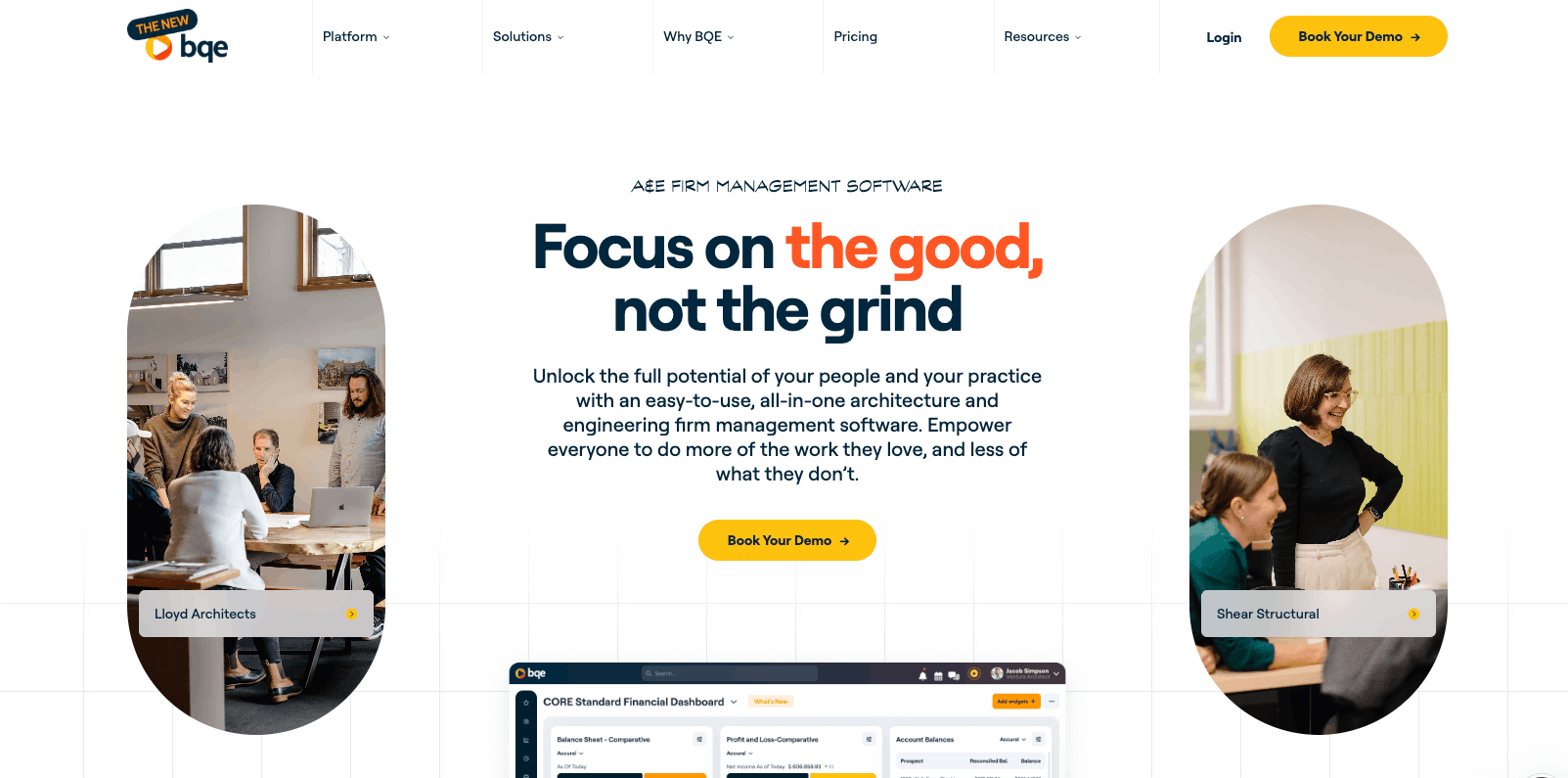
BQE Core is built specifically for architecture and engineering firms and can actually replace your accounting system instead of just syncing with it.
Everything you invoice, pay, or spend posts as debits and credits into a chart of accounts, and a general journal handles the entries a bookkeeper needs but a PSA usually can’t—depreciation, bad debts, opening balances, client trust money—on either an accrual or a cash basis. Bank feeds import and match transactions, reconciliation clears automatically, and payroll runs in-house far enough to file taxes from.
On the A&E side, BQE Core can run projects phase by phase and has percent complete billing, so a multi-year job bills as each stage lands instead of waiting for the end. Cost-plus is there and so is hourly-not-to-exceed. Those are contract types most PSAs don’t have built in natively.
BQE Core offers over 200 different reports, including profit and loss statements, and separates utilization and realization into two distinct metrics. This way, you can evaluate the gap between them where margins tend to erode and take steps to get back on track.
Integrations
- Accounting: native in-platform, so there’s nothing to sync. Plus optional two-way QuickBooks and Xero connectors for firms that keep their books elsewhere.
- CRM: native, but sold as an add-on module.
Beyond those, BQE Core connects directly to DocuSign, Microsoft 365, Power BI and Google Calendar, with 100+ more pre-built integrations through Zapier. Full list on BQE’s integrations page.
Pricing
Not published. Quote only, priced modularly around a Foundations core plus accounting, CRM, HR, and payroll modules.
Best for IT services and MSPs
7. ConnectWise Platform
Average customer ratings: G2: 4.0, Capterra: 4.1
Free trial: No. Demo only.
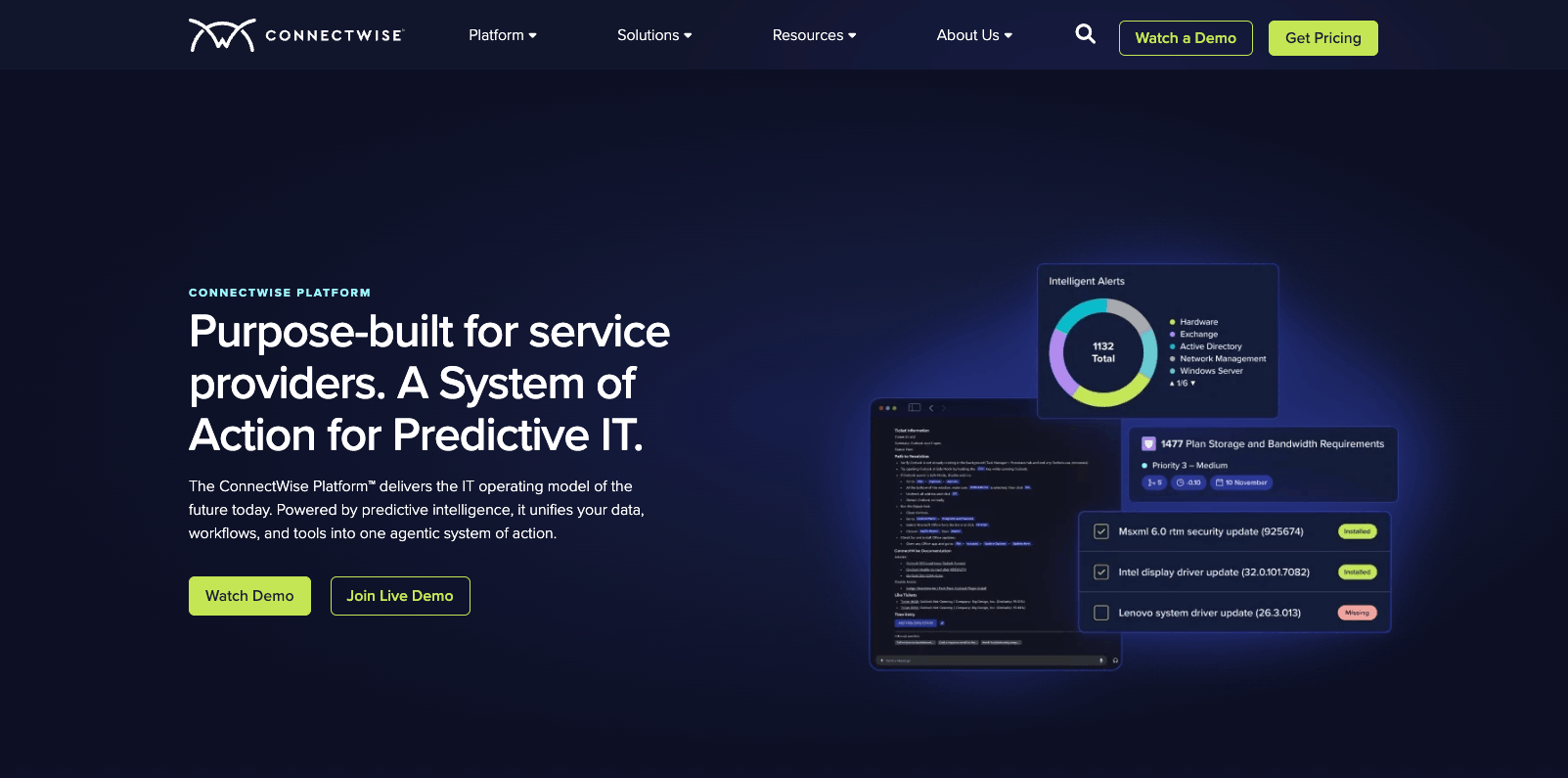
ConnectWise PSA is the biggest player in this segment, and it’s the best pick for MSPs who need to log time against both tickets and contracts. Tying those two together is the whole point of the platform. It’s what lets you see, client by client, whether a contract is actually paying its way.
It starts with the contract. A deal comes through the pipeline and becomes an agreement, and everything after that bills against it.
Work then arrives as tickets. Each agreement sets its own response and resolution times—what you’ve promised that client, and how fast—with separate calendars for clients on different service hours, so a nine-to-five contract isn’t measured against a 24/7 clock. Those promised times are what set a ticket’s priority, along with how urgent it is and who’s free.
Technicians log time against both the ticket and the agreement. That second half is the point: add up every hour worked under an agreement against what that agreement pays, and each client comes out profitable or not. It’s often not the ranking you’d guess. The one who soaks up the most attention, whose tickets never stop, can be the one you’re barely breaking even on.
One thing that stands out for ConnectWise is that you can rent the team. ConnectWise sells staffed services: a help desk running 24/7/365, a network operations center, a security operations center, and dedicated technicians. Described in ConnectWise’s own words as a way to “extend your team’s bandwidth or skillsets.” No other tool on this list sells labour alongside the software.
Integrations
- Accounting: QuickBooks is an export, not a sync, on an uncertified listing published by Intuit; Xero and Sage Intacct are third-party apps.
- CRM: pipeline is native, but quoting is a separate product — ConnectWise CPQ.
- Payments: through WisePay, certified but not ConnectWise-built.
ConnectWise doesn’t publish a current count of its integrations, but announced integrations from over 400 vendors when it relaunched the marketplace in 2024.
Pricing
Not published. Quote only.
8. Datto Autotask PSA
Average customer ratings: G2: 4.2 (630 reviews) Capterra: 4.2 (156 reviews)
Free trial: No. Demo only.
Autotask is the pick if you already use Datto RMM for monitoring, because the two are built to hand work to each other.
Autotask alerts can email someone, run a script, or open a ticket. You decide in advance which queue each kind of alert goes to, so a ransomware warning reaches the security team and a full disk reaches the infrastructure. You can also set alert rules to group repeat alerts instead of opening a ticket for each, and close a ticket when the alert behind it clears.
Technicians can remote onto machines right from the respective ticket, and when the session ends, the notes are added to the ticket automatically. IT Glue, Datto’s documentation tool, shows the client’s passwords and configuration records in the same window.
New devices attach to a contract as they appear, and you can choose from seven different contract types for increased accuracy.
Autotask also offers Performance Analytics workbooks for Windows users that make it easy to spot trends across services, clients, sales, financials, and projects.
Integrations
- Accounting: QuickBooks Online syncs two-way through Kaseya’s Accounting Hub, rolling out by zone; QuickBooks Desktop is a separate connector. Xero connects through the Hub.
- CRM: native — companies, contacts, opportunities.
Beyond those, Autotask is built to hand work to the rest of the Kaseya/Datto stack—Datto RMM for monitoring and IT Glue for documentation both sit right inside the ticket—with further third-party connectors in the Autotask Integration Hub.
Pricing
Not published. Quote only. Though Kaseya 365 Ops lists $129/user/month for a bundle that includes Autotask’s top edition.
Which PSA should you pick?
All eight tools here run a project from quote to invoice. The difference is where each one goes deepest, so start with the part of that run that’s costing you the most.
But before you book a demo, check you’re actually ready for one.
A PSA connects your quoting, delivery, time tracking, and invoicing, but it can’t fix what goes into them. If time isn’t logged accurately or every project kicks off differently, a PSA just shows you the mess faster.
That’s where most firms are. When we surveyed 303 professional services firms for The Maturity Gap report, only 41% said they track time and expenses accurately, and just one in five had their operations joined up in a single system.
And most landed somewhere in the middle: processes that exist but aren’t followed consistently, and tools that work but don’t talk to each other.
So be honest about where your business sits across the five stages of business maturity.
The quickest way to find out is our business maturity quiz, the same 25 questions behind the report. In a few minutes, you’ll get your score across people, process, technology, data, and growth, the stage your firm is at, and what to fix first.
If the gaps are in process or data, fix those before you buy. If you’re ready, you’ll know exactly which of these tools to shortlist.