










Get started today!
Get a 14-day free trial and see how Scoro can work for your business.
You must agree to our terms and conditions to proceed.

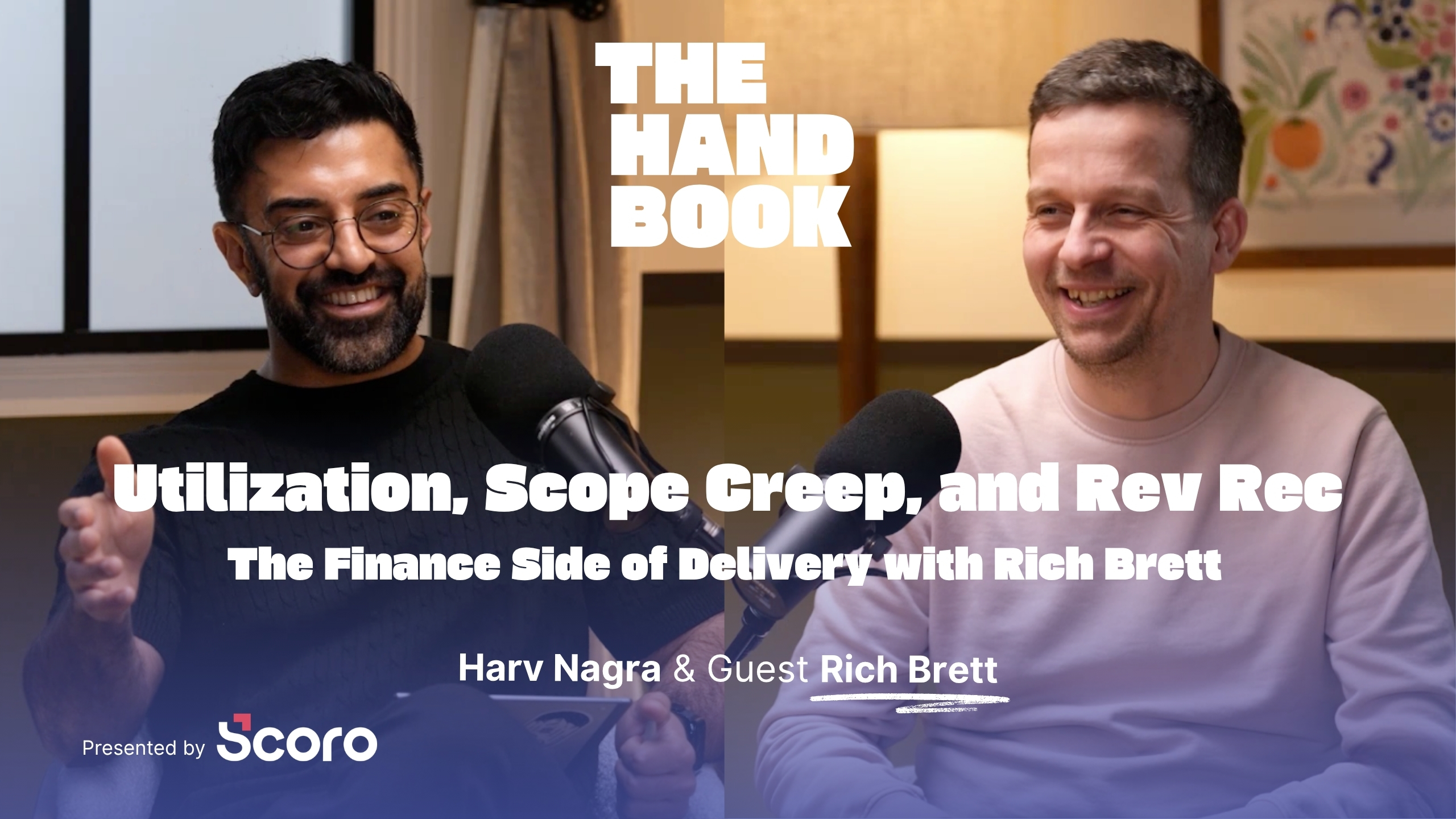
Everyone talks about being “data-driven,” but many professional services businesses are drowning in data, not actually using it. Rich Brett is back for episode three of
Read moreSupplier bills, subcontractor invoices, and team expenses shouldn’t be a blind spot in your project budgets. Automate how they’re captured, approved, and synced to Scoro, so your margins reflect the full picture, and not just the hours you track.
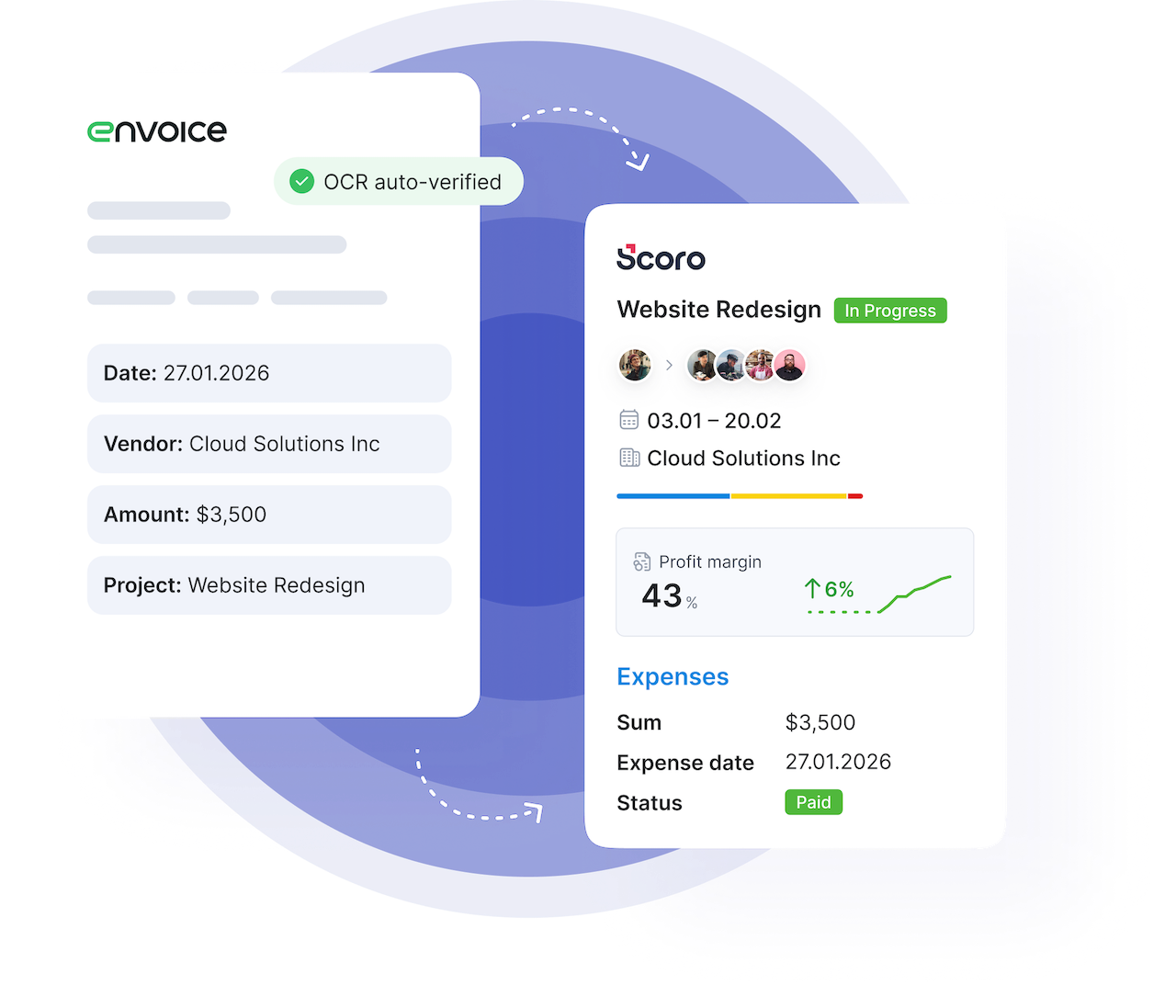
Every external cost follows one automated pipeline: captured, coded, approved, and synced to the right Scoro project and your accounting ledger. No spreadsheets, no manual reconciliation, no month-end surprises.
Capture
Extract
Code
Approve
Automatically link to projects
Track impact on budget
Sync to Ledger
Auto-forward a supplier bill by email or snap a picture of a receipt with the Envoice mobile app. The AI extracts amounts, line items, VAT, due dates, and supplier details. The mobile app works offline as well, so anyone can submit an expense anytime, anywhere. Everything syncs automatically once you're back online.
Your team can create expense reports right from their phone: add receipts, tag travel allowances and per diems, link the report to a project where relevant, and submit for approval. Smart categorization assigns each expense to the correct category and approval workflow.
Envoice uses AI to match each bill and expense to the right G/L accounts, tax codes, and financial dimensions. Coding gets smarter over time as AI learns your patterns. Your finance team can shift from manual data entry to simply reviewing and confirming.
Configure approval workflows to route each bill and expense to the right people, based on amounts and suppliers. Multi-step approvals, automatic notifications, and full audit trail. No more pinging people on Slack to ask if a bill is okay to pay.
Once approved, every bill and expense syncs to the right Scoro project automatically—linked to the correct budget line, matched to the right purchase order, tagged with your financial dimensions. Your budgeted vs actual view updates in real time in Scoro, so you see margin erosion while you can still do something about it.
Bills and expenses flow to Xero, QuickBooks, or Sage Intacct with full project context and coding intact. Payment status syncs back to Scoro automatically. Whether your accountant is in-house or external, they get clean, coded data, and month-end close gets faster because the reconciliation is already done.
data extraction accuracy
faster bill processing
increase in project profitability
Book a demo with our product experts to see how cost capture and profitability tracking comes together with Envoice and Scoro.
Book a demo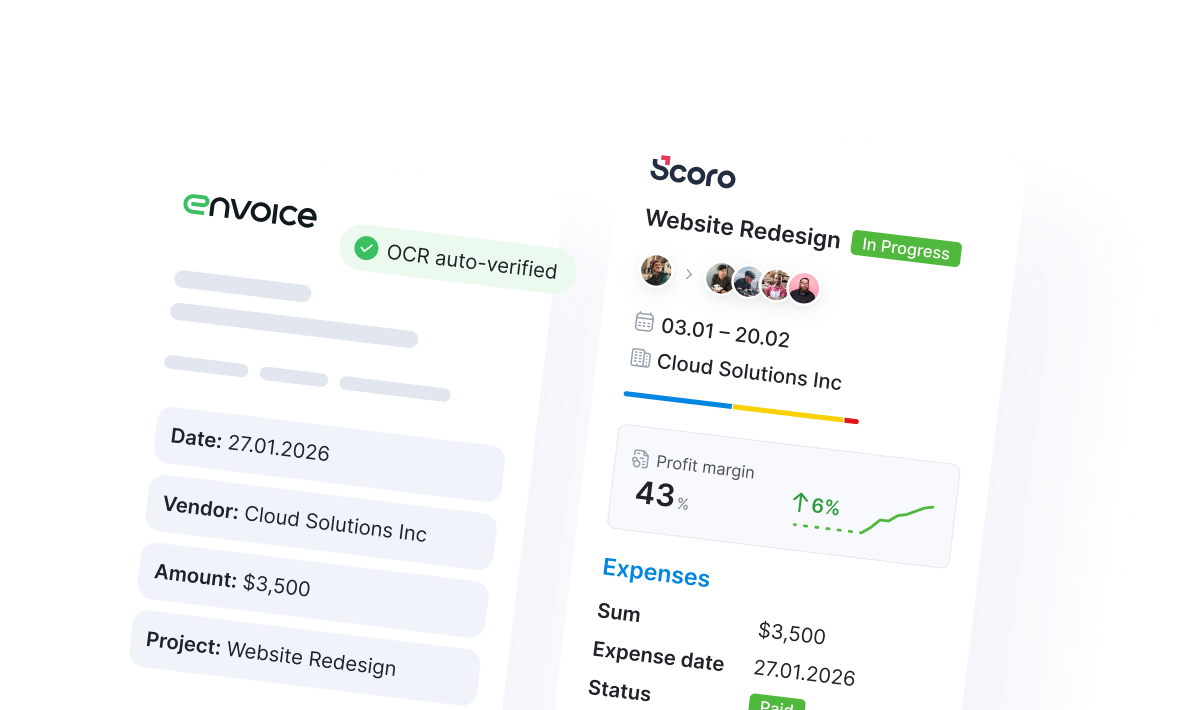
Link your company cards to Envoice. When an employee swipes their card, they get an instant notification to snap the receipt, so nothing gets lost.
Automatically match incoming bills to the right purchase order in Scoro, so costs land in the correct budget line without manual reconciliation and lookups.
There’s no shortage of tools that can scan a bill or a receipt, extract the data and categorize the spend. But they also stop there.
OCR & expense tools in isolation
SCORO + ENVOICE
Scoro’s expense and bill management closes the loop. Every captured cost is linked to the right project, the right budget line, the right purchase order. That’s the difference between digitizing your pre-accounting and actually understanding your project profitability.
Book a demoNo. Envoice is a separate product with its own subscription. It’s developed by the same team and integrates natively with Scoro, but is purchased and set up independently. Get in touch with us for more details.
Envoice has its own pricing based on the number of users and features you need. Contact us and we’ll walk you through the options that fit your setup.
The integration is set up via the Scoro API and is available on all Scoro plans. Your Scoro account manager can help you get connected or you can follow the step-by-step guide in our Help Center.
Envoice works alongside Scoro’s existing integrations with Xero, QuickBooks, Sage Intacct, and Exact Online. Costs flow from Envoice to Scoro, then from Scoro to your accounting software, keeping your ledger in sync with full project context.
Tour the product and try Scoro for free for 14 days, no credit card required.
Try for free