












Manage external costs and spend
Record supplier bills and business expenses, raise purchase orders for outsourced work, and manage supplier relationships, all in one place. See the impact of external costs on your budget.

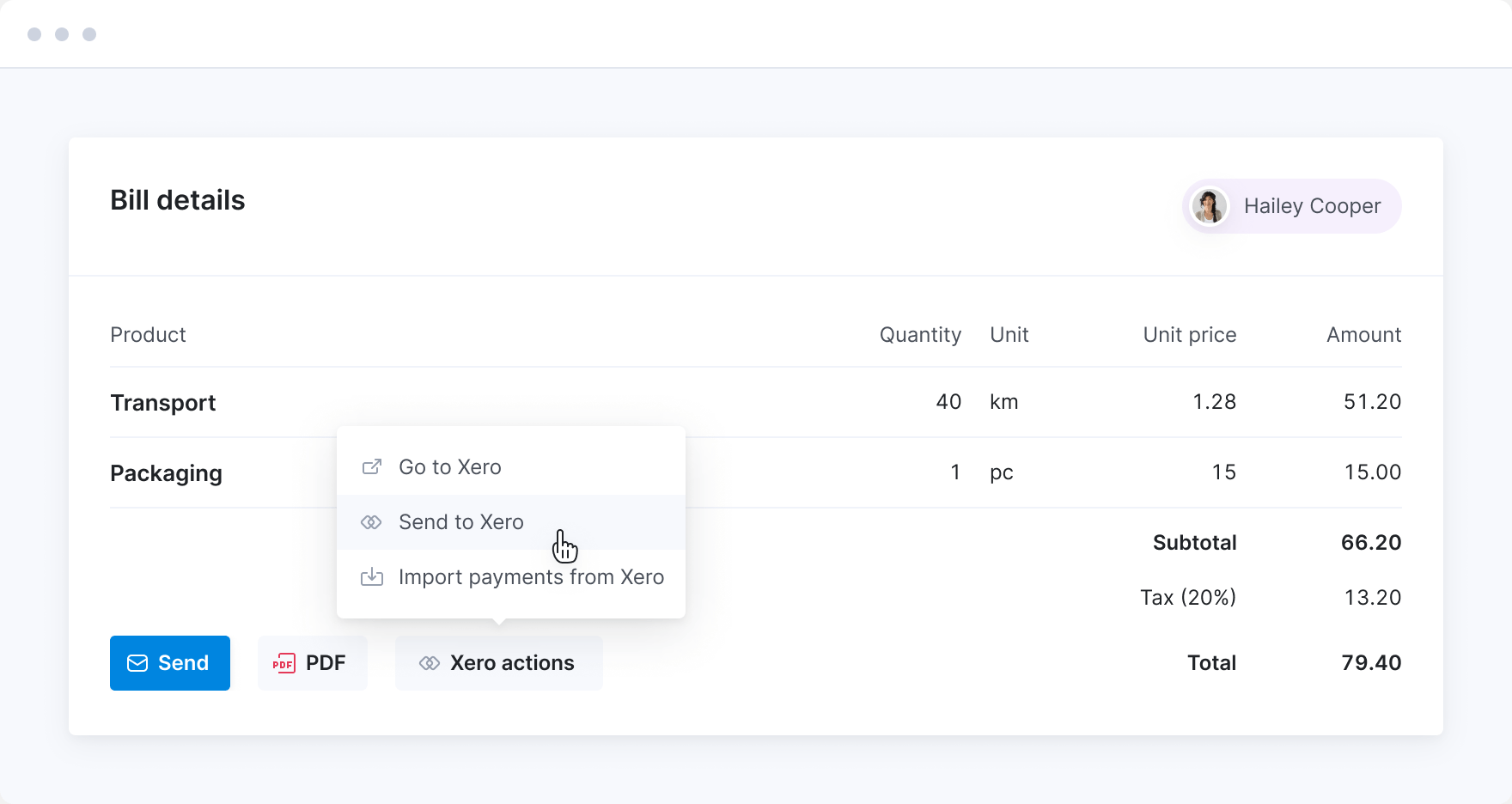
Manage outsourced costs
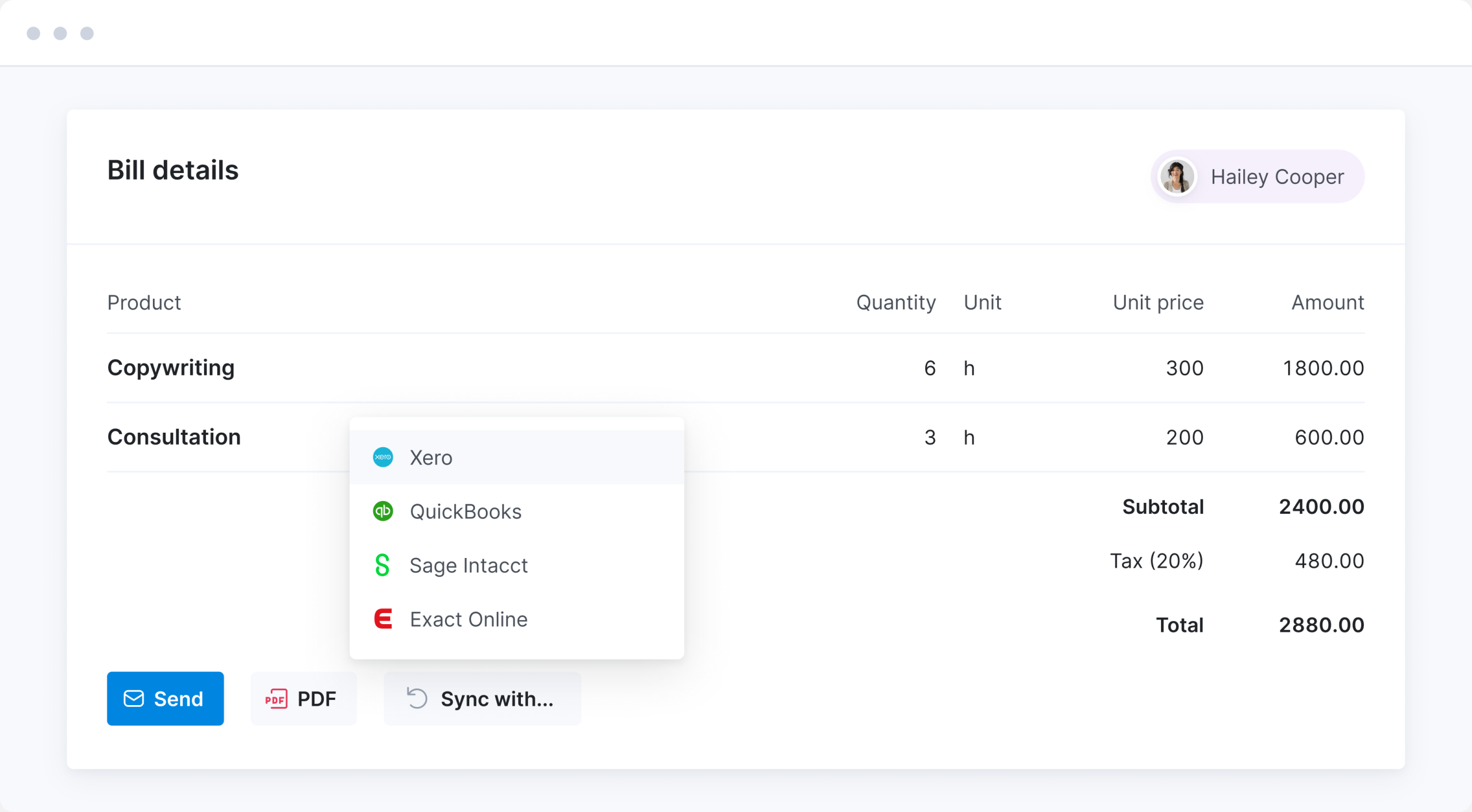
Track bills and purchase orders in Scoro to get full visibility of project costs. Sync with your accounting software to reduce manual data entry. Get an overview of payments and outstanding balances without relying on updates from the accounting team.
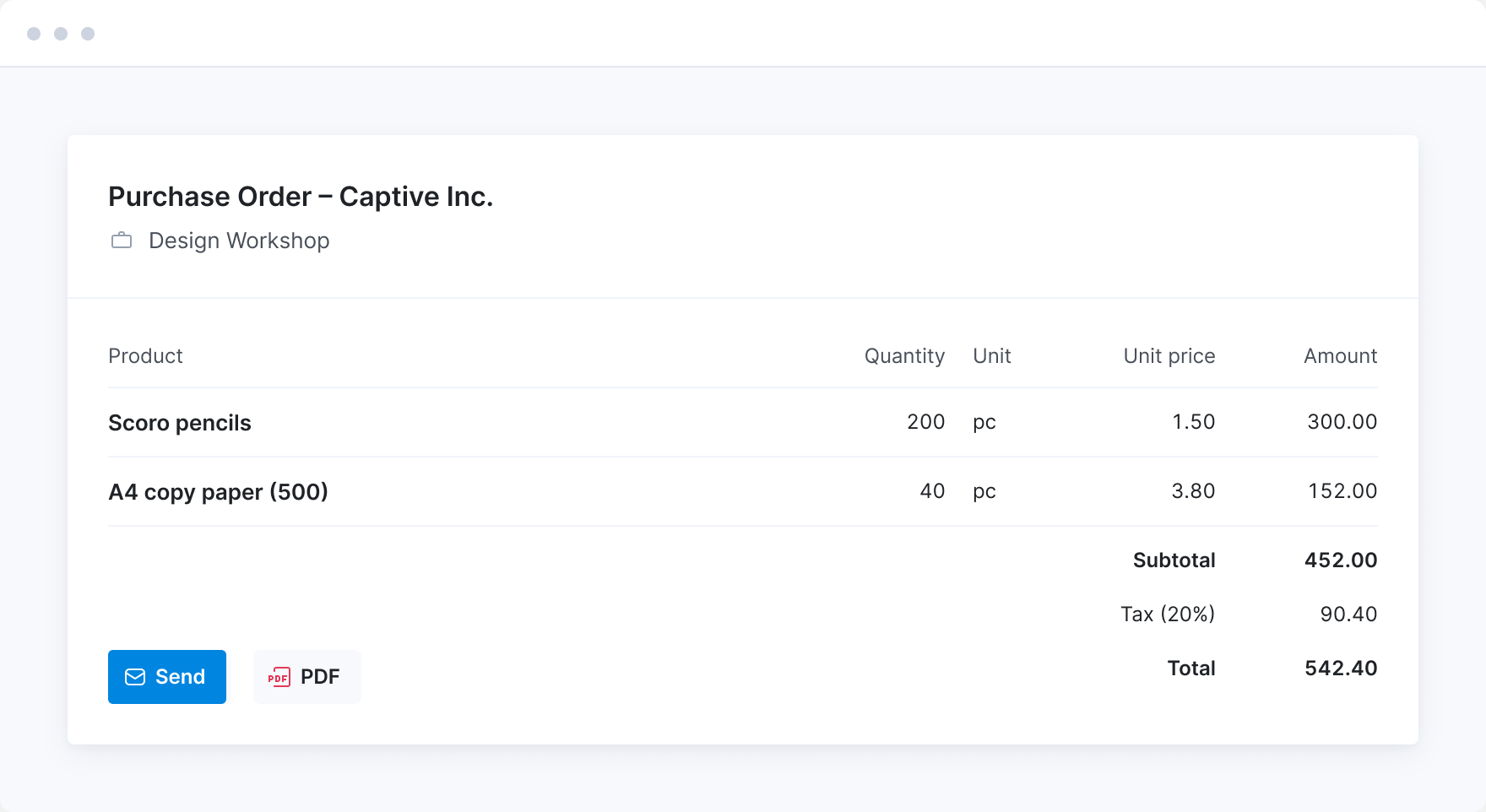
Generate purchase orders
Issue purchase orders to keep track of your supplier agreements. See what you’ve ordered and understand how much of your cost budget is already allocated.
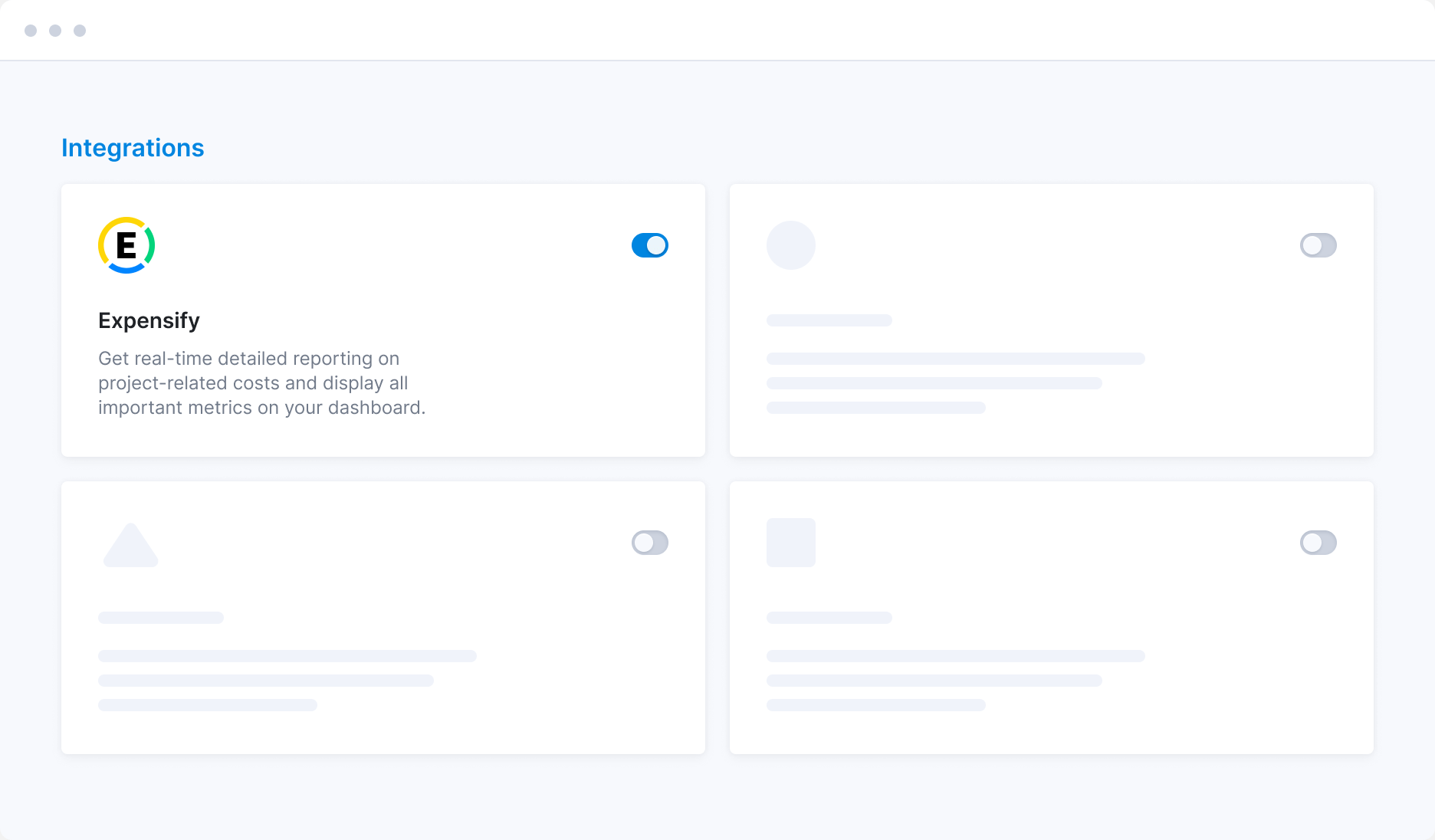
Track expenses
Account for travel expenses or ad hoc costs to determine true project profitability. Integrate with Envoice or Expensify to automatically sync expense data with relevant projects in Scoro.
Often combined with…
The Spend app captures every supplier bill, subcontractor invoice, and employee expense, but it's even better connected. Combine it with our other core apps to track labour costs and external spend against one budget and forecast margin with greater accuracy while the project is still running.
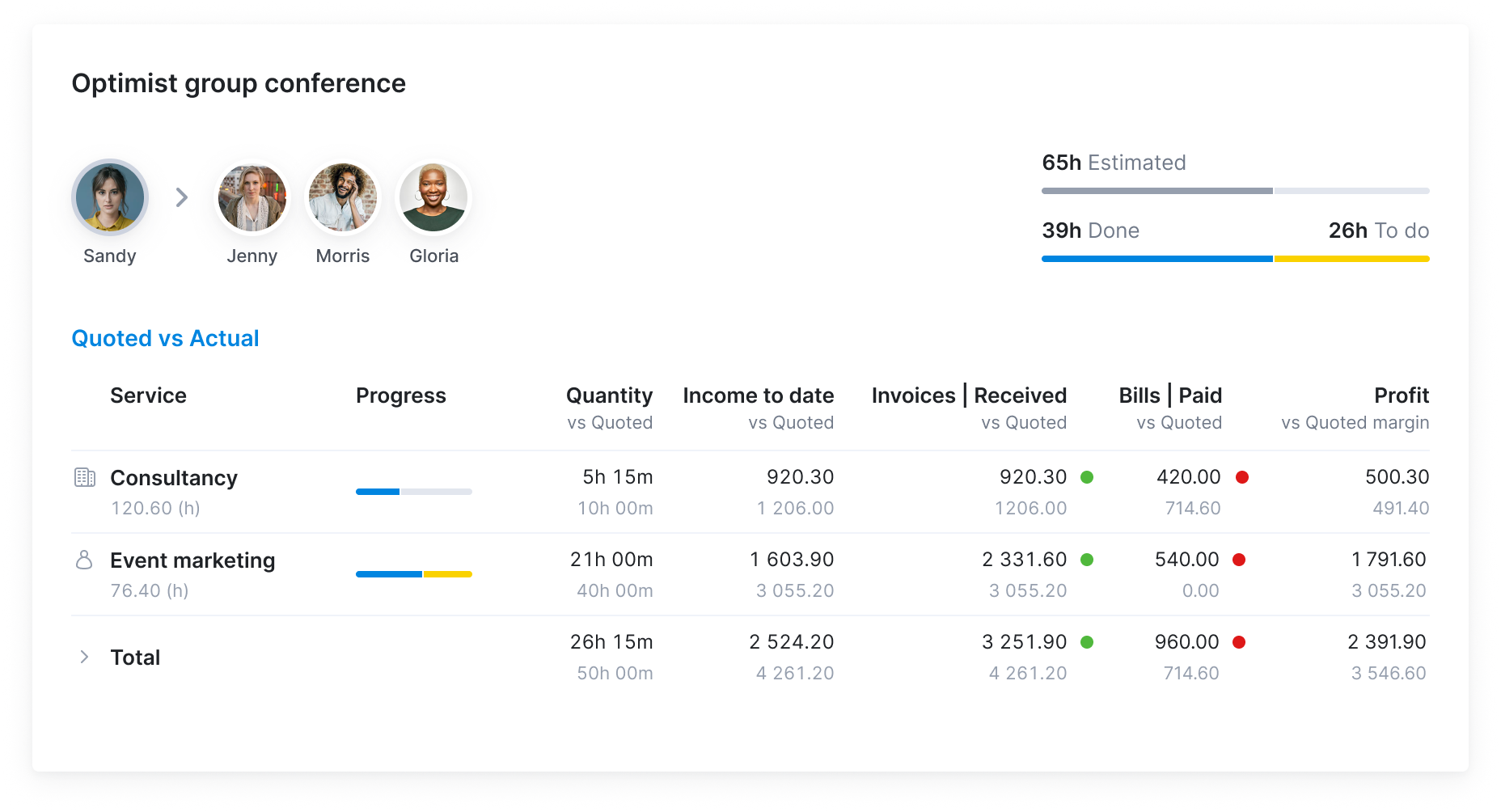
Combine with: Track Advanced Financials
See the full cost picture
Track internal costs alongside external ones for the full picture of all your delivery costs. Set a cost budget for the project and track every spent minute and received bill against it in real time to understand true margins.
Get started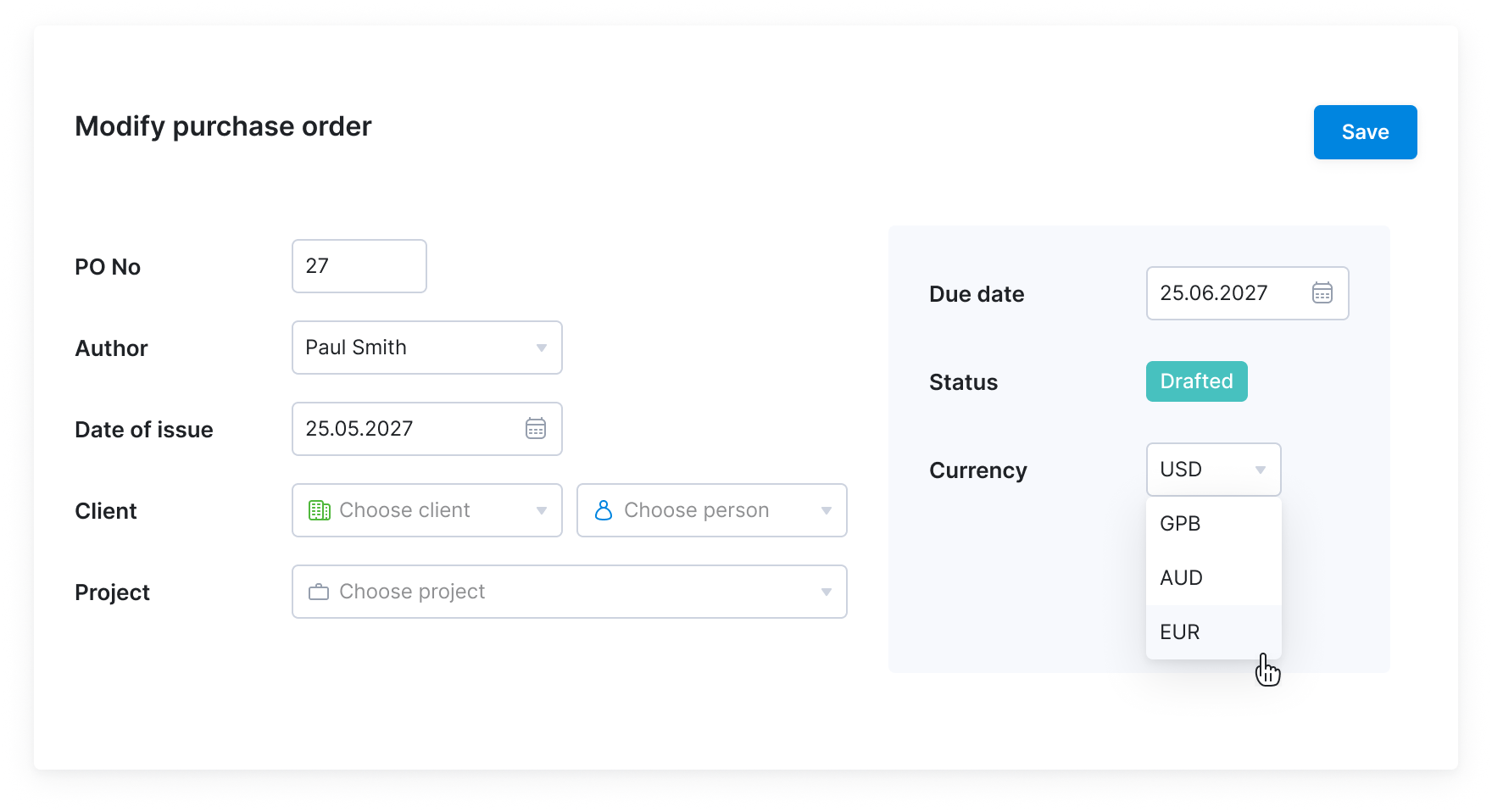
Combine with: Advanced Financials
Manage finances in multiple currencies
If your suppliers are abroad, create purchase orders and enter bills in their preferred currencies. Your reporting will remain in your base currency, so you know precisely how much budget you have left.
Get startedMeet ELI –
Scoro AI in action
Scoro AI comes to life through ELI – your smart companion, built into Scoro. Powered by AI and Scoro’s advanced data engine, ELI understands natural language, interprets complex business data, and helps you take action fast.
Explore Scoro AI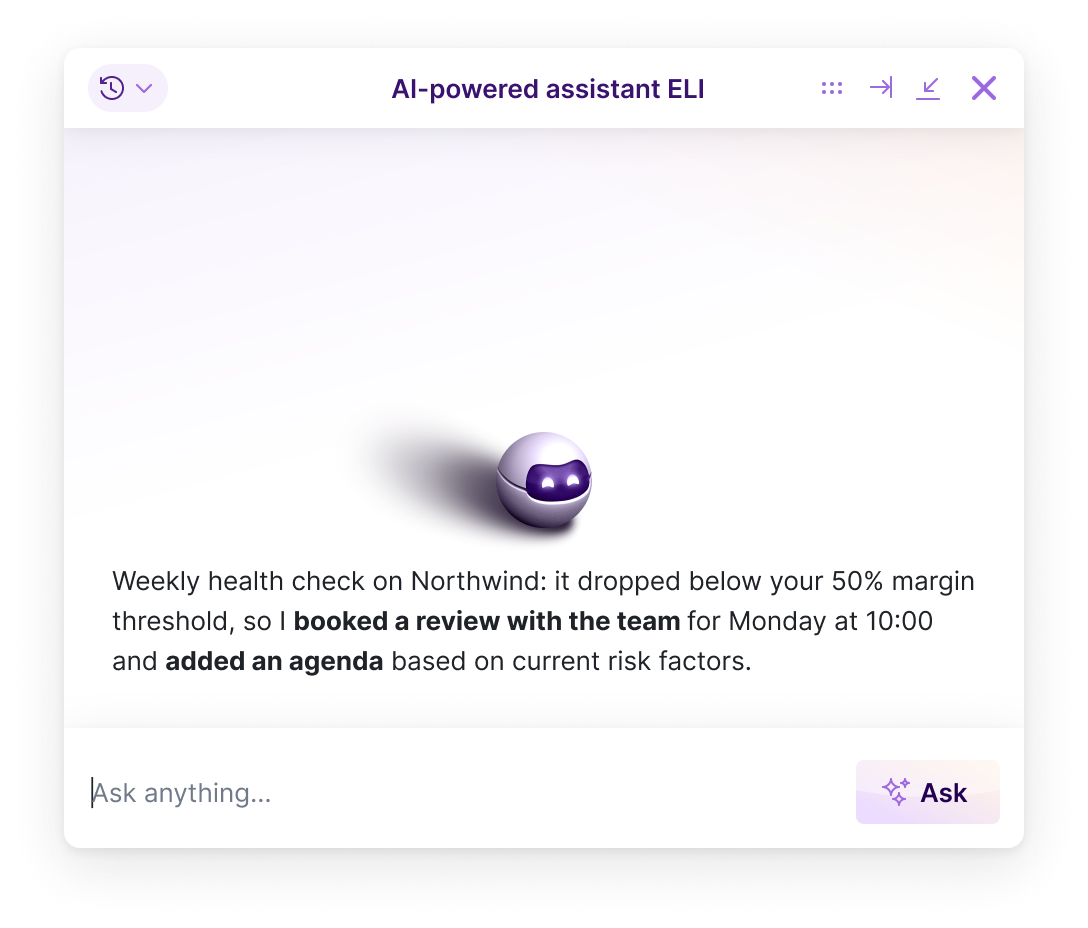

Why Scoro over point solutions?
Interlinked apps, not a stitched-together stack
Point solutions cover one part of your workflow well, but they don't talk to each other. Every one you add means another integration to maintain or another export to reconcile by hand. Scoro works differently: start with the apps you need today, add more as you grow, and your data interlinks automatically. No re-platforming down the line.
Point solutions
Scattered stack of niche tools
Scoro
Scalable system with consolidated data
Got lots of supplier bills or team expenses?
Every external expense that doesn't land in your project budget silently erodes your margin. Envoice by Scoro automates how bills and expenses are captured, approved, and synced to your projects, so you see the full cost picture in real time.
Learn about expense management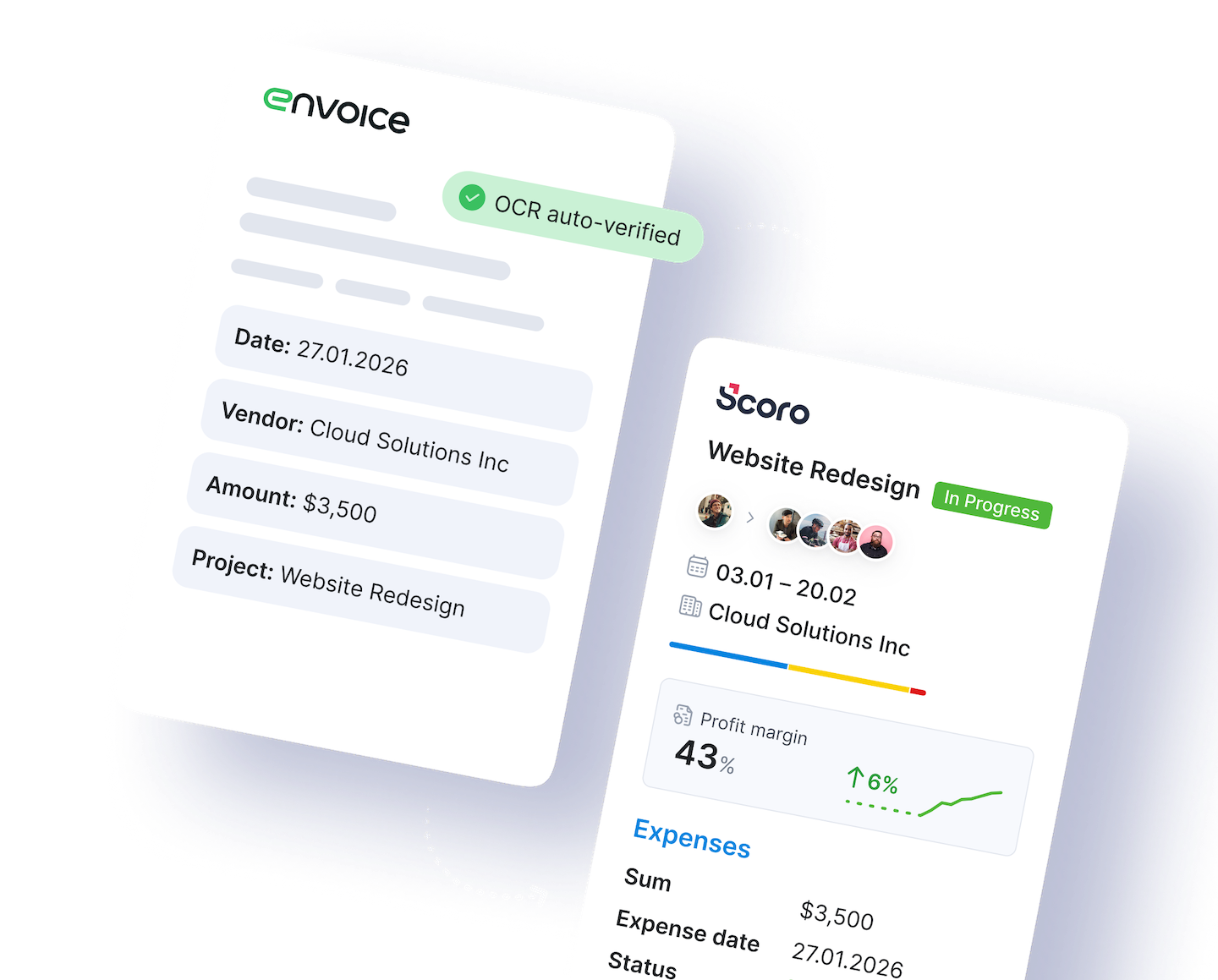
Connect your favorite tools
Have some other vital tools you wish to sync with Scoro? Integrate what you need and harness the power of consolidated data in Scoro.





















































Start a free trial
Tour the product and try Scoro for free for 14 days, no credit card required.
Try for free
The proof is in the results
Project profitability has increased by 33% with Scoro, thanks to real-time project profitability tracking.
Luis Perez, Head of FP&A DGA GroupScoro's highly customizable system perfectly matches our company's structure and gives a real-time overview of our work, sales and finances.
Bart de Wilde, Senior Account Manager Cross MediaUsing Scoro has improved our collaboration and resource management, ensuring smooth project transitions and up-to-date information without the hassle of duplicate files or missing data.
MJ van Lingen, Partner Global Production PartnersSaying goodbye to relying on scattered spreadsheets, and instead, incorporating data into a workflow that’s connected to Scoro, has been a real game-changer for us in giving us a clearer perspective on how the company is doing.
Monica Fernandez, COO Mallol ArquitectosUsing Scoro has transformed how we run our business. It's like having an extra team member!
James Sykes, Founder and Managing Director JSP