










A fire safety consultancy runs on two kinds of software:
- One that handles the fire safety assessment: the on-site checklist, the photos, the report, and the action plan.
- Another that handles business operations: quoting the fire safety assessment, scheduling assessors, tracking what it cost, and invoicing the client.
This guide covers both. It compares seven fire risk assessment tools on methodology, evidence capture, and what happens after the report is issued, then shows how a professional services automation (PSA) platform can help run business operations smoothly.
What is Fire Risk Assessment Software?
Fire risk assessment software helps consultants identify hazards, evaluate risks, document evidence, and produce reports and action plans. A typical assessment involves:
- Working through structured questions about the premises
- Recording findings and attaching evidence
- Rating risks
- Generating a report and action plan
Fire risk assessment software focuses on evaluating a building’s fire risks, while fire protection software can also support equipment inspections, maintenance scheduling, compliance reporting, and field service management. Some platforms cover both areas.
Key benefits of software for fire safety consultancies
Without fire safety software, you’re writing your report from a blank page, matching photos to findings from a camera roll afterwards, and emailing the action plan as a document you then have to chase up yourself.
With dedicated software, you make fire assessments easier:
- The report writes itself around the methodology. A tool that knows PAS 79 or BS 9792 already has the section structure, the question set, and a library of standard wording, so you’re editing text instead of writing it from scratch.
- Evidence stays attached to the finding it supports. A photograph tied to the specific hazard it justifies, rather than a loose set of images you sort through later, makes the report defensible and quicker to assemble.
- The action plan doesn’t end at delivery. Most of these tools produce it with a priority and a timescale against every recommendation, and some give the client a login where they can mark items complete, which turns the follow-up conversation into something you can both see instead of an email thread neither side can find later.
While general inspection platforms don’t come with a methodology already built in, they can be a less expensive alternative for small consultancies looking for fire safety software, which is why we’ve also included an option in the list below.
7 solutions for fire safety consultancies compared
Most of the tools compared here are UK-built, priced in GBP, and structured around UK fire risk assessment methodology. Mitti is the exception, priced in USD. If you’re buying from outside the UK, check each vendor’s own pricing page for your region, since currency and availability can change.
| Tool | Built for | Methodology it names | After the report | Pricing |
|---|---|---|---|---|
| Lytom Assess | Independent health and safety (H&S) consultants covering fire among other assessments | “PAS 79-style” premises profile | Client portal per site showing open actions | Not published |
| Vision Pro Software | Compliance management across a property portfolio | “PAS 79-aligned” templates | Automated action tracking, reminders, dashboards | Not published |
| AssessHub | Structured fire risk assessments with heavy evidence capture | PAS 79-1, PAS 79-2, BS 9792:2025 | Action plan inside the report | £100 per assessor per month + VAT |
| FireCheckr | Drafting the report from voice notes | PAS 79-1, BS 9792 | Client portal with an interactive tracker (add-on) | From £19.50 per report |
| Firehub | Mobile assessments with client-facing progress | “PAS-79 methodology” | Client portals tracking significant findings | From £140 per month, or £13 per report |
| PocketSurvey | Fire risk assessments alongside housing and compliance surveying | “The guidelines set out by PAS79” | Costed remedial actions in the report | From £75 per app, per user, per month |
| Mitti (by SafetyCulture) | Configurable inspections across any safety discipline | None of its own | Actions with due dates and priorities | Free, or from $24 per seat per month |
Top Tip
PAS 79 provides recognised guidance for fire risk assessments in the UK. PAS 79-1:2020 covers premises other than housing, while BS 9792:2025 replaced PAS 79-2:2020 for housing within its defined scope, effective 31 August 2025. Check each vendor’s exact wording: “PAS 79-aligned” does not necessarily mean that a product’s checklist is mapped to the standard’s specific clauses. Verify the methodology and standards coverage claimed by each platform.
1. Lytom Assess
Best for: independent fire safety and H&S consultants
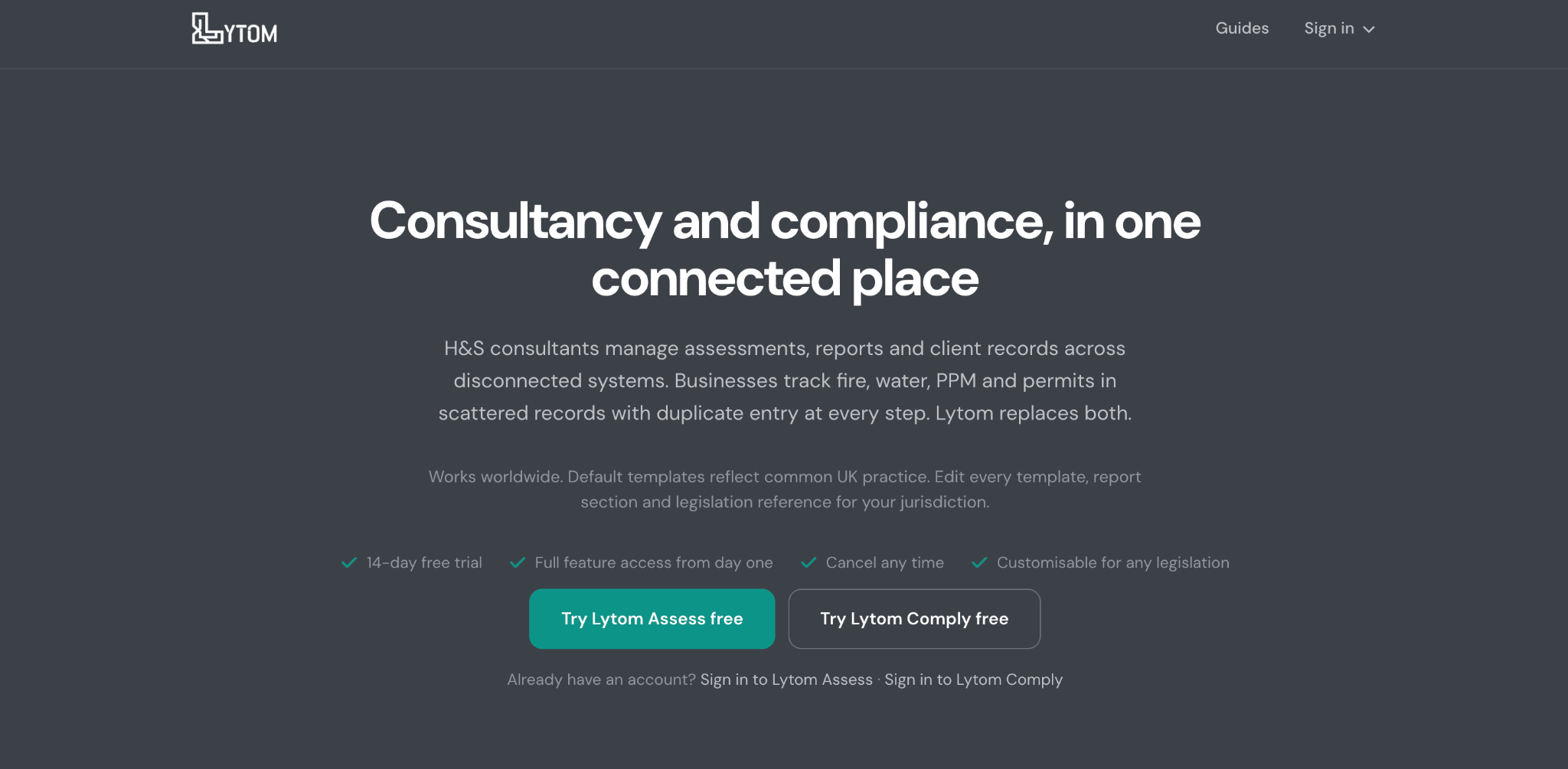
Lytom Assess suits consultants who cover fire alongside other assessments. Fire is one of seven built-in types, next to COSHH (control of substances hazardous to health), asbestos, water and legionella, and working at height.
The fire assessment follows what Lytom calls a “PAS 79-style premises profile,” with document verification against each control. You can import your own existing assessment template from a Word file, instead of rebuilding it in Lytom.
When doing annual visits, Lytom carries forward the controls and documents that were already compliant, and logs what’s changed since. Old hazards sit in their own tab until you re-add them, so a re-inspection starts from last year’s position instead of a blank form.
Optional AI drafts hazard text from site photos and runs a QA check before issue. You review and sign off. Reports export as branded PDFs, and a client portal shows open actions per site.
Pricing: Not published. There’s a 14-day trial, no card needed.
Limits: Web and iOS only, with Android listed as coming soon. PDF is the only export, and the only sync is to Lytom’s own Comply product, so nothing reaches a client’s own systems.
2. Vision Pro Software
Best for: fire risk assessment alongside broader compliance management
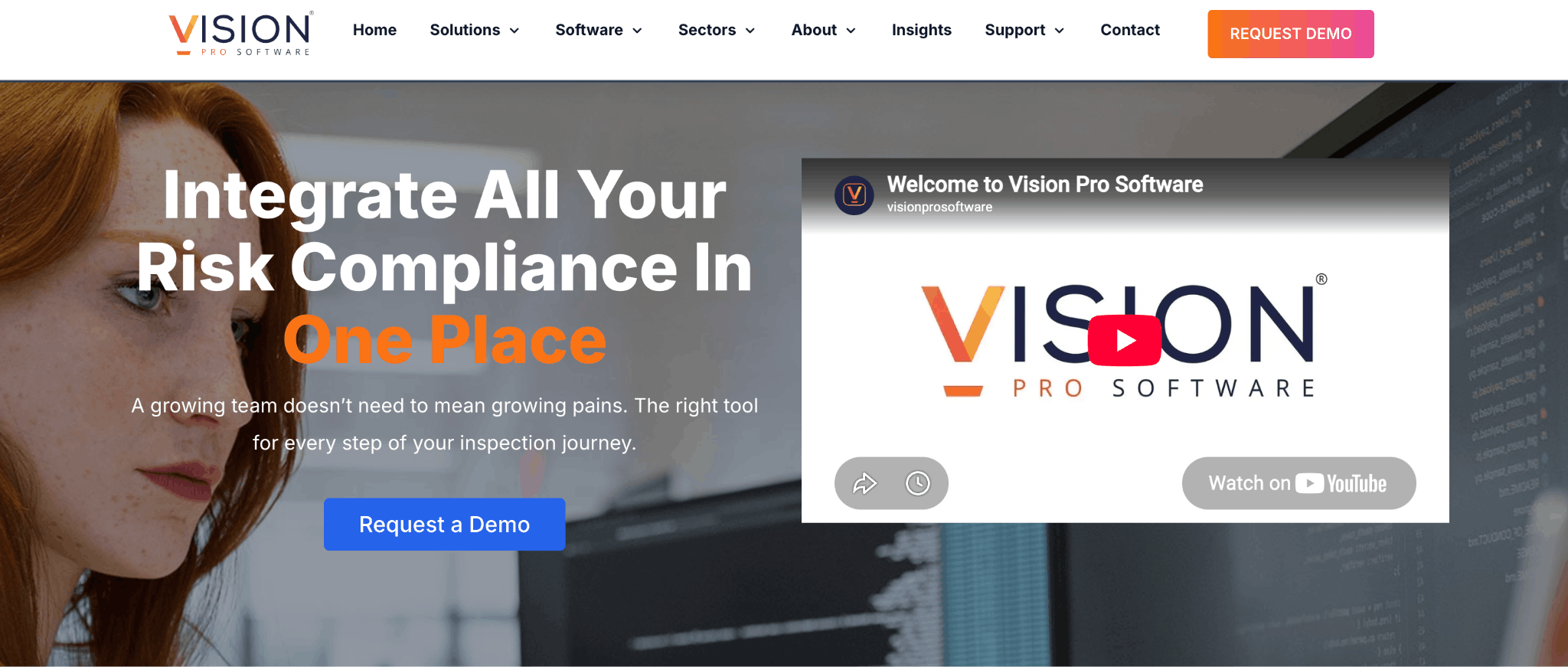
Vision Pro Software is a compliance platform. Fire safety is one module beside asbestos, legionella, audits, and assets. The platform comes from the Nottingham-based ACMS UK group.
Say a client needs a fire risk assessment, an asbestos register, and water logs. Instead of three systems, you keep all three in one. If you only do fire, you’re paying for surface area you won’t use.
Its standout feature is floorplan hazard mapping. You pin findings, actions, and assets to their exact spot on a site floorplan. A client can then pinpoint where the blocked escape route is. Evidence includes video footage and e-signatures, and NFC (near-field communication) and RFID (radio-frequency identification) scanning covers tagged assets like fire doors and extinguishers. Templates are “PAS 79-aligned” and configurable.
Actions track themselves: the system sends reminders and flags anything overdue, with dashboards across multiple sites. An API syncs with tools including Salesforce, Jira, Outlook, Slack, and Xero.
Pricing: Not published. The site runs on demo requests.
Limits: Vision Pro publishes nothing about AI features or white-labeled reports, so ask to see the output before you commit. It also doesn’t say whether clients get a login to follow action progress.
3. AssessHub
Best for: structured professional fire risk assessments
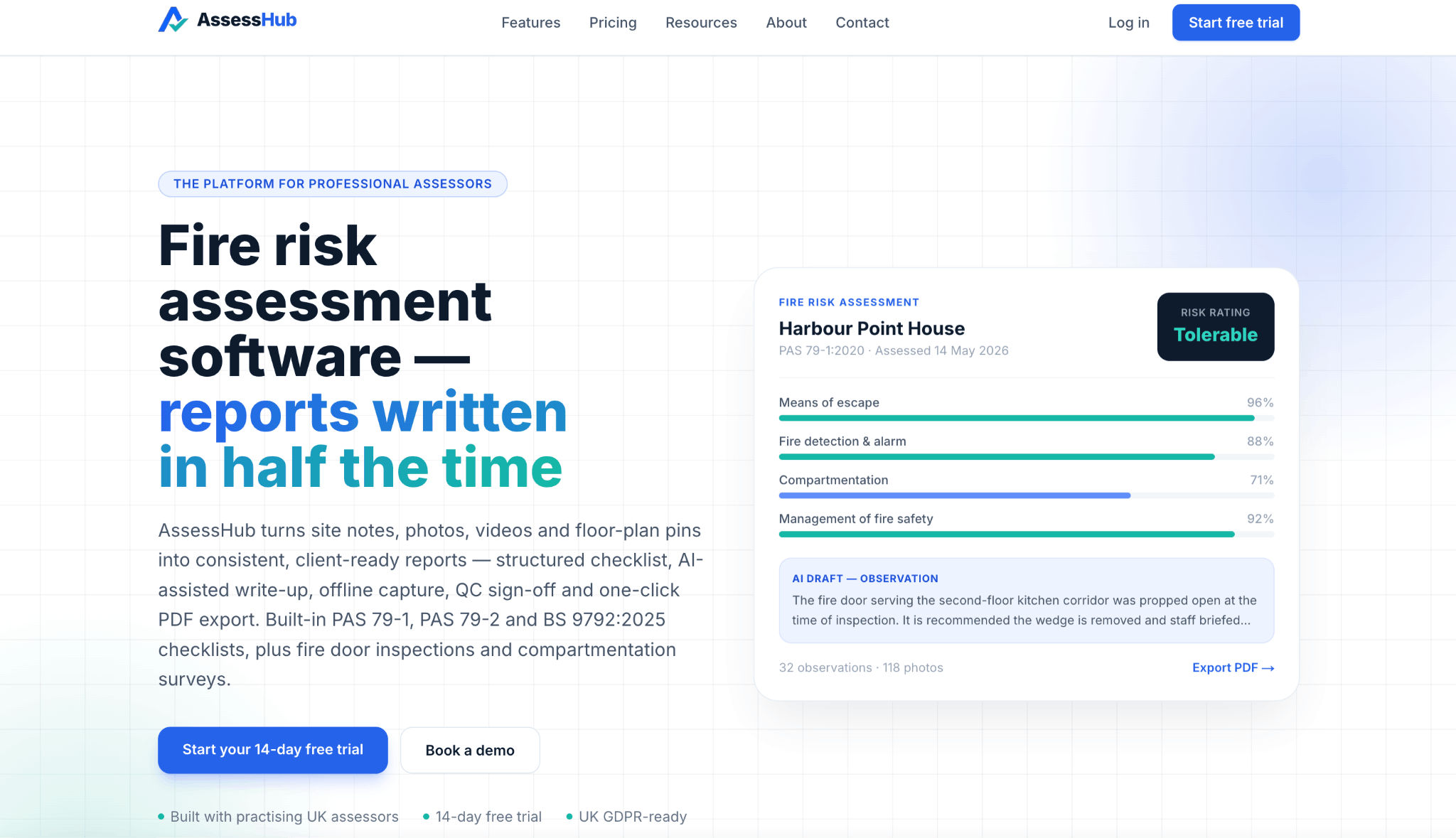
AssessHub is the most methodology-explicit tool here. You work through PAS 79-1, PAS 79-2, or a BS 9792:2025 checklist mapped to the standard’s own clauses, with a built-in risk matrix and scoring.
Evidence capture is its strength. Record a 20-second 1080p clip, drop pins on an uploaded floor plan, and the video gets a QR code printed into the PDF. A client can point their phone at the page and watch the actual riser cupboard you’re describing. For a disputed finding, that’s a shorter conversation than a photograph and a paragraph.
The workflow runs capture on site, draft with AI, then QC and issue. Automated checks catch missing evidence and unrated observations, and a QC reviewer signs off. On the AI, AssessHub says “every judgement, rating and sign-off remains the assessor’s, and every AI draft is editable.”
Pricing: £100 per assessor per month plus VAT, with no tiers and no per-report fee. 14-day trial.
Limits: It’s a progressive web app, not an App Store download. Fire risk assessments export as PDF, and CSV covers fire door registers only. There’s no client portal, scheduling, or integrations, so the action plan travels as a document. The company publishes no legal entity, registered address, or company number.
4. FireCheckr
Best for: UK-focused fire risk assessments
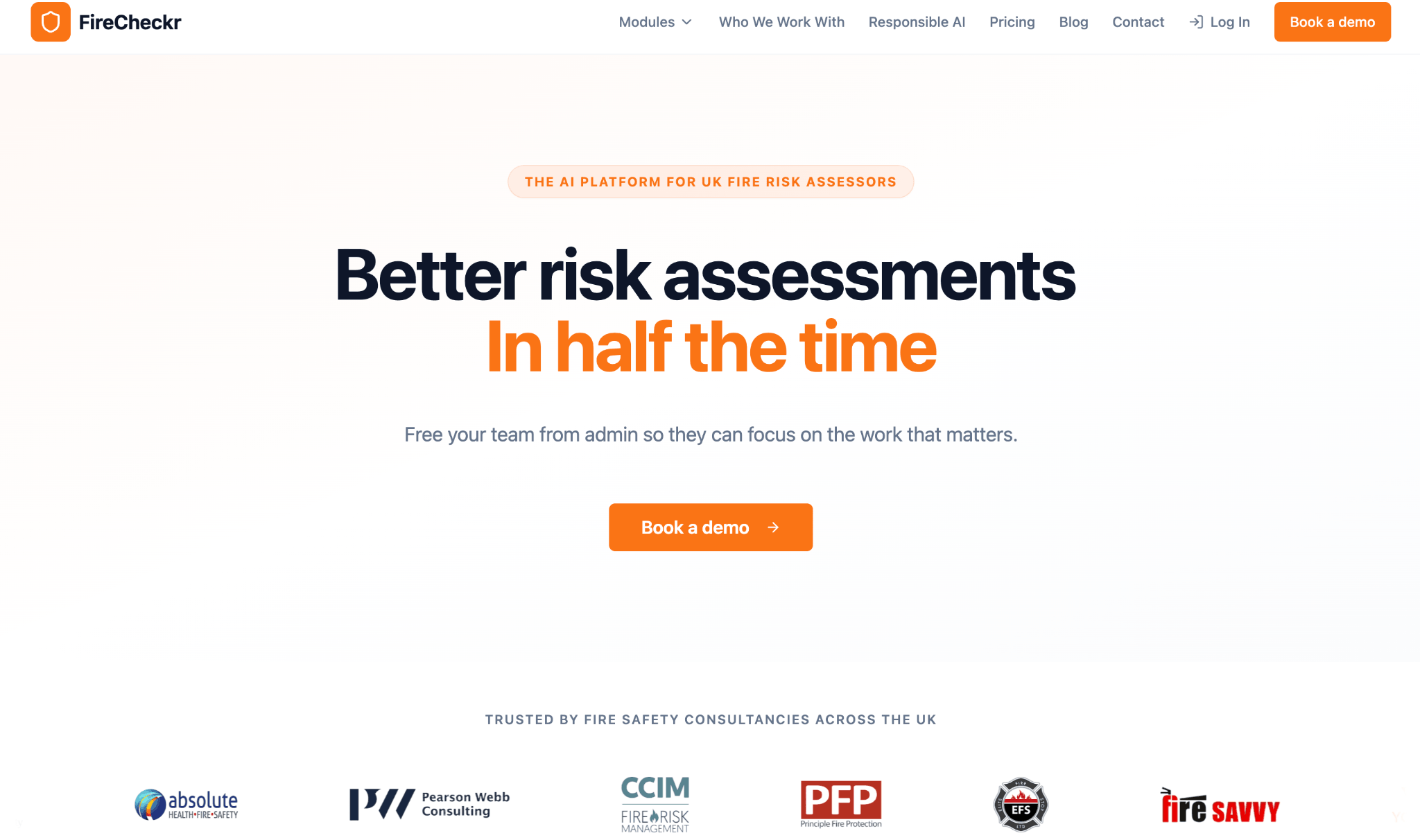
FireCheckr, from Factor Technologies Ltd, drafts the report while you’re on site. You talk into the app, type quick notes, and take photos. The AI sorts that material into the right sections of a PAS 79-1 or BS 9792 template.
FireCheckr is plain about what the AI does. In its words, it “doesn’t make observations,” and “if you didn’t say it, it doesn’t appear.” Every section is editable and traces back to your original notes, so what you get is a first draft for review. Assessments route through peer sign-off before issue, with an audit trail on every change.
Two paid add-ons extend what FireCheckr does after the report is issued. The white-labeled client portal shows the action plan as an interactive tracker the client updates themselves. A CRM and bookings module handles the assessment calendar and lets clients book through your portal.
Pricing: From £19.50 per report excluding VAT, with volume discounts and unlimited users. Portal and CRM pricing on request. One-week trial.
Limits: Pricing scales with report volume, not headcount. FireCheckr publishes nothing about video capture, floor plan annotation, or integrations. Factor Technologies was incorporated in December 2025, and the improvement percentages on its homepage carry no published methodology.
5. Firehub
Best for: mobile fire risk assessments with client-facing progress
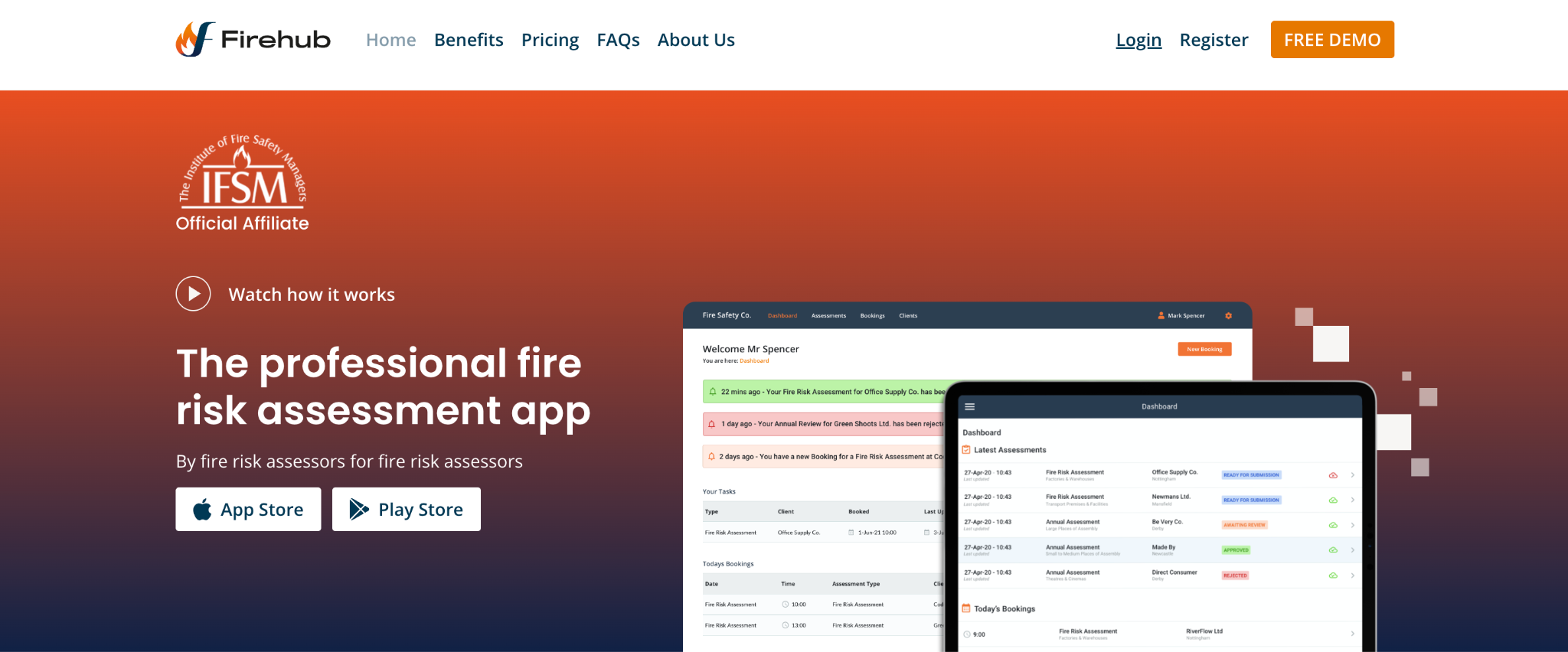
Firehub comes from Synergy Fire Technologies, a fire risk assessment business that built the app for its own assessors. It runs on iOS and Android and works offline. It uses what it calls the “PAS-79 methodology,” with pre-loaded responses you can replace with your own phrasing.
The draw is client access. Firehub gives you unlimited client logins. Each client sees their reports, upcoming assessments, and the progress of their significant findings, which sit in one list that doubles as the action plan. A client with several sites monitors all of them from one dashboard. For a consultancy whose clients keep asking where things stand, handing them a login ends the back and forth.
Internally, you can assign tasks to colleagues and contractors, track each report’s progress, and set reminders for the next assessment due.
Pricing: £140 per month for one user, £380 for six, and £580 for 10, plus VAT. Annual plans cost £1,260, £3,800, and £5,800. Pay-per-use is £13 plus VAT per report.
Limits: Firehub publishes photo and document capture only, with nothing about video, voice notes, or floor plans. It names no export formats and no integrations.
6. PocketSurvey
Best for: fire risk assessments alongside housing and compliance surveying
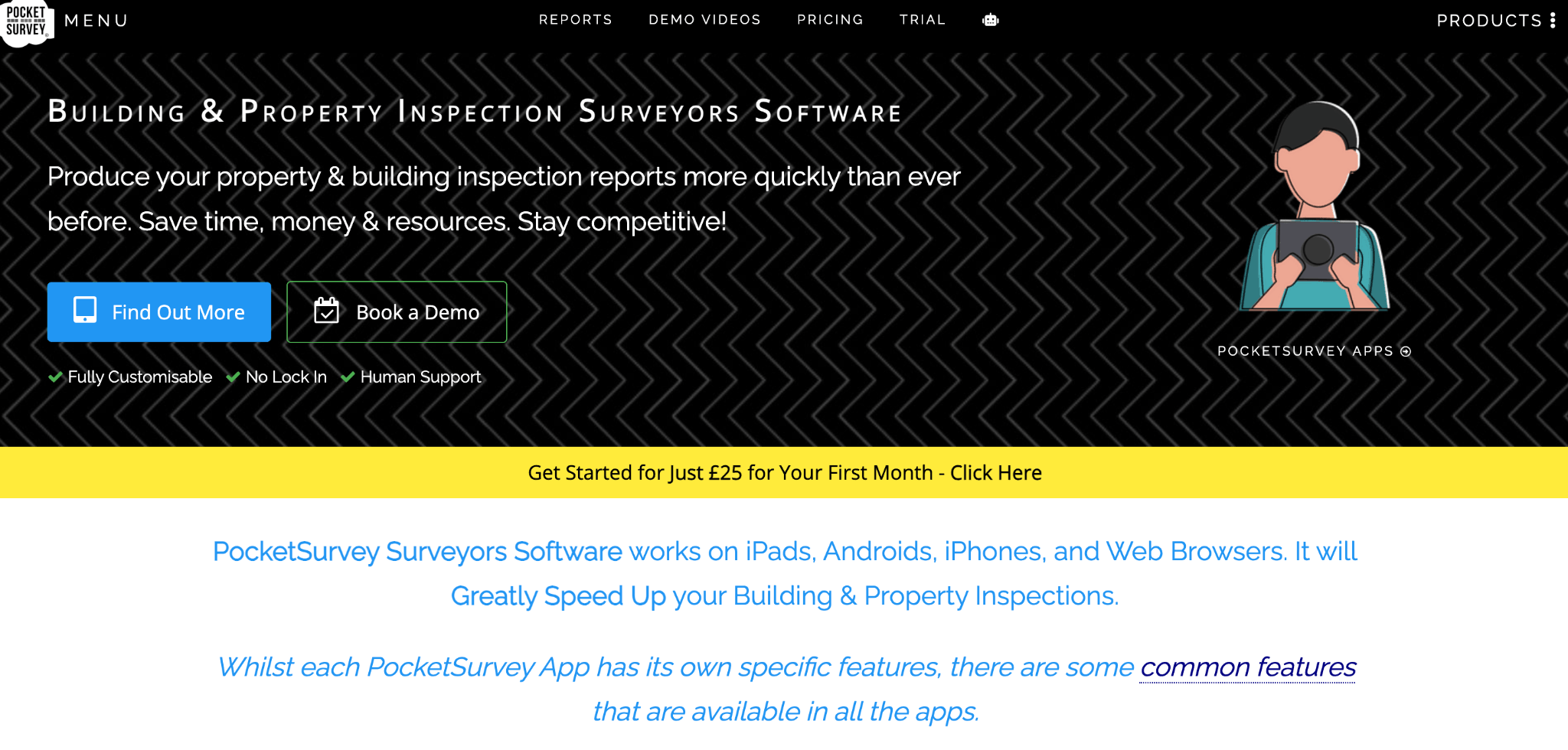
PocketSurvey is mobile building surveying software, and fire is a family of apps within it: fire risk, fire door, fire spaces, and fire damper. Its customers are housing associations, property managers, landlords, and surveying practices, so it’s built for portfolio volume rather than the one-off assessment.
The fire risk app follows the guidelines set out by PAS79, and you brand the output.
What sets it apart is that it prices the remedial actions. The app applies a schedule of rates automatically, so the action plan already comes with a price attached, instead of as a list the client has to price themselves. For a housing association deciding what to fund this year, that’s a different document.
Reports come out in Word first, so you can edit before issue. CSV export comes with every plan.
Pricing: Per app, per user, per month, excluding VAT. Lite is £75 and covers the fire risk and fire door checklists. Professional is £125 and adds fire spaces, fire damper, and remedial works on selected apps. Enterprise is £175 and adds a floorplan generator.
Limits: The per-app model multiplies: an assessor needing fire risk and fire door pays for two subscriptions. PocketSurvey publishes no client portal, offline claim, or AI features, and bespoke customization starts at £2,500 plus VAT.
7. Mitti (by SafetyCulture)
Best for: flexible and customizable fire safety assessments
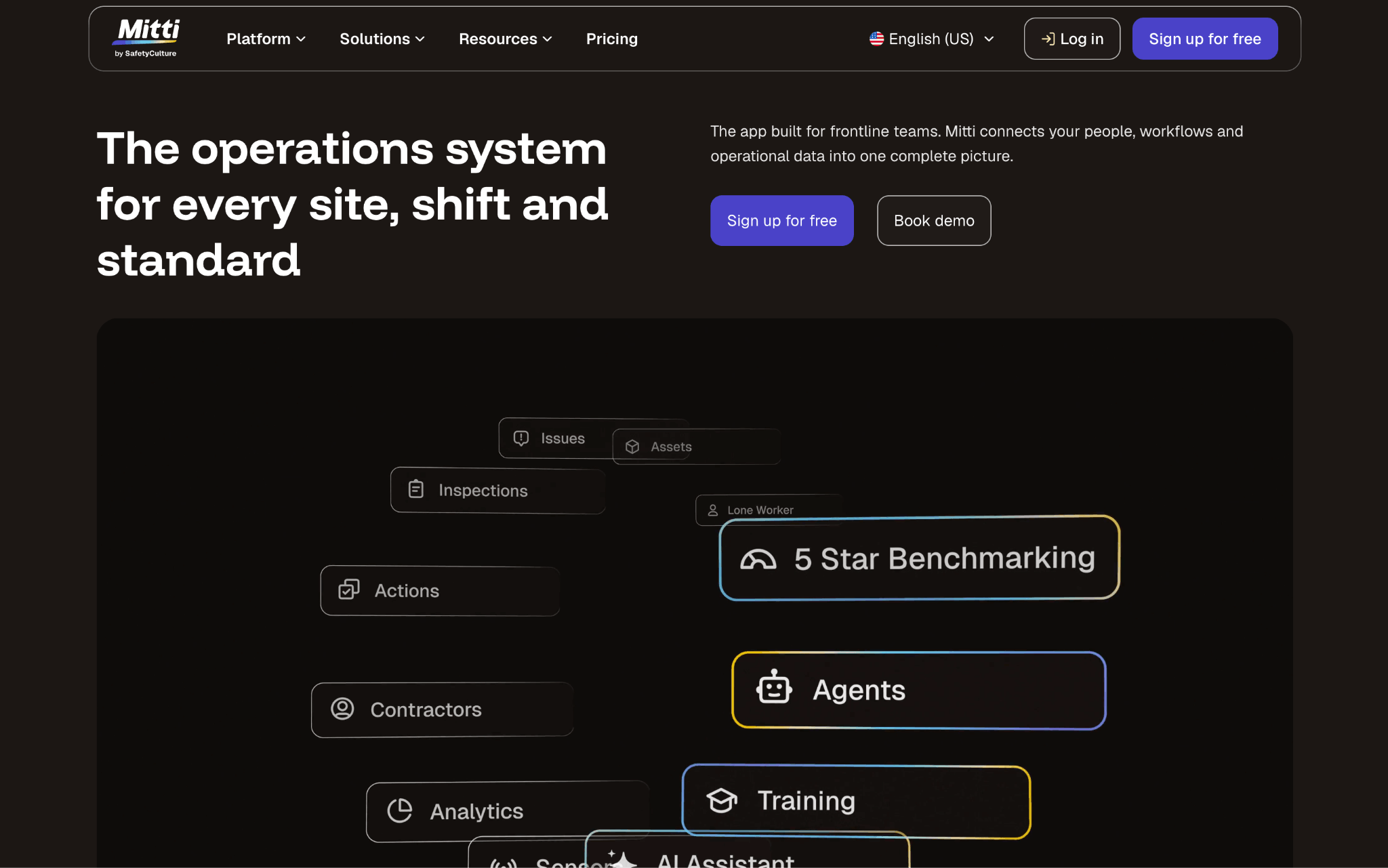
Mitti is a general inspection platform but comes with a library that has fire risk assessment templates you can start from.
You can build the assessment you want and use a drag-and-drop editor to build any checklist. Formulas score it as you go, and any response can trigger an action, an approval, or an alert. Evidence capture is strong: photos and video with annotations, voice-to-text notes, signatures, and automatic date, time, GPS, and user stamps. It works offline. Reports are brandable and an AI summary pulls out critical findings and required actions.
Pricing: A free plan for teams up to 10 with five active templates. Premium is $24 per seat per month billed annually, or $29 monthly. Enterprise is custom. Mitti publishes pricing in USD only.
Limits: The fire templates are community-contributed. Each carries Mitti’s disclaimer that it “has not verified the accuracy, reliability or suitability of any community content.” The methodology is yours to own. Word export is Premium and Enterprise only, and guest seats export PDFs watermarked “Powered by Mitti.” No floor plan capability appears in its published materials. Mitti publishes an integration catalog, so check it against your own stack.
How to choose the right software for fire safety companies
Seven tools and one table give you the facts. Here’s what you need to make a decision.
Start with the methodology and the jurisdiction: Read the vendor’s exact wording. AssessHub names PAS 79-1, PAS 79-2, and a BS 9792:2025 checklist mapped to the standard’s clauses. Vision Pro says “PAS 79-aligned.” Lytom says “PAS 79-style.” PocketSurvey says it follows the guidelines set out by PAS79.
Mitti’s fire templates are written by its user community and explicitly unverified by the vendor. All of them can produce a competent assessment in the right hands, but only some ship the structure with it.
Match the evidence types to your disputes: If clients push back on findings, video and floor plan pins carry more weight than another photo field. Only AssessHub and Vision Pro publish both.
Check the report format: PocketSurvey produces Word first, so you edit before issue. Lytom publishes PDF only. If a client wants an editable document, or your own system needs the action plan as data, PDF-only output becomes a problem you discover late.
Decide who chases the actions: FireCheckr, Firehub, and Lytom give the client a login that shows progress. AssessHub, PocketSurvey, and Mitti hand over an action plan and leave the chasing to you and your inbox. Vision Pro tracks actions automatically, but it doesn’t say whether the client sees that tracker.
Look at how the pricing scales: Per-assessor pricing rewards high volume per head. Per-report pricing rewards low volume. Per-app pricing, as PocketSurvey runs it, rewards a narrow scope.
At list prices, AssessHub’s £100 per assessor and FireCheckr’s £19.50 per report meet at roughly five reports a month, before FireCheckr’s volume discounts and unlimited users move the comparison. Use your own assessor count and report volume to see which pricing model works better for your consultancy.
Ask about integrations last, and expect little: Vision Pro publishes an API with named connections, and Mitti publishes an integration catalog. The dedicated fire tools have few, if any, integrations, which means the assessment data and your business data stay in separate places.
How Scoro helps fire safety consultancies
Scoro is a PSA platform. But it can help you estimate the cost of risk assessment projects, schedule assessors, track costs, and invoice clients. None of the tools above do that, which is why running a tool like Scoro alongside them is critical for tracking your time and costs.
Say you reassess the same clients every year. In Scoro, you set each client up as a retainer, so the recurring work is structured and tracked in one place. Recurring tasks and task bundles save you rebuilding the same task list each cycle. The assessment software still writes the report. Scoro tracks what each client’s reviews cost you to deliver.
Quoting is where Scoro differs most from other PSA tools. The quote estimation matrix crosses each deliverable against the roles that work on it, so you see effort, cost per role, price, and margin for every line before you send the quote. Once the client confirms, the quote converts straight into the project budget, so you track against the number you actually sold.
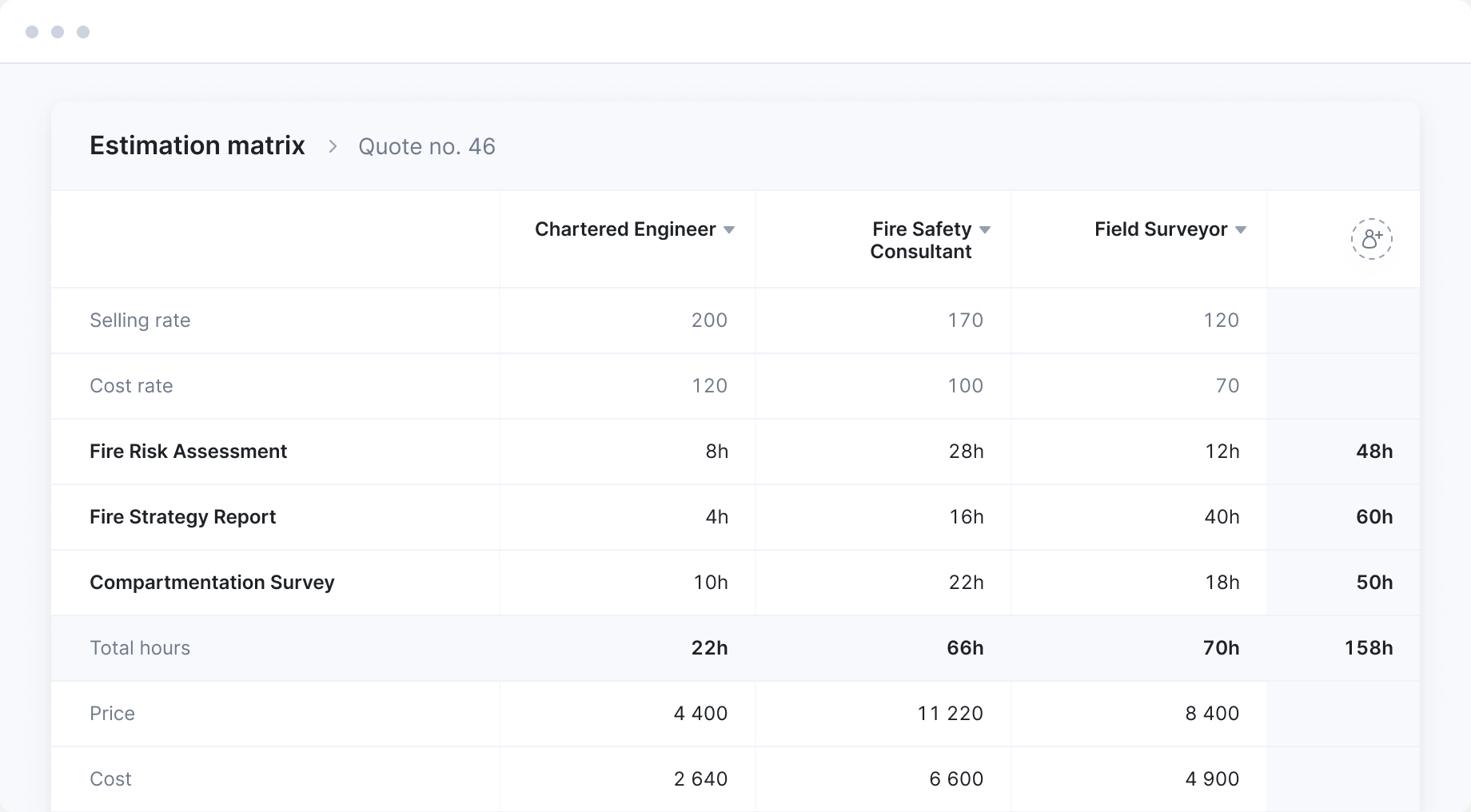
Three more features come into play once the work starts:
- Scheduling: Assign assessors to jobs based on who’s actually available, and see over- and underutilization across the team. You can also book an assessor’s time for work you’ve quoted but not won yet, which reserves the capacity. Those deals sit in Scoro’s sales pipeline, so the capacity plan and the revenue forecast read the same list.
- Time and cost tracking: Apply a cost rate per role. As assessors log time, Scoro shows the true cost behind each hour and forecasts profitability while the job is still running. Supplier bills and expenses go against the same job, so the forecast counts external costs as well as hours.
- Invoicing: Generate an invoice from a confirmed quote or from logged time, and bill by fixed fee or retainer. You can bill in partial amounts as work is delivered, and invoices sync with Xero, QuickBooks, or Sage Intacct.
Limits: Scoro is a PSA platform for consultancies, not a fire risk assessment tool. It doesn’t ship a fire methodology or an on-site assessment workflow, so you keep your assessment tool alongside it.
Book a Scoro demo and bring last quarter’s assessment jobs. The useful test is which of those jobs you’d have quoted differently.
Frequently asked questions
What features should fire safety software include?
At minimum: a methodology-based template you can edit, evidence capture tied to individual findings, offline working, a branded report you can issue under your own name, and an action plan carrying a priority and a timescale against each recommendation. Beyond that, the useful extras are a client portal for tracking remedial work, peer review and audit trails for quality control, and an export format your other systems can read.
How is fire safety software different from fire inspection software?
Fire safety software supports a judgement about a building: what could start a fire, who’s at risk, whether the protection measures are adequate, and what needs to change.
Fire inspection software is usually about equipment, so servicing extinguishers, testing alarms, and checking emergency lighting, and it answers whether each asset was checked and passed. Some platforms, like Vision Pro Software, PocketSurvey, and Mitti, cover both.
Does fire risk assessment software work across different countries?
Most of the dedicated FRA tools in this comparison are built around UK standards, such as PAS 79 and BS 9792. More flexible platforms, like Mitti, let you create or adapt templates for different requirements, but you’ll need to make sure the questions, guidance, and reporting process fit the rules in your country. Check what each vendor supports before assuming the software is suitable for your jurisdiction.
Do fire safety consultants also need project management software?
Most consultancies past a couple of assessors end up with both. Fire risk assessment tools are built around the assessment, and they don’t quote work, schedule assessors across a month, track what a job cost against what you charged, or invoice it. A PSA platform covers that side, and the two run alongside each other.