









Every professional services automation (PSA) vendor now describes itself as AI-powered, and the product pages read almost identically.
AI for PSA comes in two kinds. An AI assistant that reads your data and answers questions.. And an AI agent that changes it for you. Some tools have one, some have both.
This guide explains the two types, then compares eight AI-powered PSA tools.
What is AI-powered professional services automation?
AI-powered professional services automation is PSA software with AI built in.
PSA software holds records like deals, quotes, project plans, bookings, timesheets, costs, and invoices. That’s what the AI reads.
And that AI takes two forms:
- AI assistants that read your data and report on it. For example, you can ask which projects are over budget in plain language, and get an answer built from your own logged hours and quotes.
- AI agents that act on your data. For example, when someone takes leave, an agent can reassign their work to a teammate who’s free that week.
Most of the tools below have an AI assistant. Fewer have an agent that can act on your data, and a few combine the two. If you know which kind you need, check that first.
8 AI-powered PSA tools compared
| Tool | AI product | Type of AI | Best for |
|---|---|---|---|
| Scoro | ELI | Assistant and agents | Firms (10-500 people) that want one system where AI both answers and acts, from quote to cash |
| Certinia | Veda | Assistant and 10 specialist agents | Enterprise services organizations already standardized on Salesforce |
| Accelo | Native AI with MCP | Assistant, with answers and forecasts rather than changes | Firms that want native AI and MCP access without an enterprise rollout |
| Productive | AI Assistant, Agents | Assistant and configurable agents | Agencies that want agents they set up and schedule themselves |
| Kantata | Expertise Agent | Agent that answers questions and orchestrates actions | Larger firms where resource optimization is the problem they’re solving |
| Ruddr | Ruddr Intelligence | Assistant only | Firms that want straightforward AI reporting at a low entry price |
| PSOhub | AI Copilot | Assistant, plus plan generation and scheduling actions | Teams that want AI reaching from sold work through to what’s left to bill |
| Rocketlane | Nitro | Agents that execute delivery work | Implementation and onboarding teams delivering one repeatable project type |
Every tool above will tell you a project is late or a person is overbooked. Not every one will act on it. That’s what an agent is for, and it’s the difference that decides which tool you choose. So the first question is whether you need an assistant, an agent, or both.
1. Scoro
Best for services firms (10–500 people) that want one system where AI both answers and acts, from quote to cash.
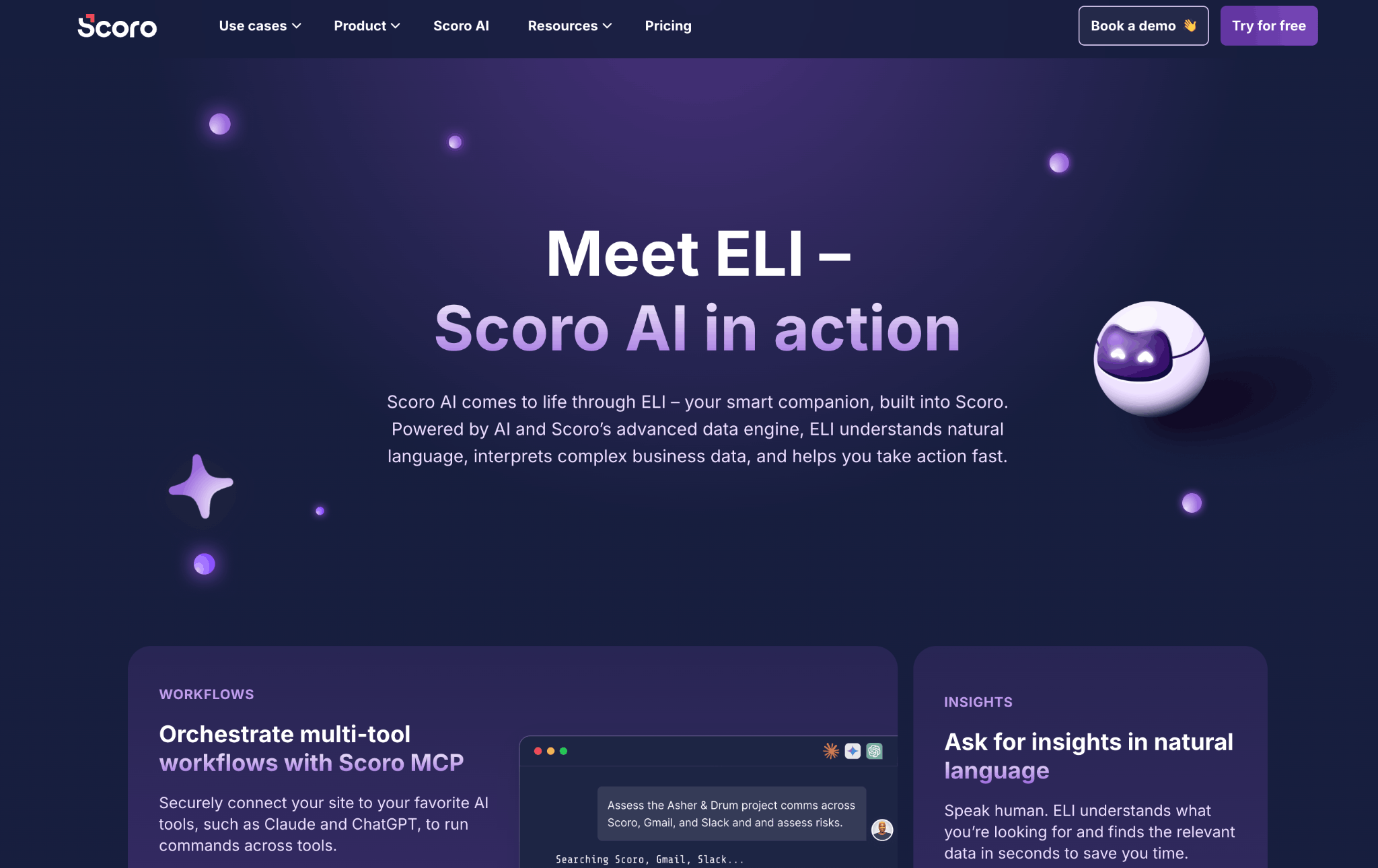
Scoro’s AI is ELI, and it’s an AI agent and assistant in one. It reads everything in your Scoro account, from pipeline and quotes through tentative bookings, logged time, costs, and invoices, and it acts on that data inside the product.
As an assistant, it answers from live records. Back from two weeks off, ask it to summarize progress on ongoing projects and it comes back with what’s overdue, which invoices are unpaid, and which project won’t make its deadline. Inside any project, a one-click “Analyze project health” button compares time elapsed against tasks completed and budget against actuals, then lists what’s slipping.
As an agent, it does the work. Paste a prospect’s email and ask for a quote. ELI pulls out the requirements, matches each line to your product catalog and price list, assigns the person or role who’d do the work, and flags lines with no matching product.
Then ask “what would be a feasible deadline, given our resource availability,” and it reads bookings and time off across the team to give you a date. A client postpones? “Move the start of all tasks by four weeks and put them on hold” shifts the Gantt in one pass, after ELI confirms what it’s about to change.
ELI stays within the user’s permissions and logs every action. The prompt library in Scoro’s help center has the current list.
Beyond ELI, the Scoro Model Context Protocol (MCP) server opens your Scoro data to ChatGPT, Claude, and other MCP-capable tools, with control over what they can read. Both come with the Standard and Enterprise platforms, with monthly credits pooled across the company, and nothing ELI processes trains shared models.
2. Certinia
Best for enterprise services organizations already standardized on Salesforce.
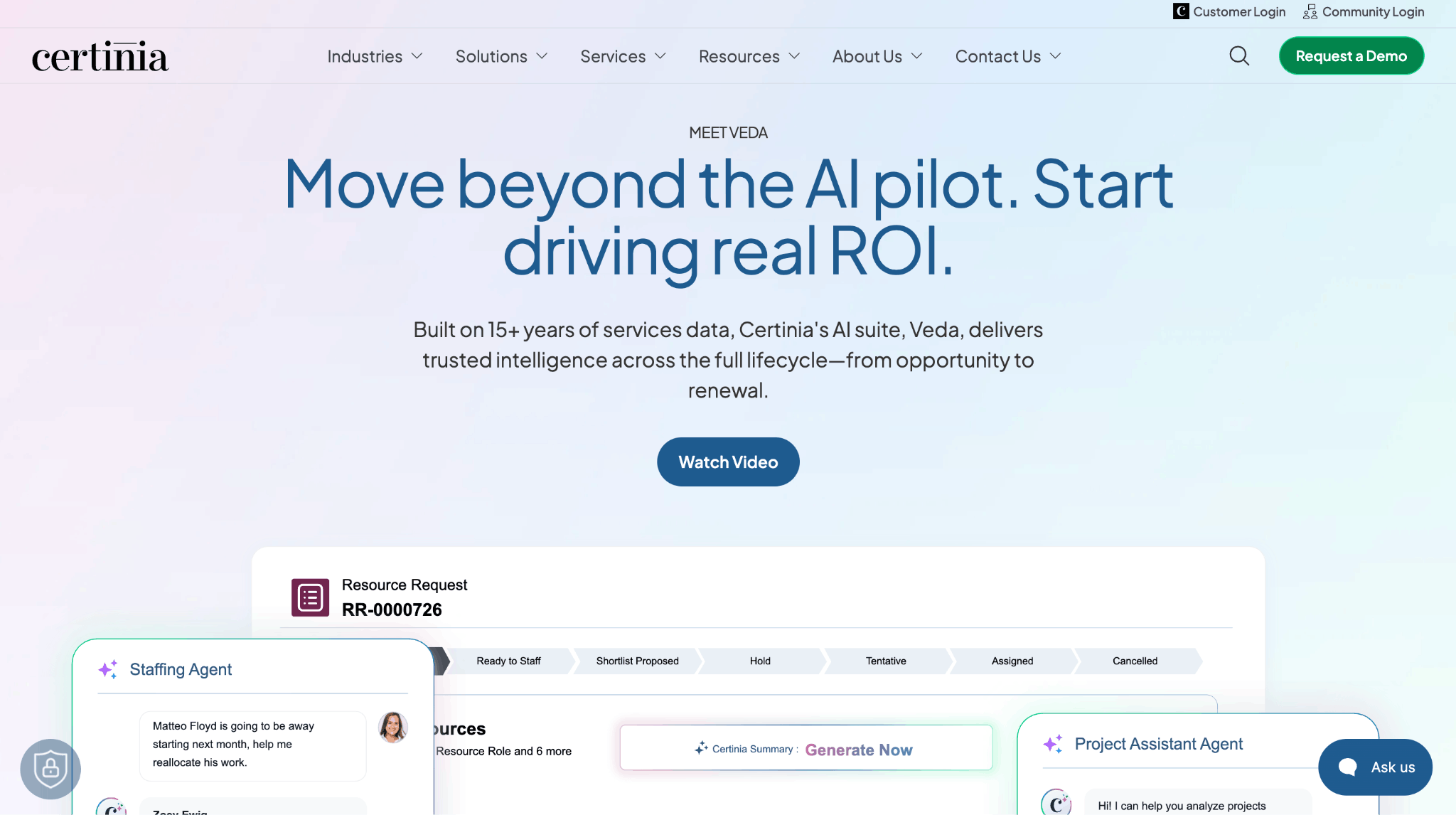
Certinia‘s AI is Veda, launched in April 2026, and it has both AI kinds. An assistant layer writes summaries of projects, resources, and customer accounts. Ten specialist agents, with 64 or more intelligent actions built on Salesforce Agentforce, execute work in those areas.
Two of the agents show what that means for a services firm.
The estimation agent scopes and prices pre-sales work. Give it the scope, in structured form or as call notes and documents, and it builds the estimate from Certinia’s history of comparable projects, with predicted margin and risk attached before the deal closes. For a firm that loses margin at the quote stage, that’s a price grounded in what similar work took last time.
The resourcing agent matches people’s skills and availability to demand, drafts a staffing plan that follows your business policies, and reallocates work when plans change. Certinia says it cuts time-to-staff by up to 30%. For a resourcing team working off spreadsheets and Slack threads, the win is a draft plan to approve instead of one to build.
Veda is a paid add-on on top of a Certinia license, and Certinia doesn’t publish the price, so ask for current terms and usage limits.
Certinia itself runs on Salesforce, so you need a Salesforce license and an enterprise-scale implementation before any of the above is available to you.
3. Accelo
Best for firms that want native AI and MCP access without an enterprise implementation.
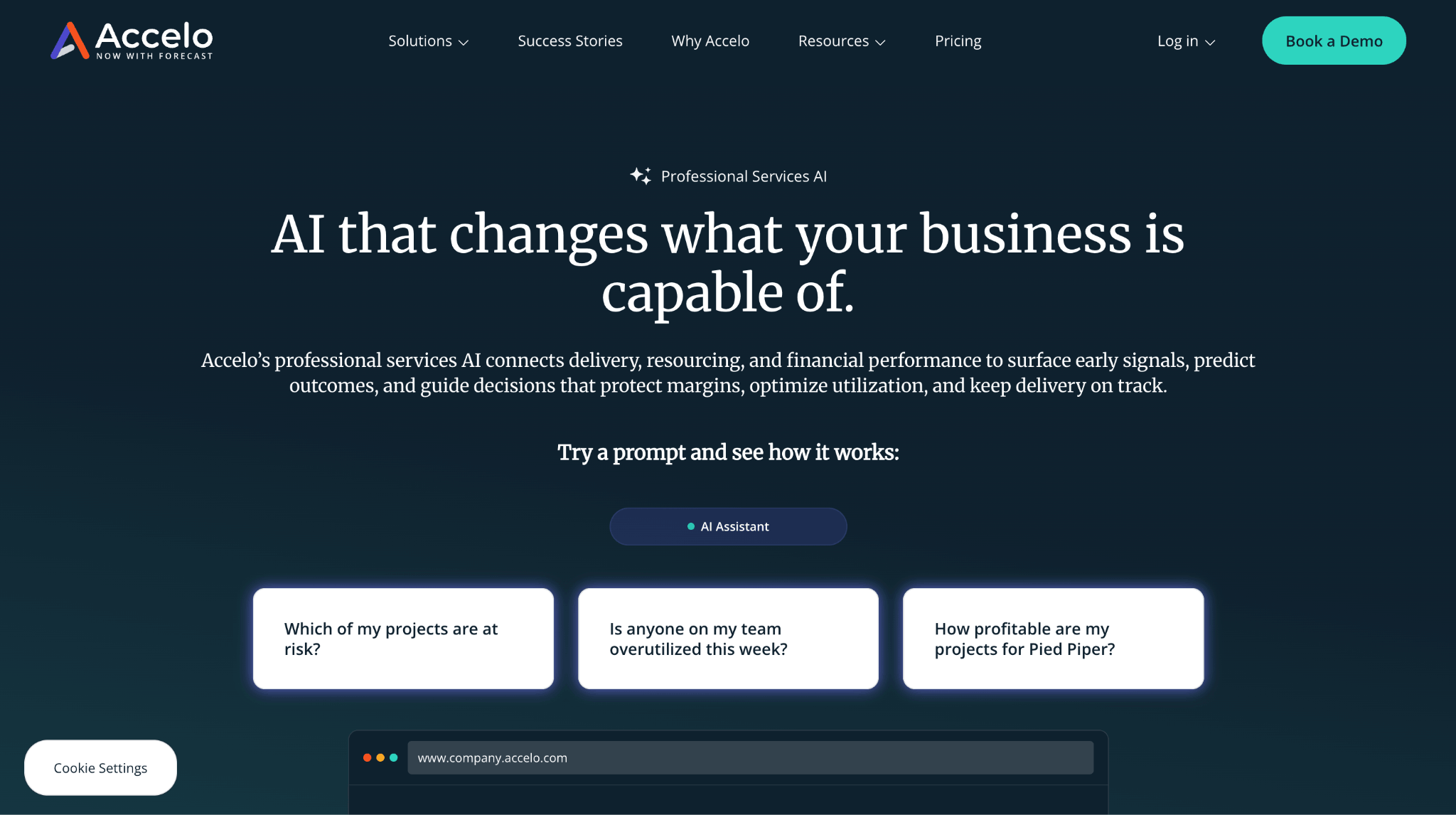
Accelo‘s AI is mostly an assistant. You ask a question in natural language and it answers from live project, resource, and financial data. Accelo describes the layer as agentic, though the published use cases are answers and forecasts rather than actual changes.
Ask who has capacity next month with the right skills and it answers from workload and availability. Ask for a project’s forecast completion date and budget position and it reads the plan and the financials. It also flags predicted risk across projects and resourcing and forecasts profitability, so the value is early warning you’d otherwise get at month-end.
Under that sits machine learning trained on how your teams work, and MCP connections into ChatGPT, Claude, Gemini, and Copilot Studio, so the same questions work from whichever AI tool your team already lives in. Sales and quoting run natively in Accelo, though the AI use cases center on delivery, resourcing, and financials. Accounting connects through QuickBooks Online and Xero, so ask what those integrations carry for the numbers you care about.
4. Productive
Best for agencies that want configurable agents working across delivery, budgets, and resourcing.
Productive has an AI assistant for questions and tasks, and agents you configure yourself. Productive 5.0 added agents along with skills and connectors.
The assistant handles CRM updates, proposal drafting, resource management, time entries, budget building, and questions like which projects are running over budget. Agents take those further.
You give an agent permissions, set it to run on a schedule, and point it at connectors, so it can read and act across external MCP-compatible services without a person opening them. Skills are reusable prompts you call anywhere or build into an agent, and connectors ship with HubSpot, Notion, and Slack included.
Agent availability varies by plan, so check which tier includes them before comparing prices. Billing, WIP, and the ledger sit outside what the AI works with.
5. Kantata
Best for larger firms where resource optimization is the problem they’re solving.
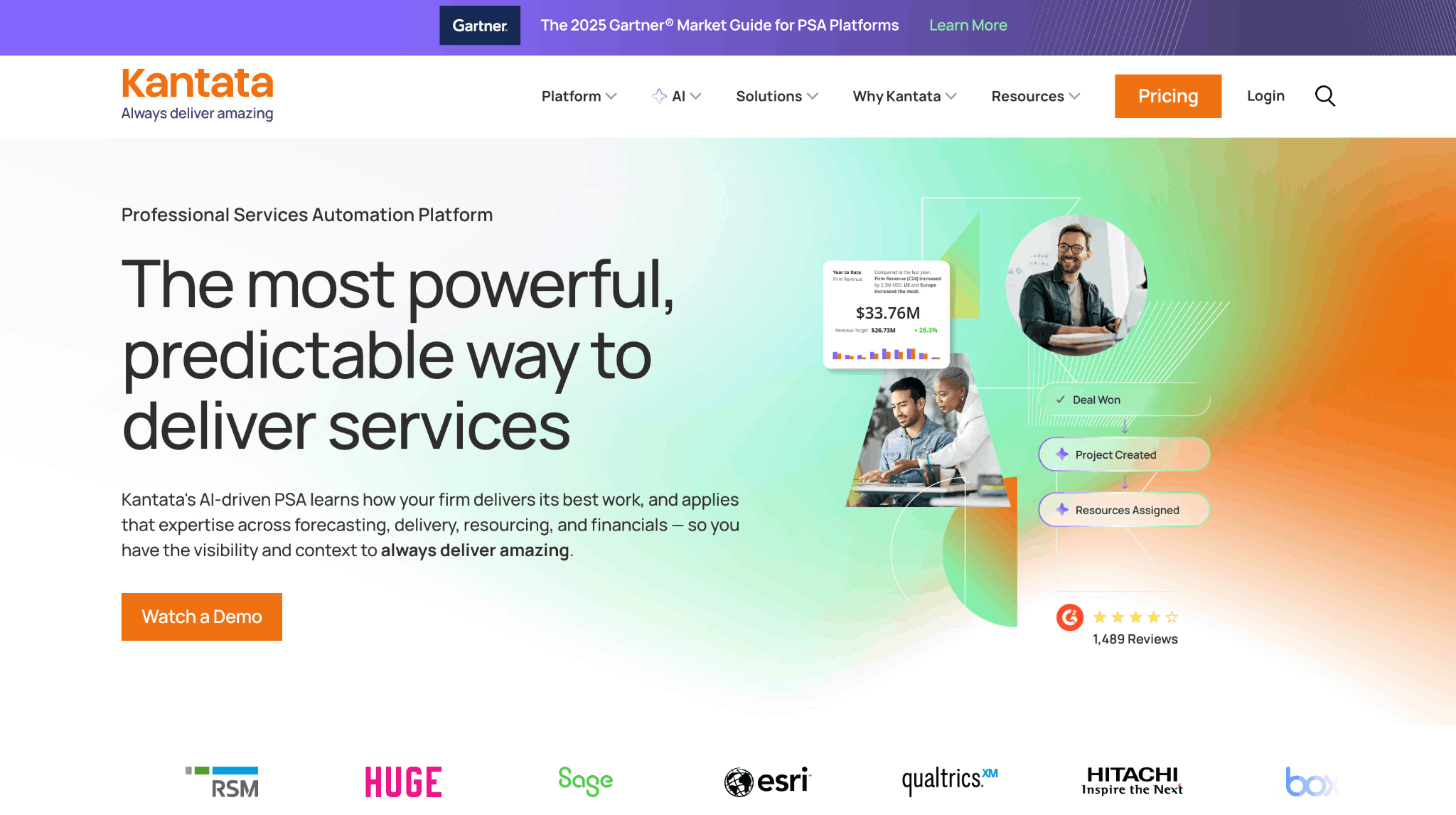
Kantata‘s AI is agent-first. Expertise Agent, inside its Expertise Engine, runs on a service-specific language model and a knowledge graph built from your own past engagements. It answers cross-functional questions, and it also creates further agents and orchestrates actions across project management, resource planning, financial systems, and external tools.
Resourcing is where it’s strongest. It draws on how similar past engagements were staffed and runs scenario forecasts against current capacity, so a staffing plan for a new engagement starts from your own history. For a larger firm where the resourcing plan is the bottleneck, that history is the point.
Pipeline is the part to map before you buy. Kantata offers a Salesforce-native option and an open option with a large connector library, so deals reach the revenue forecast and the resourcing plan through whichever integration you build. If pipeline-to-capacity is the problem you’re solving, walk that path in detail during the evaluation.
6. Ruddr
Best for firms that want straightforward AI reporting at a low entry price.
Ruddr‘s AI is an assistant only. Ruddr Intelligence retrieves KPIs and operational data, builds custom reports across data entities with period comparisons and CSV export, and produces board-level analysis from plain-language prompts. It reaches any data you have permission to see in the workspace, which is wider than most tools allow.
Ask for a utilization comparison by role across the last two quarters and you get the report and the export without building either. Ask what’s driving a margin dip and you get the analysis. What you don’t get is the action. Ruddr Intelligence reports rather than executing work the way Veda, Nitro, or ELI do, so the person reading the report still makes the change by hand.
The platform underneath carries sales pipeline, revenue recognition, invoicing, forecasting, and expense tracking, so the reporting covers a lot of ground for the price.
7. PSOhub
Best for teams that want AI reaching from confirmed work through to what’s left to bill.
PSOhub‘s Copilot is an assistant with some agent actions. On the assistant side it reads what was sold, the plan, the people, booked hours, budgets, margins, and the amounts still to bill, and it flags budget overruns, planning problems, utilization shortfalls, and overdue tasks.
On the action side, PSOhub says the Copilot generates a full project plan with financials, team assignment, and timeline in around 10 seconds, and that its AI scheduling layer reassigns people by skill, live capacity, and current utilization. So a confirmed deal becomes a staffed, budgeted plan without a project manager building it from a template. Those speed figures are PSOhub’s own, so test them on a project of yours.
PSOhub built its reputation as the HubSpot-native PSA, and it also works with Salesforce and Dynamics. Ask which objects, fields, and sync directions come across in the configuration you’d buy, since that decides what the Copilot can see about a deal before it’s won.
8. Rocketlane
Best for implementation and onboarding teams delivering one repeatable project type.
Rocketlane calls itself an agentic PSA, and its AI is agent-first. Nitro is the execution layer, and its agents do delivery work rather than reporting on it.
Hand Nitro a statement of work and it turns it into a structured project plan, with phases and milestones broken into tasks. Its migration and configuration agents then run those parts of the implementation, and it generates handoff and discovery documents from calls and files.
It also watches conversations and delivery activity for customer risk signals. Rocketlane says the approach can cut delivery effort by up to half. For an onboarding team running the same project type on repeat, that’s the strongest execution automation of the eight.
Time tracking carries AI-assisted governance aimed at billing accuracy. Project budgeting, rate cards, margins, revenue recognition, invoicing, and expense management start at the Premium plan, so how much of the money side Nitro can work with depends on what you buy.
Where AI actually helps in professional services
You’ve seen what each tool’s AI can do. Here’s where to point it, split by the two kinds, since that’s the choice you’re making.
Ask the assistant to:
- Answer a data question or build a report in plain language, across projects, time, and financials
- Flag budget burn, scope creep, and deadline risk while the work is still running
Hand the agent:
- Draft a quote from an email or rough scoping notes, priced against your own catalog
- Set up a project from a confirmed quote, with tasks, phases, and dates already populated
- Rebalance bookings when someone takes leave or a project date moves
- Enter time in bulk and send timesheet reminders
- Prepare invoices from logged time and delivered milestones
What you can’t hand to AI yet:
- Pricing a first-of-its-kind engagement with no comparable history behind it
- Deciding which client relationship to protect when two projects need the same senior person
- Signing off a quote or staffing plan the agent drafted — every tool we looked at produces the draft and leaves the approval to you
- Anything sitting on data you don’t trust, because an AI reading bad time entries will hand you a confident, wrong margin
That last one is the constraint most buyers underestimate. AI sits on top of your data, it doesn’t fix it. For example, if half your team logs hours against a catch all project, no tool here can tell you anything about your true billable utilization.
Sort out the basics first. Including consistent time entry, quotes linked to projects, one system where the numbers reconcile, and the AI has something true to work from.
How far off you are usually comes down to how connected your tools already are. Our tech stack maturity guide walks through the stages, from scattered spreadsheets to one connected system, so you can see where you stand before you buy.
Try both kinds of AI on your own data
Most tools here give you one kind of AI. ELI is both, working from one set of records. Ask which projects are heading under margin and it reads your quotes, logged hours, and costs to answer. Tell it to push the schedule back four weeks or redraft the quote, and it acts on those same records.
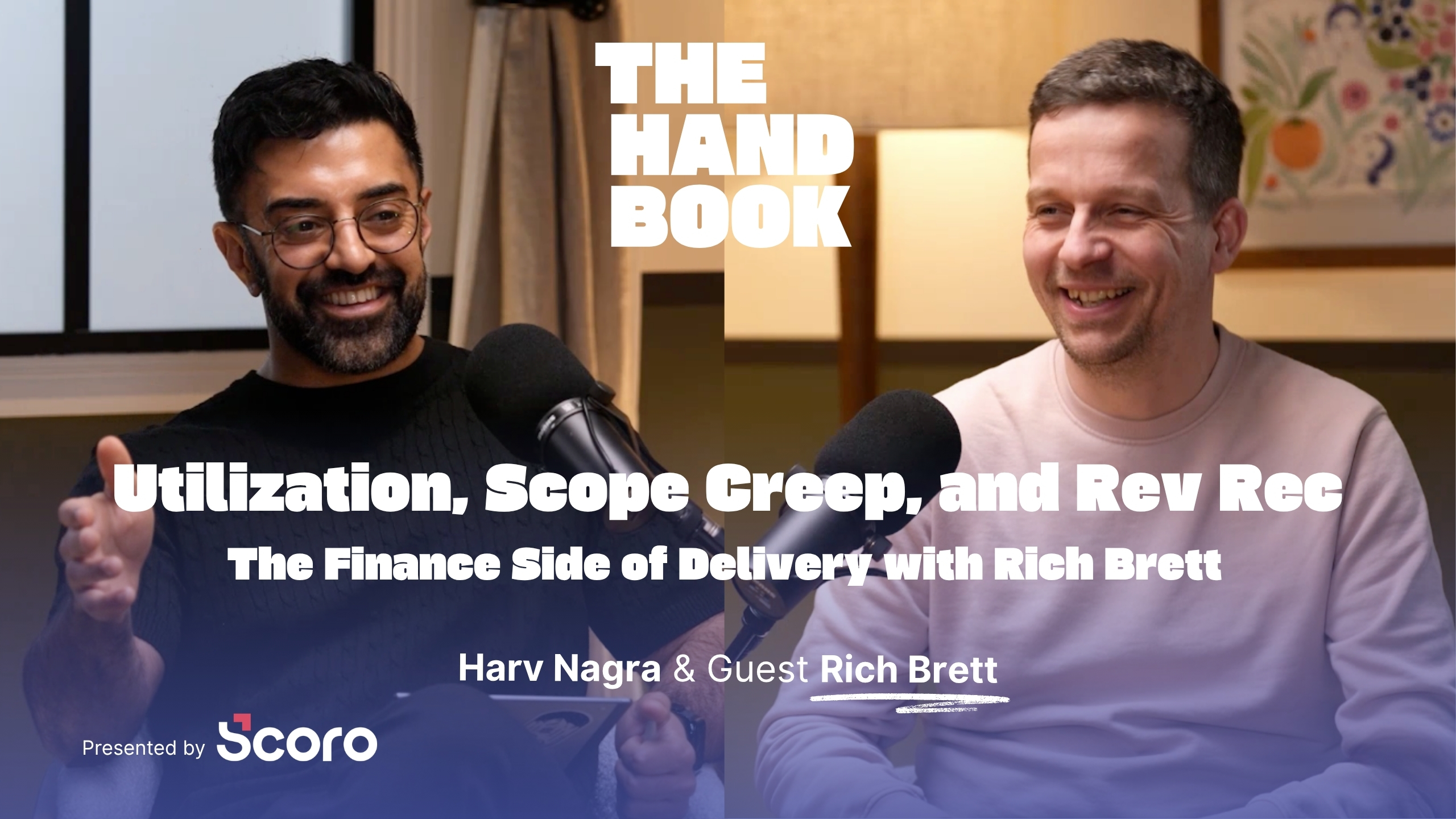
In the webinar below, Harv Nagra, Head of Brand Comms at Scoro, runs four of those jobs live. In the quote example, he pastes in a prospect’s email and gets back a priced, four-phase quote with a person or role on every line.
Then try it on your own numbers. Start a free 14-day trial, no credit card needed or book a demo to see ELI in action.
Frequently asked questions
What is AI-powered professional services automation software?
AI-powered professional services automation is PSA software with AI built in. PSA software holds your records—deals, quotes, bookings, timesheets, costs, invoices—and the AI works from them: an assistant answers questions about your data, an agent acts on it.
Do I need a separate AI subscription?
That depends on the vendor. Certinia sells Veda as an add-on to an existing license, Productive varies agent availability by plan, and Scoro includes AI and MCP access on both platform tiers. Find out where the AI sits in the pricing before you compare list prices, because several vendors in this category list no pricing at all.
What is MCP, and does it matter?
Model Context Protocol lets outside AI tools read your platform data with permission, and Scoro, Accelo, and Productive all support it. It matters if your team already works in ChatGPT or Claude and you’d rather they read real project data than a pasted summary.